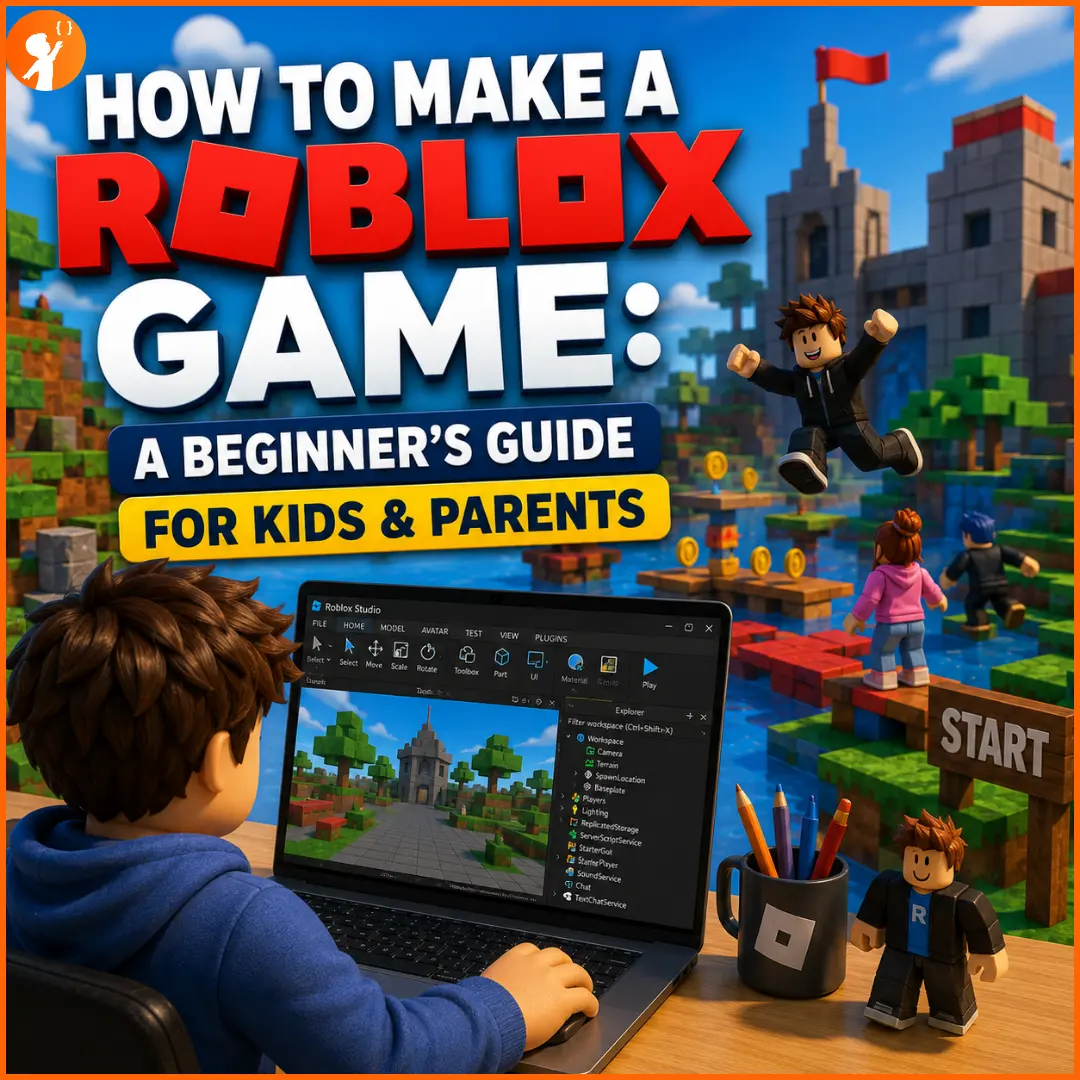
Roblox isn’t just a place to play games — it’s one of the most popular places in the world to build them. Millions of young creators design their own Roblox games every year, and the best part is that anyone can start for free.
If your child has ever wondered how to make a Roblox game, this beginner-friendly guide walks through exactly how it works, from installing the software to publishing a first game.
What Is Roblox and Roblox Studio?
Roblox is a huge online platform where people play and create games together. Beyond the games kids play, Roblox lets anyone become a creator — and that’s done using a free tool called Roblox Studio.
Roblox Studio is the official software used to build every Roblox game. It’s a 3D editor where you design worlds, add objects, and bring your game to life with a coding language called Luau (a beginner-friendly version of Lua). It’s completely free to download from create.roblox.com, and there’s no cost to publish your finished game.
Why Kids Love Creating Roblox Games
| What Kids Love | Why It’s Great |
|---|---|
| Building their own worlds | They design games instead of just playing them |
| Instant results | They can test and play their creation right away |
| Real coding | Luau teaches genuine programming logic |
| Sharing with friends | Published games can be played by others online |
| Endless creativity | From obstacle courses to racing games, anything goes |
| A real audience | Roblox has millions of players who can try their game |
How to Make a Game on Roblox
Making your first Roblox game is easier than it looks. Here’s how to get set up and build a simple game step by step. For deeper walkthroughs, Roblox’s official Create hub and tutorial sites like GameDev Academy and CodeWizardsHQ are great references.
Step 1: Download and Install Roblox Studio
- Visit create.roblox.com and click Start Creating.
- Click Download Studio in the pop-up.
- Find the installer in your downloads and double-click it to install. On Windows it’s
RobloxStudioInstaller.exe; on Mac it’sRobloxStudioInstaller.dmg. - Once it finishes installing, Roblox Studio launches automatically.
- Sign in with your Roblox account. If you don’t have one, click Sign Up to create it first.
💻 Roblox Studio runs on Windows and Mac computers — not on phones, tablets, or Chromebooks.
Step 2: Create Your First Game (a Simple Obby)
An obby (obstacle course) is the easiest and most fun game for beginners. Follow these 10 steps:
- Open Roblox Studio.
- Explore the list of templates.
- Select the Obby template to start with a ready-made course.
- Explore the game workspace and get familiar with the layout.
- Give the obby some colour to make it your own.
- Resize some of the blocks to change the jumps.
- Change the speed of some moving obstacles.
- Add player-harming obstacles (like lava blocks that reset the player).
- Enhance the appearance of an obstacle to make it stand out.
- Test your game by pressing Play — then jump through it yourself!
Once it works the way you like, you can publish it to Roblox so friends can play. Just like that, your child has made a real game.
Is Roblox Coding Safe for Kids?
This is the question most parents care about — and the honest answer is: yes, with the right setup. Building games in Roblox Studio is very safe; it’s the online, social side of Roblox that needs a watchful eye.
The good news is that Roblox has strengthened its safety tools significantly. Parents can use parental controls and age-based account settings to limit chat, filter which experiences a child can access, set spending limits, and manage screen time. Many of these settings are opt-in, so the key is to turn them on before your child’s first session, not after.
Skills Kids Learn Through Roblox Development
- Coding logic — writing Luau scripts teaches real programming concepts.
- 3D design — building worlds develops spatial and creative thinking.
- Problem-solving — fixing bugs and balancing gameplay builds resilience and problem-solving skills.
- Creativity — kids design characters, levels, and stories from scratch.
- Persistence — finishing a game teaches focus and follow-through.
- A foundation for real coding — the logic here transfers to languages like Python.
Roblox is a fantastic first taste of game development for kids — and a great way to spark a lifelong love of building with code. As kids grow, it also helps them explore where their interest lies, whether that’s coding, design, or even coding versus AI.
Ready to Turn Game-Making Into Real Coding Skills?
Building Roblox games is a brilliant start — but the real magic happens when kids learn the coding foundations behind the games they love. At Junior Coderz, our expert engineer trainers teach kids game development, coding, and design through live, hands-on classes, taking them from playful beginners to confident young creators.
Whether your child dreams of building games, apps, or their own AI projects, we’ll meet them at their level. Explore our full range of skills and courses to find the perfect starting point.
Conclusion
Learning how to make a Roblox game is one of the most fun and rewarding ways for kids to step into the world of coding. It’s free, it’s creative, and it turns hours of playing into hours of building something real. With Roblox Studio, a simple obby, and the right safety settings in place, your child can go from player to game creator in a single afternoon — and maybe spark a passion that lasts a lifetime.
Want to see more of what young coders can build? Follow Junior Coderz on Instagram for student projects, tips, and inspiration — and explore how Junior Coderz helps kids turn their love of games into real skills.
Frequently Asked Questions
Yes! Roblox Studio is free and there’s no minimum age to start building. With a beginner template like an obby, kids can build and publish their first game in a single afternoon — no coding experience needed.
Yes, popular games can earn Robux through Game Passes and in-game purchases. However, cashing Robux out into real money (through Roblox’s DevEx program) requires a verified account and being at least 13, so for younger kids it’s a parent’s responsibility.
It can be, with supervision. Turn on Roblox’s parental controls and age-appropriate settings, limit chat, and keep an eye on the games they play. For young children, building in Roblox Studio is a safe, creative activity when guided by a parent.
Yes — many kids start learning Luau (Roblox’s version of Lua) around this age. It’s considered one of the most beginner-friendly coding languages, though younger kids often begin with no-code building first and add scripting as they grow more confident.