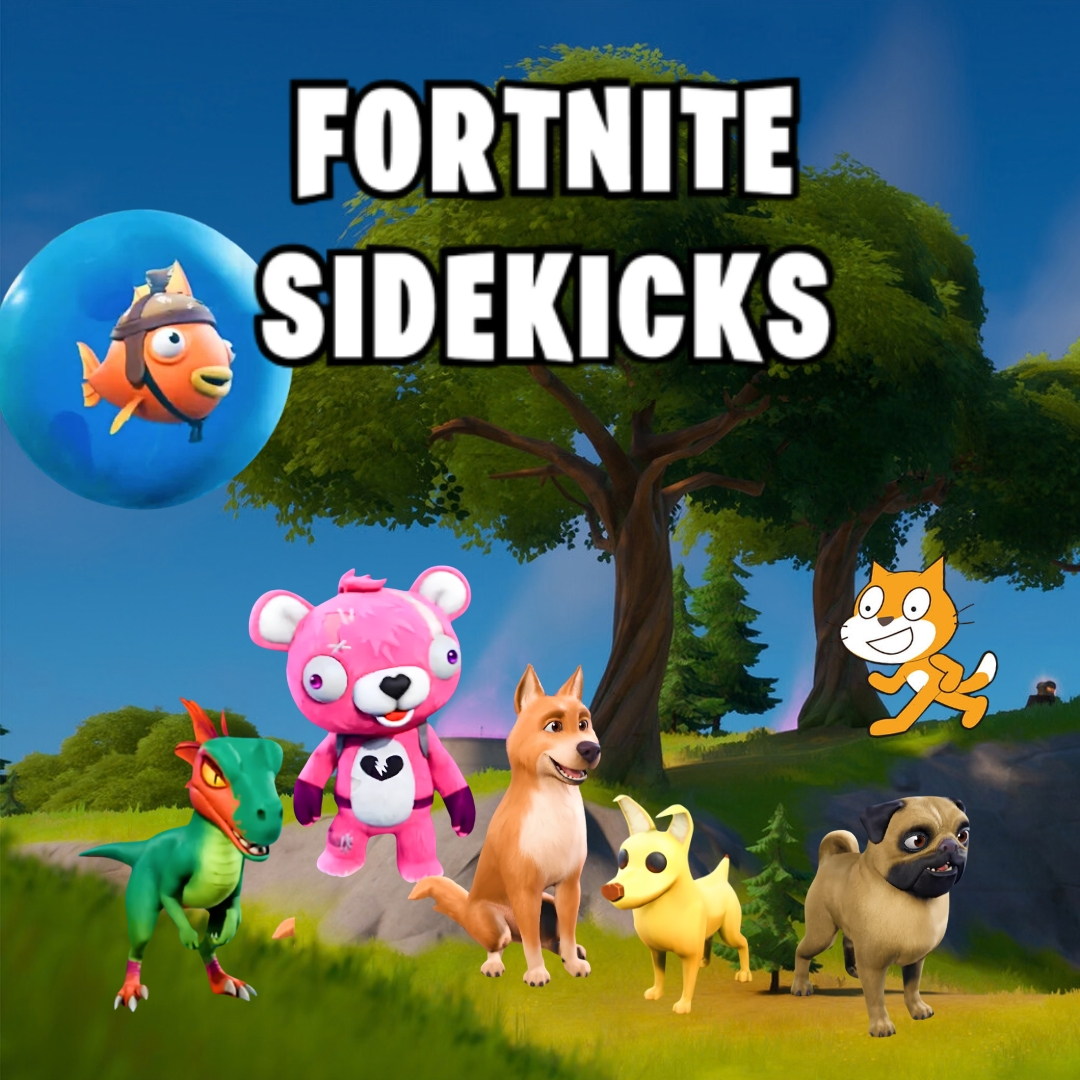

Imagine having a little furry friend who follows you everywhere, sniffs out hidden treasure, and secretly has powers nobody else knows about. That is the magic behind every great fortnite sidekick, and today we are turning that idea into a real adventure you can build yourself in Scratch. You will code a companion that trails behind your hero, a set of secret powers that recharge on a timer, and a treasure hunt where your furry friend saves the day. It is one of those fun coding projects that mixes cuddly charm with real programming logic, and it feels wonderful to watch your own sidekick spring to life.
Scratch programming makes this companion build beginner friendly. The colorful drag and drop blocks let young coders see their logic clearly, so coding for kids stays exciting instead of scary. By the end, you will understand following behavior, cooldown timers, and broadcasts, and you will have a real adventure game to share with friends. Grab a snack for your furry partner and let us get started.
Why a Fortnite Sidekick Makes Such a Great Coding Project
Kids adore animal companions, and there is something special about a loyal little friend who is always by your side. That emotional connection gives young coders a powerful reason to keep building, because every new feature makes the sidekick feel more alive, more helpful, and more like a real character with its own personality.
This project is also packed with real computer science. Following needs motion and distance checks. Secret powers need variables and timers for cooldowns. The treasure hunt needs broadcasts that connect different sprites together. You learn all of it while building something genuinely charming to play. That is why building a fortnite sidekick ranks among the best beginner coding games for animal loving kids. If your child enjoyed our Adopt Me pet trading build or the Sprunki character designer, this furry friend project is a delightful next step.
The Story: Biscuit and the Secret of Meadow Isle
On the sunny shores of Meadow Isle lives a small calico cat named Biscuit, who looks perfectly ordinary until you watch her closely. When nobody is looking, Biscuit can dash faster than the wind, puff up a shimmering bubble of protection, and sniff out treasure buried deep beneath the sand. She has kept her powers secret for years, waiting for the right adventurer to come along and earn her trust.
That adventurer is you. Biscuit has decided to follow you across the island, quietly helping whenever danger or treasure is nearby. Together you will explore hidden coves, dodge sneaky traps, and uncover the ancient treasure buried on the far side of the isle. Ready to team up with your new furry partner? Let us start building the adventure.
Fortnite Sidekick: Set Up Your Hero and Furry Friend
Every companion adventure begins with two characters, the hero the player controls and the furry friend who tags along. We will give the hero simple arrow key movement first, then teach the companion how to follow.
| Sprite | Job in the Game |
|---|---|
| Hero | Explores the island using arrow keys |
| Biscuit the Cat | Follows the hero and uses secret powers |
| Treasure | Hidden somewhere on the island to be found |
Here is the hero’s movement script, written the same way it would look stacked together in Scratch.
With the hero moving smoothly, the stage is set for the star of the show to come padding along behind.
Fortnite Sidekick: Code the Following Behavior
The secret to a believable companion is a gentle, slightly delayed follow. Instead of snapping to the hero instantly, the cat glides toward them, which makes her feel like a real animal trotting along.
That distance check keeps the cat from crowding the hero, and it is what makes every fortnite sidekick feel like a loyal friend who knows exactly how close to stay.
Fortnite Sidekick: Add the Secret Powers
Now for the best part, the secret powers. Each power activates with a key press, then needs a short recharge before it can be used again. We use a variable as a cooldown so players cannot spam their favorite ability.
| Power | Key | Recharge |
|---|---|---|
| Wind Dash | 1 | 4 seconds |
| Bubble Shield | 2 | 8 seconds |
| Treasure Sniff | 3 | 6 seconds |
That simple ready and not ready variable is the same idea real games use for cooldown timers, and it teaches kids how one variable can control when something is allowed to happen.
Fortnite Sidekick: Coding Skills Kids Learn
This single project quietly teaches a huge amount. Here is what your young coder practices while having a blast:
| Skill | Where It Shows Up |
|---|---|
| Motion and distance | Making the cat follow the hero |
| Variables | Tracking cooldowns for each power |
| Timers | Recharging abilities after use |
| Conditions | Checking if a power is ready |
| Broadcasts | Alerting the hero when treasure is near |
These are the same building blocks used in real games and apps. Master them young, and harder languages feel far friendlier later. When a learner is ready for text based code, our Algorithm Avengers program for teens is the perfect next leap.
Fun Ways to Level Up Your Adventure
Once the basics work, let creativity take over. Encourage your child to remix the game and make it truly their own:
Add a fourth power that lets the cat pounce on sneaky traps. Create different outfits and colors for the furry friend. Add purring and meowing sound effects. Design new islands with their own hidden treasures. Build a bond meter that grows every time the hero and cat work together. Every tweak sharpens their Scratch programming skills and keeps the adventure fresh. For more remix ideas, kids love our Piggy escape game and the Pokemon-style battler builds.
Start Your Coding Adventure
Ready to Code Games Like a Pro?
Now that you can build your own furry companion adventure in Scratch, why stop at one project? At Junior Coderz, kids build games, apps, and even AI tools with friendly live teachers guiding every step. We turn screen time into skill time, one exciting project at a time.
Book a coding class, join a live Scratch workshop, or dive into our hands-on Scratch coding for kids program. Curious about smart tech too? Explore our AI Hybrid Course where coding meets artificial intelligence.
See what our young coders create every day on Instagram and Facebook. Then grab a free spot below and let your child build their very first masterpiece.
Book Your Free Trial ClassConclusion
You just turned a cuddly companion idea into your very own Scratch creation. From a loyal following behavior to secret powers with real cooldown timers, every part taught a real coding skill. Building your own fortnite sidekick proves that the smartest way to understand programming is to make something you genuinely care about.
So keep exploring and keep dreaming. Remix your adventure, share it with friends, and give your furry friend a brand new power. Coding for kids is not about getting everything perfect on the first try. It is about curiosity, creativity, and the joy of watching your ideas come to life. Whenever you feel stuck, our friendly team at Junior Coderz is ready to guide you. Connect with us on LinkedIn and start your coding journey today.
FAQs
Can I really build a fortnite sidekick in Scratch?
Yes, you can. This is your own original companion built in Scratch using simple sprites and blocks. It only borrows the fun idea of a loyal helper with special abilities, so any child can build it free in a web browser without any official game assets.
What age group can build this companion game?
Most kids aged eight and up can follow along with a little support. Younger coders may need help with variables, while older kids can build it solo. It works wonderfully as one of the more charming beginner coding games for families.
Is Scratch good for learning real coding?
Absolutely. Scratch teaches the same core ideas used in real programming, like variables, loops, and conditions. The drag and drop blocks remove typing errors so kids focus on logic. It is the perfect first step before moving to text based languages.
How long does this project take to finish?
A focused young coder can build a basic working version in two or three sessions. Adding more powers, outfits, and islands takes a little longer. Breaking it into one feature at a time keeps the project fun and easy to manage.
What should my child learn after this game?
Once this feels easy, try bigger Scratch builds or step into text based coding like Python. Junior Coderz offers live classes that guide kids from blocks to real code, so every learner keeps growing at a pace that feels exciting, not stressful.