
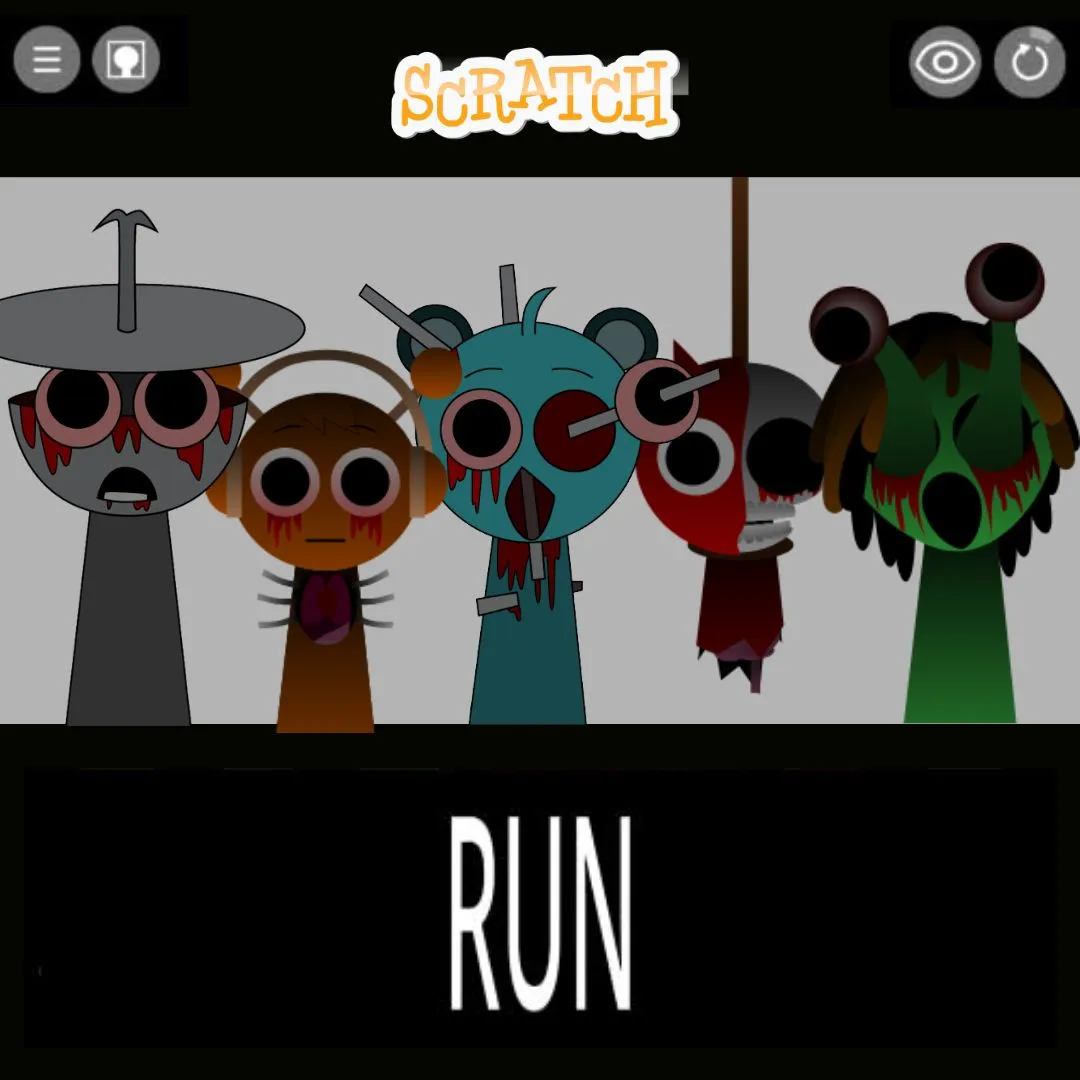

If your child has ever bounced around to the wobbly beats and goofy character sounds of Sprunki, they already understand rhythm, layering, and musical creativity better than they realize. Now imagine turning that love into a real coding project. In this tutorial, we are building a Sprunki Music Maker in Scratch, complete with drag-and-drop beat blocks, character-based sound triggers, and custom loop saving. Specifically, kids will learn how sound layering works, how drag interactions are coded, and how loops sync together to form a track. Every mechanic in this project maps to real programming concepts like events, broadcasts, lists, and conditionals. Whether you are a parent looking for a creative coding activity, an educator searching for a music-meets-code lesson, or a kid who wants to remix sounds and build something genuinely fun, this guide walks through every step.
📑 Table of Contents
- What Is This Project and Why Build One?
- Planning the Project: The Blueprint
- Setting Up Characters and Sound Banks
- Coding the Drag-and-Drop Beat System
- Building Character Sound Triggers
- Creating Custom Loops and Layered Tracks
- Visual Polish: Animations That Sync With the Beat
- Cool Extensions to Try Next
- What Kids Learn From This Project
- Book a Free Trial Class
- Conclusion
- FAQs
🎶 The Story: The Sound Lab Beneath Mixtape Town
Beneath the colorful streets of Mixtape Town sits a hidden sound lab, built by a quirky inventor named Reeko. Reeko collected strange little creatures, each one humming, clicking, or beatboxing a different sound. Alone, each creature was just noise. Together, arranged the right way, they became music.
One day, Reeko’s lab assistant accidentally knocked over the entire creature shelf. The sounds scattered everywhere, and the lab’s mixing board broke into pieces. Now it is up to a young coder to rebuild the board from scratch, literally, using code. Every creature needs a slot, every beat needs a trigger, and every track needs a way to loop. Your player becomes the new lab assistant, and the mixing board you build will decide whether Mixtape Town ever hears music again.
What Is a Sprunki Music Maker and Why Build One in Scratch?
At its core, a Sprunki Music Maker lets players drag quirky characters onto a stage, where each one adds its own sound loop to a growing track. Stack a bassline character, a percussion character, and a melody character together, and suddenly you have a full song built entirely from individual pieces. The appeal is instant. Kids see results immediately, and every combination sounds different.
Building this in Scratch teaches far more than music theory. Specifically, the drag-and-drop mechanic teaches event handling and mouse interaction. Sound triggers teach broadcasts and conditional logic. Furthermore, loop syncing teaches timing, variables, and the forever loop. As a result, kids walk away with a toolkit of skills that apply to games, apps, and interactive websites, not just music projects. If your child enjoyed our earlier Scratch Music Maker tutorial or the original Sprunki Quiz Game, this project is the natural next step toward something more advanced and creative.
Planning Your Sprunki Music Maker: The Blueprint
Before opening Scratch, sketch out the structure of the project. A solid music mixer needs a stage area where characters can be placed, a roster of character sprites that each carry their own sound, a system that tracks which characters are currently active, and playback controls that let the player start, stop, and loop the track. Planning these pieces first prevents confusion later.
| Project Component | Details |
|---|---|
| Stage Slots | 5 to 8 marked positions where characters can be dropped |
| Character Roster | 6 to 10 sprites, each tied to a unique sound loop |
| Active List | Tracks which characters are currently placed on stage |
| Playback Controls | Play, stop, and clear buttons |
| BPM Clock | A timer that keeps all loops in sync |
| Save Slot | Stores a snapshot of the current arrangement |
This planning stage builds computational thinking, which is the skill of breaking a creative idea into buildable parts. Consequently, this is the same approach professional developers use when designing interactive tools. For more on how this mindset develops in young coders, explore our post on engineering mindset lessons for kids.
Setting Up Characters and Sound Banks
Each character sprite needs two things: a fun visual design and an assigned sound. Draw six to ten quirky little creatures using Scratch’s costume editor. Give each one a distinct color, shape, and personality. Then, record or import a short sound loop for each character using Scratch’s sound editor. Keep loops between two and four seconds so they repeat cleanly.
Organize characters into sound categories so the final track has structure. For example, assign two or three characters to bass sounds, two to percussion, two to melody, and one or two to vocal or effect sounds. This category system teaches kids about classification and grouping, which are foundational concepts in data organization. Moreover, it ensures that no matter which characters a player drags onto the stage, the result still sounds musical rather than chaotic.
🎤 Design Tip: Give each sound category its own color outline on the character sprites. Bass characters get a blue outline, percussion gets red, melody gets green, and vocals get purple. Players will instantly understand the sound categories just by looking at the colors!
Coding the Drag-and-Drop Beat System for Your Sprunki Music Maker
The drag-and-drop system is the heart of the entire project. In Scratch, sprites become draggable using the “set drag mode” block. When a player picks up a character and drops it onto a marked stage slot, that character’s sound should start playing in a loop. If the character is dragged away from the stage, its sound should stop.
when green flag clicked
set drag mode [draggable v]
set [isActive v] to (0)
forever
if <touching [StageZone v] ?> then
if <(isActive) = (0)> then
set [isActive v] to (1)
broadcast [characterAdded v]
end
else
if <(isActive) = (1)> then
set [isActive v] to (0)
broadcast [characterRemoved v]
end
end
end
The “isActive” variable prevents the broadcast from firing repeatedly while the character sits in the zone. Specifically, it only fires once when entering and once when leaving. Each character then listens for its own “characterAdded” and “characterRemoved” messages, starting or stopping its sound loop accordingly. This event-driven structure is exactly how real interactive apps respond to drag gestures. For more on building draggable interfaces in Scratch, check our guide on building shop systems in Scratch, which uses similar drag interaction patterns.
Building Character Sound Triggers in Your Sprunki Music Maker
Once a character broadcasts that it has been added, it needs to start its sound loop in sync with everything else already playing. The trick is to wait for the next “beat tick” rather than starting immediately. Otherwise, sounds added at different times would drift out of rhythm.
when I receive [characterAdded v]
wait until <(beatTick) = (1)>
repeat until <(isActive) = (0)>
play sound [myLoop v] until done
end
when I receive [characterRemoved v]
stop sound [myLoop v]
The “wait until beatTick = 1” line is the secret to keeping everything synchronized. Meanwhile, a separate stage script flips “beatTick” between 0 and 1 on a steady timer, acting like a metronome. Therefore, every character that joins waits for that shared pulse before starting its loop, so all sounds align perfectly regardless of when they were dropped. This synchronization technique is the same concept used in professional music software and is a brilliant introduction to timing-based programming. Kids who enjoy this kind of sound and event coordination would also love our tutorial on building a Sprunki rhythm game.
Creating Custom Loops and Layered Tracks With Your Sprunki Music Maker
Layering is what makes the final result feel like a real song rather than random noise. With the drag-and-drop and sync systems working, players can combine bass, percussion, melody, and vocal characters in countless arrangements. However, adding a save feature takes the project even further by letting players capture their favorite combinations.
when [Save button v] clicked
delete all of [savedArrangement v]
for each (character) in [allCharacters v]
if <(isActive of character) = (1)> then
add (character) to [savedArrangement v]
end
end
broadcast [arrangementSaved v]
This code loops through every character and checks whether it is currently active. If so, its name gets added to a “savedArrangement” list. Consequently, players can recall their favorite combinations later, compare different arrangements, or even challenge friends to recreate a saved track by ear. This teaches kids about lists, iteration, and data persistence, all wrapped inside something they genuinely want to use. For more on working with lists and data in Scratch, our post on the best Scratch games kids can build covers similar techniques.
Visual Polish: Animations That Sync With the Beat
Sound is only half the experience. Visual feedback makes the project feel alive. When a character is active and playing its loop, animate it with a simple bounce or wobble synced to the beat. Use the “beatTick” variable to trigger a quick costume change or a “change y by” bounce every time it flips.
Additionally, add a glowing outline or particle burst around the stage zone whenever a new character joins. Color the background subtly based on how many characters are active, shifting from calm blue tones with one or two sounds to vibrant orange and pink with a full ensemble. These touches teach kids about conditional styling and give immediate visual feedback that mirrors how real music software visualizes audio. For more creative animation techniques, browse our collection of fun Scratch projects for kids.
Cool Extensions to Try Next
Once the core mixer works, there is plenty of room to grow. Here are several ideas that each introduce a new concept while keeping the project fun.
| Extension Idea | Concept Learned | Difficulty |
|---|---|---|
| Tempo Slider | Variables, mapping values | Easy |
| Multiple Save Slots | Lists of lists, indexing | Medium |
| Random Mix Button | Randomization, broadcasts | Easy |
| Recording Mode | Lists, timestamps, playback | Hard |
| Themed Character Packs | Costume switching, organization | Medium |
A tempo slider is a great first extension because it teaches mapping one value range onto another. For instance, a slider from 1 to 10 could map onto a beat interval from 1.2 seconds down to 0.4 seconds, making the whole track speed up or slow down smoothly. Students who enjoy this kind of mathematical mapping often thrive in the Algorithm Avengers program at Junior Coderz, where logic and creativity meet in advanced projects.
What Kids Learn by Building a Sprunki Music Maker
This project quietly teaches an impressive set of programming fundamentals. Drag interactions teach event handling and collision detection. Broadcasts coordinate communication between dozens of independent sprites. Variables manage active states, beat timing, and saved arrangements. Lists store and recall entire musical setups. Above all, the shared beat clock introduces timing and synchronization, concepts that are central to animation, games, and real-time applications. These are the same foundational skills taught in Scratch coding and beyond.
Beyond the code, kids develop a genuine sense of composition and design. They learn how layering sounds creates depth, how contrast keeps a track interesting, and how small changes can transform a whole arrangement. Furthermore, this kind of creative-technical blend is exactly what real audio software engineers do every day. To see how coding connects to broader subjects like music and design, take a look at our guide on coding in STEM education.
Ready to Help Your Child Build and Remix Their Own Sounds?
If this project sparked your child’s imagination, picture what they could create with expert guidance! At Junior Coderz, kids aged 6 to 18 learn Scratch programming, game development, Python, AI, and more through live online classes. Every session is hands-on, project-based, and led by professional engineers who make coding genuinely exciting.
Whether your child is a complete beginner or already comfortable with Scratch, we have the perfect course for them. For example, the AI Hybrid Course dives into automation and creative AI tools. Meanwhile, our Scratch workshops turn ideas like this music maker into polished, shareable projects. Book a completely free trial class today and see the magic firsthand! Follow us on Instagram and Facebook for daily coding inspiration and student showcases!
🎵 Book Your Free Trial ClassConclusion: Mix the Beat, Build the Skill
Building a music project in Scratch is one of those rare ideas that feels like play and works like a real software lesson at the same time. Through drag interactions, broadcasts, synchronized timing, and saved arrangements, kids touch nearly every core concept in event-driven programming. Moreover, they end up with something genuinely fun: a working sprunki music maker they can remix endlessly and share with friends.
Whether your child continues exploring sound-based Scratch projects or moves on to Python and AI, the synchronization and event-handling skills from this project transfer directly to games, apps, and interactive media. So open Scratch, sketch your first quirky character, and start building the mixing board Mixtape Town has been waiting for. If you want expert guidance at every step, Junior Coderz is here to help. Connect with us on LinkedIn for new courses, student stories, and the latest in coding education for kids. Time to press play!
FAQs
Kids aged 8 to 14 enjoy this project most. Younger kids (8 to 10) can build the basic drag-and-drop and sound triggers. Older kids (11 to 14) can add the beat sync system, save feature, and extensions like a tempo slider. Some familiarity with Scratch sounds and broadcasts is helpful but not required.
Not at all! The project is designed so that any combination of sounds, when properly categorized into bass, percussion, melody, and vocals, sounds reasonably musical. Kids learn musical concepts like layering and rhythm naturally through experimentation rather than formal lessons.
A basic version with three or four draggable characters and simple sound triggers takes about 2 hours. Adding the beat sync system, save feature, and visual polish could take another 3 to 4 hours. Scratch saves progress automatically, so kids can build it across a few sessions.
Yes! Scratch lets kids publish their projects and share a direct link. Friends can open the project, drag characters around, and create their own mixes right in the browser. Music and remix projects tend to be especially popular for sharing because every visitor gets a different result.
After mastering sound and event synchronization, kids can explore projects like a Dress to Impress Fashion Game or a full Piggy Escape Game. For text-based coding, Python is a natural next step, and Junior Coderz offers the AI Hybrid Course and Algorithm Avengers for learners ready to go further.