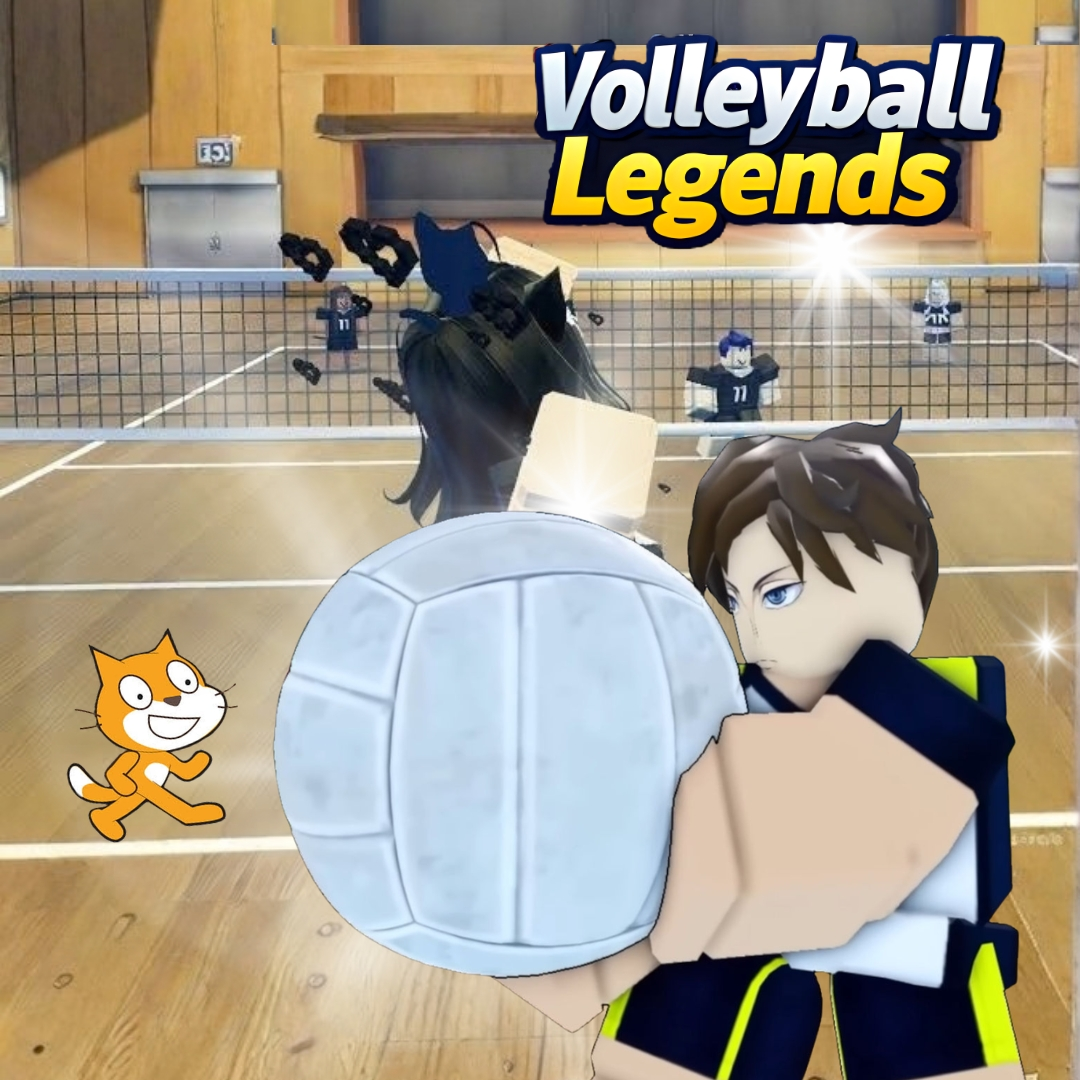

Have you ever watched a perfectly timed spike drop onto the court and wished you could build that moment yourself? Fans of the hit Roblox sports game love picking their favorite volleyball legends styles, from speedy setters to powerful hitters, and today we are turning that exact idea into a real Scratch project. You will code a bouncing ball with real physics, a spike and set system, and a style picker that gives each player their own special moves. It is one of those fun coding projects that mixes fast action with real programming logic, and it feels fantastic to land your first winning serve.
Scratch programming makes this sporty build beginner friendly. The colorful drag and drop blocks let young coders see their logic clearly, so coding for kids stays exciting instead of scary. By the end, you will understand gravity, collision detection, and variables, and you will have a real volleyball game to challenge your friends. Grab your knee pads and let us hit the court.
Why Volleyball Legends Styles Make a Great Coding Project
Kids love sports games because the goal is instantly clear. Keep the ball in the air, score on the other side, and win the match. That simple loop gives young coders a big head start, since they can spend their energy on building cool features instead of figuring out the rules.
This project is also packed with real computer science. The ball needs gravity and bouncing. Hits need collision checks and timing. Different player styles need variables that change how each character behaves. You learn all of it while building something thrilling to play. That is why building around volleyball legends styles ranks among the best beginner coding games for active kids. If your child enjoyed our Piggy escape game or our Pokemon-style battler build, this fast paced project is a perfect next step.
The Story: The Golden Net Cup of Sunbeam Beach
Every summer, the sandy shores of Sunbeam Beach host the Golden Net Cup, the most legendary volleyball tournament anyone has ever heard of. Teams arrive from every corner of the coast, each player with a signature way of playing that the crowd knows by heart. Some leap like rockets. Others glide across the sand like dancers. All of them dream of lifting the golden trophy.
This year, a young newcomer named Skye walks onto the court with nothing but a borrowed ball and a big idea. She can borrow the best moves from every legend she meets, mixing and matching until she builds her own unbeatable style. Ready to help Skye win the cup? Let us start coding the match.
Volleyball Legends Styles: Set Up Your Court and Players
Every match needs a court, a net, and two players ready to rally. We will draw a simple beach backdrop with a net in the middle, then place a player sprite on each side so the action can begin.
| Sprite | Job in the Game |
|---|---|
| Player 1 | Moves left and right and hits the ball |
| Ball | Falls, bounces, and flies after each hit |
| Net | Divides the court and ends bad serves |
Here is a movement script for the player, written the same way it would look stacked together in Scratch.
With smooth movement in place, your player can chase down every ball that comes flying across the beach.
Volleyball Legends Styles: Code the Bouncing Ball Physics
The ball is the star of the match, and it needs to feel real. We use a speed variable that gets pulled downward every frame, which is exactly how gravity works, and flip the speed whenever the ball hits the ground or a player.
That tiny gravity trick is the secret behind every arcing serve and dramatic spike, and it teaches kids how real physics can be turned into a handful of blocks.
Volleyball Legends Styles: Build the Player Style Picker
Now for the feature that makes your game truly special. Each player picks a style before the match, and the style changes how fast they move and how hard they hit. We store the choice in a variable and let the rest of the code read from it.
| Style | Move Speed | Hit Power |
|---|---|---|
| Speedy Setter | 10 | 12 |
| Power Hitter | 6 | 20 |
| Balanced Ace | 8 | 16 |
Once players can swap between volleyball legends styles, every match feels different, because a speedy setter plays nothing like a power hitter.
Volleyball Legends Styles: Coding Skills Kids Learn
This single project quietly teaches a huge amount. Here is what your young coder practices while having a blast:
| Skill | Where It Shows Up |
|---|---|
| Physics with variables | Gravity and bouncing for the ball |
| Collision detection | Checking when a player hits the ball |
| Variables | Storing speed, power, and score |
| Events | Choosing a style with a key press |
| Loops | Keeping the rally going forever |
These are the same building blocks used in real games and apps. Master them young, and harder languages feel far friendlier later. When a learner is ready for text based code, our Algorithm Avengers program for teens is the perfect next leap.
Fun Ways to Level Up Your Match
Once the basics work, let creativity take over. Encourage your child to remix the game and make it truly their own:
Add a second player so friends can battle on one keyboard. Create a scoreboard that ends the match at fifteen points. Add a crowd cheering sound for big spikes. Design new styles with their own special moves. Build a tournament mode that chains several matches together. Every tweak sharpens their Scratch programming skills and keeps the rally exciting. For more remix ideas, kids love our Sprunki music mixer and the Adopt Me pet trading builds.
Start Your Coding Adventure
Ready to Code Games Like a Pro?
Now that you can build your own game around volleyball legends styles in Scratch, why stop at one project? At Junior Coderz, kids build games, apps, and even AI tools with friendly live teachers guiding every step. We turn screen time into skill time, one exciting project at a time.
Book a coding class, join a live Scratch workshop, or dive into our hands-on Scratch coding for kids program. Curious about smart tech too? Explore our AI Hybrid Course where coding meets artificial intelligence.
See what our young coders create every day on Instagram and Facebook. Then grab a free spot below and let your child build their very first masterpiece.
Book Your Free Trial ClassConclusion
You just turned a thrilling beach tournament idea into your very own Scratch creation. From a bouncing ball with real gravity to a style picker that changes how every player moves, each part taught a real coding skill. Building your own game around volleyball legends styles proves that the smartest way to understand programming is to make something exciting to play.
So keep rallying and keep dreaming. Remix your match, share it with friends, and invent your next legendary style. Coding for kids is not about getting everything perfect on the first try. It is about curiosity, creativity, and the joy of watching your ideas come to life. Whenever you feel stuck, our friendly team at Junior Coderz is ready to guide you. Connect with us on LinkedIn and start your coding journey today.
FAQs
Do I need the Roblox game to build this?
No, you do not need Roblox or any official assets at all. This is your own original volleyball game built in Scratch using simple sprites and blocks. It only borrows the fun idea of different player styles, so any child can build it free in a web browser.
What age group can build this volleyball game?
Most kids aged eight and up can follow along with a little support. Younger coders may need help with the gravity variable, while older kids can build it solo. It works wonderfully as one of the more active beginner coding games for families.
Is Scratch good for learning real coding?
Absolutely. Scratch teaches the same core ideas used in real programming, like variables, loops, and conditions. The drag and drop blocks remove typing errors so kids focus on logic. It is the perfect first step before moving to text based languages.
How long does this project take to finish?
A focused young coder can build a basic working version in two or three sessions. Adding a second player, a scoreboard, and extra styles takes a little longer. Breaking it into one feature at a time keeps the project fun and easy to manage.
What should my child learn after this game?
Once this feels easy, try bigger Scratch builds or step into text based coding like Python. Junior Coderz offers live classes that guide kids from blocks to real code, so every learner keeps growing at a pace that feels exciting, not stressful.