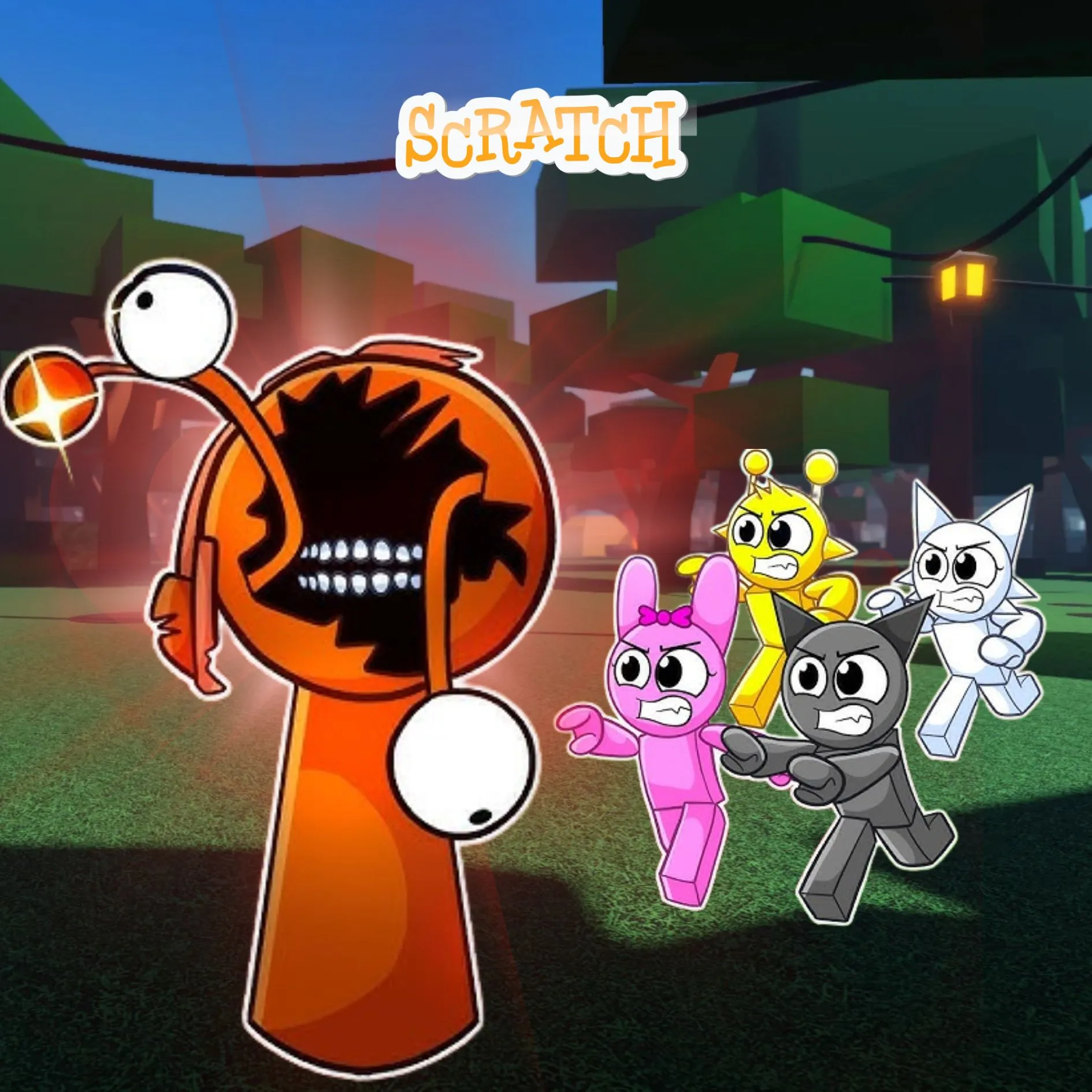

Do you love mixing beats, dressing up quirky characters, and watching them dance to your own music? Then you are in for a treat, because today we are going to build our very own sprunki character designer right inside Scratch. You will create custom avatars, add bouncy animations, and even build sound packs that play cool beats when you click. Designing your own character is one of those fun coding projects that lets kids mix art, music, and code all at once. The best part is that everything you make will be totally, wonderfully yours.
Scratch programming makes this creative adventure beginner friendly. The colorful drag and drop blocks let young coders see their logic clearly, so coding for kids stays exciting instead of scary. By the end, you will understand costumes, sounds, and broadcasts, and you will have a real character maker to show off. Grab your headphones and let us start creating.
Why a Sprunki Character Designer Is a Great Project
Kids already love games where they can customize and create, so the goal feels natural from the start. Pick a look, add a move, choose a sound. That familiar creative freedom gives young coders a big head start. They can spend their energy on ideas instead of worrying about what to build.
This project is also packed with real computer science. Avatars use costumes. Animations use loops. Sound packs use events and broadcasts. You learn all of it while making something you cannot wait to share. That is why this creative build ranks among the best beginner coding games for young makers. If your child enjoyed our Sprunki music mixer or the Adopt Me pet trading build, this is a brilliant next step.
The Story: The Beat Village of Boomtown
Deep in a valley of speakers and drums sits Boomtown, a village where every character sings a different sound. One day the town lost its beat. The characters forgot their moves, their colors faded, and the music went silent. Boomtown needed a clever creator to bring the rhythm back to life.
That creator is you. Using code, you will design fresh new characters, teach them to bounce and spin, and hand each one a special sound. When a player clicks your creation, it lights up and drops a beat that fills Boomtown with joy again. Ready to become the coder who saves the music? Let us start designing.
Sprunki Character: Design Your Custom Avatars
Every designer starts with the look. In Scratch, each different outfit or color is stored as a costume. We give players buttons to switch heads, bodies, and colors, so they can build a one of a kind avatar. Mixing and matching parts is where the real fun begins.
| Button | What It Changes | Block Used |
|---|---|---|
| Next Head | Switches the face costume | next costume |
| Color Swap | Changes the body color | change color effect |
| Size Up | Makes the avatar bigger | change size |
Here is a simple script that lets players click a button to cycle through costumes. Every click gives their avatar a brand new face.
With just a few blocks, players can invent endless characters. No two designs ever look the same, which keeps kids experimenting for ages.
Sprunki Character: Add Fun Animations
A still character is nice, but a dancing one is magic. Animations are made by switching costumes quickly or moving the sprite up and down in a loop. This tiny trick makes your creation feel alive and full of personality.
That gentle bounce turns any avatar into a dancer. You can also add a spin using the turn block, or a wiggle using the point in direction block. Each animation you build teaches timing and loops, the same ideas used in real cartoons and games.
Now your sprunki character can bounce, spin, and wiggle on command. Let players mix animations to give every avatar its own signature style.
Sprunki Character: Build the Sound Packs
Here comes the beat. A sound pack is a set of fun noises that play when a character is clicked. We use the sounds tab to record or import beats, then trigger them with events. Layering different sounds is what makes a whole band come alive.
| Character | Sound Type | Trigger |
|---|---|---|
| Beat Bot | Drum loop | When clicked |
| Melody Mo | Piano notes | When clicked |
| Boom Buddy | Bass thump | When clicked |
When each character plays its own sound, clicking them in order creates a real song. This is where a simple sprunki character grows into a full music machine, just like a mini version of your favorite beat games.
Sprunki Character: Coding Skills Kids Learn
This single project quietly teaches a mountain of skills. Here is what your young coder practices while having a blast:
| Skill | Where It Shows Up |
|---|---|
| Costumes | Switching avatar looks and faces |
| Loops | Bouncing and spinning animations |
| Events | Click triggers for sounds |
| Broadcasts | Making characters react together |
| Effects | Color and size changes |
These are the same building blocks used in real games and apps. Master them young, and harder languages feel far friendlier later. When a learner is ready for text based code, our Algorithm Avengers program for teens is the perfect next leap.
Fun Ways to Level Up Your Designer
Once the basics work, let creativity take over. Encourage your child to remix the designer and make it truly their own:
Add a save button that remembers a favorite look. Create a stage where up to four characters perform together. Add sliders that speed up or slow down the beat. Design rare costumes players can unlock. Build a record mode that captures a full song. Every tweak sharpens their Scratch programming skills and keeps the creativity flowing. For more ideas, kids love our Piggy escape game and the Pokemon-style battler builds.
Start Your Coding Adventure
Ready to Code Games Like a Pro?
Now that you can build your own sprunki character designer in Scratch, why stop at one project? At Junior Coderz, kids build games, apps, and even AI tools with friendly live teachers guiding every step. We turn screen time into skill time, one exciting project at a time.
Book a coding class, join a live Scratch workshop, or dive into our hands-on Scratch coding for kids program. Curious about smart tech too? Explore our AI Hybrid Course where coding meets artificial intelligence.
See what our young coders create every day on Instagram and Facebook. Then grab a free spot below and let your child build their very first masterpiece.
Book Your Free Trial ClassConclusion
You just turned a fun music and art idea into your very own Scratch creation. From custom avatars to bouncy animations and clickable sound packs, every part taught a real coding skill. Building a sprunki character designer yourself proves that the smartest way to understand programming is to make something you truly love to play with.
So keep creating and keep dreaming. Remix your designer, share it with friends, and plan your next musical build. Coding for kids is not about getting everything perfect on the first try. It is about curiosity, creativity, and the joy of watching your ideas come to life. Whenever you feel stuck, our friendly team at Junior Coderz is ready to guide you. Connect with us on LinkedIn and start your coding journey today.
FAQs
What is a character designer project in Scratch?
It is a fun project where kids build their own characters, add animations, and attach sounds using Scratch blocks. It mixes art, music, and code in one place, making it a creative and beginner friendly way to learn programming.
What age group can build this project?
Most kids aged eight and up can follow along with a little support. Younger coders may need help with broadcasts, while older kids can build it solo. It works wonderfully as one of the more creative beginner coding games for the whole family.
Do I need to download anything to start?
No downloads are needed. Scratch runs free in any web browser at the official Scratch website. Just create a free account, open a new project, and start dragging blocks. That easy access is what makes Scratch programming perfect for coding for kids.
How long does this project take to finish?
A focused young coder can build a basic version in two or three sessions. Adding more characters, animations, and sound packs takes a little longer. Breaking it into one feature at a time keeps the project fun and easy to manage.
What should my child learn after this project?
Once this feels easy, try bigger Scratch builds or step into text based coding like Python. Junior Coderz offers live classes that guide kids from blocks to real code, so every learner keeps growing at a pace that feels exciting, not stressful.