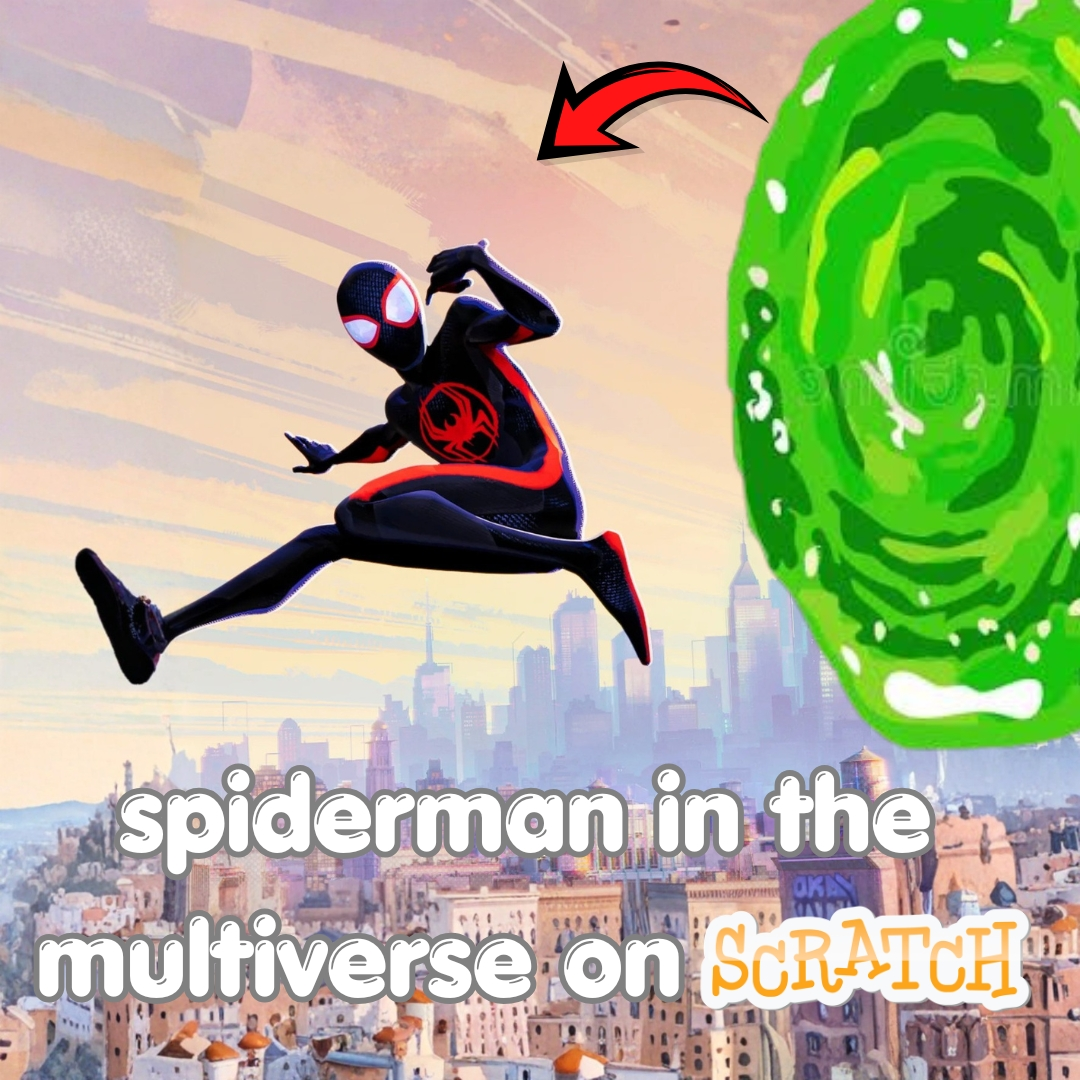

Have you ever imagined tumbling through swirling portals, dodging glitchy walls, and landing in a totally different dimension with every single jump? That is exactly the wild idea behind spider man in the multiverse, and today we are turning it into a real game you can build yourself in Scratch. You will code a runner where the whole world glitches and rebuilds itself, portals randomly teleport your hero to new dimensions, and every level looks completely different from the last. It is one of those fun coding projects that mixes wild imagination with real programming logic, and it feels incredible to watch your own multiverse come alive on screen.
Scratch programming makes this dimension hopping build beginner friendly. The colorful drag and drop blocks let young coders see their logic clearly, so coding for kids stays exciting instead of scary. By the end, you will understand costumes, broadcasts, and random backdrops, and you will have a real portal runner to challenge your friends. Grab your web shooters and let us glitch into the multiverse.
Why Spider Man in the Multiverse Makes a Great Project
Kids love the idea of endless new worlds, and a multiverse setting gives a coder complete creative freedom. There are no limits on what a dimension can look like, so every idea a young builder has can become a real level. That freedom is exactly what makes this project so exciting to start.
This project is also full of real computer science. Portals need random numbers. Glitching dimensions need backdrops and costumes. Endless running needs loops that never stop. You learn all of it while building a game that feels wonderfully imaginative. That is why a project inspired by spider man in the multiverse ranks among the best beginner coding games for creative young minds. If your child enjoyed our Piggy escape game or the Pokemon-style battler build, this dimension hopping project is a thrilling next step.
The Story: The Crack in Web City
Late one night, a strange purple crack tore open above Web City, and portals began popping up everywhere. Streets flickered between neon dimensions and quiet, dusty ones. Buildings glitched, colors swapped, and gravity itself seemed to wobble. The city’s young hero knew only one thing could fix this mess. Someone had to run straight through the chaos and seal the tear before the whole multiverse unraveled.
That hero is you. Every portal you leap through drops you into a brand new dimension, stranger than the last. Some worlds are calm and colorful. Others glitch and shake the moment you land. Every jump brings you closer to sealing the crack for good. Ready to leap across dimensions? Let us start coding.
Spider Man in the Multiverse: Set Up Your Runner Hero
Every portal runner starts with a hero who never stops moving. We use a simple forever loop so the hero automatically runs, while the player only needs to worry about jumping at the right moment. This hands off movement keeps the game fast and easy to learn.
| Sprite | Job in the Game |
|---|---|
| Hero | Runs automatically and jumps on key press |
| Portal | Appears randomly to teleport the hero |
| Dimension Backdrop | Switches to a new glitchy world |
Here is the hero’s constant running script, written the same way it would look stacked together in Scratch.
With this loop running, your hero dashes forward on autopilot while a single jump key keeps players fully in control of every leap through the multiverse.
Spider Man in the Multiverse: Code the Portal Jumps
Portals are what make this game feel truly special. When the hero touches a portal, the screen flashes and the player is instantly teleported into a brand new dimension. We use broadcasts to keep this moment smooth and dramatic.
That single broadcast is the heart of every portal jump in a game inspired by spider man in the multiverse. It tells the whole stage that something big just happened, and every other sprite gets to react.
Spider Man in the Multiverse: Add the Glitching Dimensions
Once the broadcast fires, the backdrop should react by glitching into a totally new dimension. We use a random number to pick a fresh backdrop every time, so no two runs ever feel the same.
| Dimension | Mood | Backdrop Number |
|---|---|---|
| Neon City | Bright and buzzing | 1 |
| Ink World | Black and white sketch style | 2 |
| Glitch Grid | Flickering pixel chaos | 3 |
| Quiet Dusk | Calm and dreamy | 4 |
Every glitch feels like stepping into a brand new world, and that constant surprise is exactly why a spider man in the multiverse style runner stays exciting no matter how many times you play it.
Spider Man in the Multiverse: Coding Skills Kids Learn
This single project quietly teaches a huge amount. Here is what your young coder practices while having a blast:
| Skill | Where It Shows Up |
|---|---|
| Loops | Keeping the hero running forever |
| Random numbers | Picking new dimensions and positions |
| Broadcasts | Connecting portals to backdrop changes |
| Variables | Tracking dimensions and portals cleared |
| Conditions | Checking when the hero touches a portal |
These are the same building blocks used in real games and apps. Master them young, and harder languages feel far friendlier later. When a learner is ready for text based code, our Algorithm Avengers program for teens is the perfect next leap.
Fun Ways to Level Up Your Runner
Once the basics work, let creativity take over. Encourage your child to remix the runner and make it truly their own:
Add a spinning coin that adds bonus points in each dimension. Create obstacles unique to every world. Add a glitch sound effect for extra drama. Design a countdown that adds pressure before the crack reopens. Build a dimension counter that tracks the wildest worlds visited. Every tweak sharpens their Scratch programming skills and keeps the fun going. For more remix ideas, kids love our Sprunki music mixer and the Adopt Me pet trading builds.
Start Your Coding Adventure
Ready to Code Games Like a Pro?
Now that you can build your own dimension hopping runner in Scratch, why stop at one project? At Junior Coderz, kids build games, apps, and even AI tools with friendly live teachers guiding every step. We turn screen time into skill time, one exciting project at a time.
Book a coding class, join a live Scratch workshop, or dive into our hands-on Scratch coding for kids program. Curious about smart tech too? Explore our AI Hybrid Course where coding meets artificial intelligence.
See what our young coders create every day on Instagram and Facebook. Then grab a free spot below and let your child build their very first masterpiece.
Book Your Free Trial ClassConclusion
You just turned a wild dimension hopping idea into your very own Scratch creation. From a hero who runs and jumps automatically to dramatic portal teleports and glitching backdrops, every part taught a real coding skill. Building your own version of spider man in the multiverse proves that the smartest way to understand programming is to make something bursting with imagination.
So keep leaping and keep dreaming. Remix your runner, share it with friends, and design your next wild dimension. Coding for kids is not about getting everything perfect on the first try. It is about curiosity, creativity, and the joy of watching your ideas come to life. Whenever you feel stuck, our friendly team at Junior Coderz is ready to guide you. Connect with us on LinkedIn and start your coding journey today.
FAQs
Do I need any official movie assets to build this?
No, you do not need any official images or costumes at all. This is your own original portal runner built in Scratch using simple sprites and blocks. It only borrows the fun idea of jumping between dimensions, so any child can build it free in a web browser.
What age group can build this portal runner?
Most kids aged eight and up can follow along with a little support. Younger coders may need help with broadcasts, while older kids can build it solo. It works wonderfully as one of the more imaginative beginner coding games for families.
Is Scratch good for learning real coding?
Absolutely. Scratch teaches the same core ideas used in real programming, like variables, loops, and conditions. The drag and drop blocks remove typing errors so kids focus on logic. It is the perfect first step before moving to text based languages.
How long does this project take to finish?
A focused young coder can build a basic working version in two or three sessions. Adding more dimensions, sounds, and obstacles takes a little longer. Breaking it into one feature at a time keeps the project fun and easy to manage.
What should my child learn after this game?
Once this feels easy, try bigger Scratch builds or step into text based coding like Python. Junior Coderz offers live classes that guide kids from blocks to real code, so every learner keeps growing at a pace that feels exciting, not stressful.