
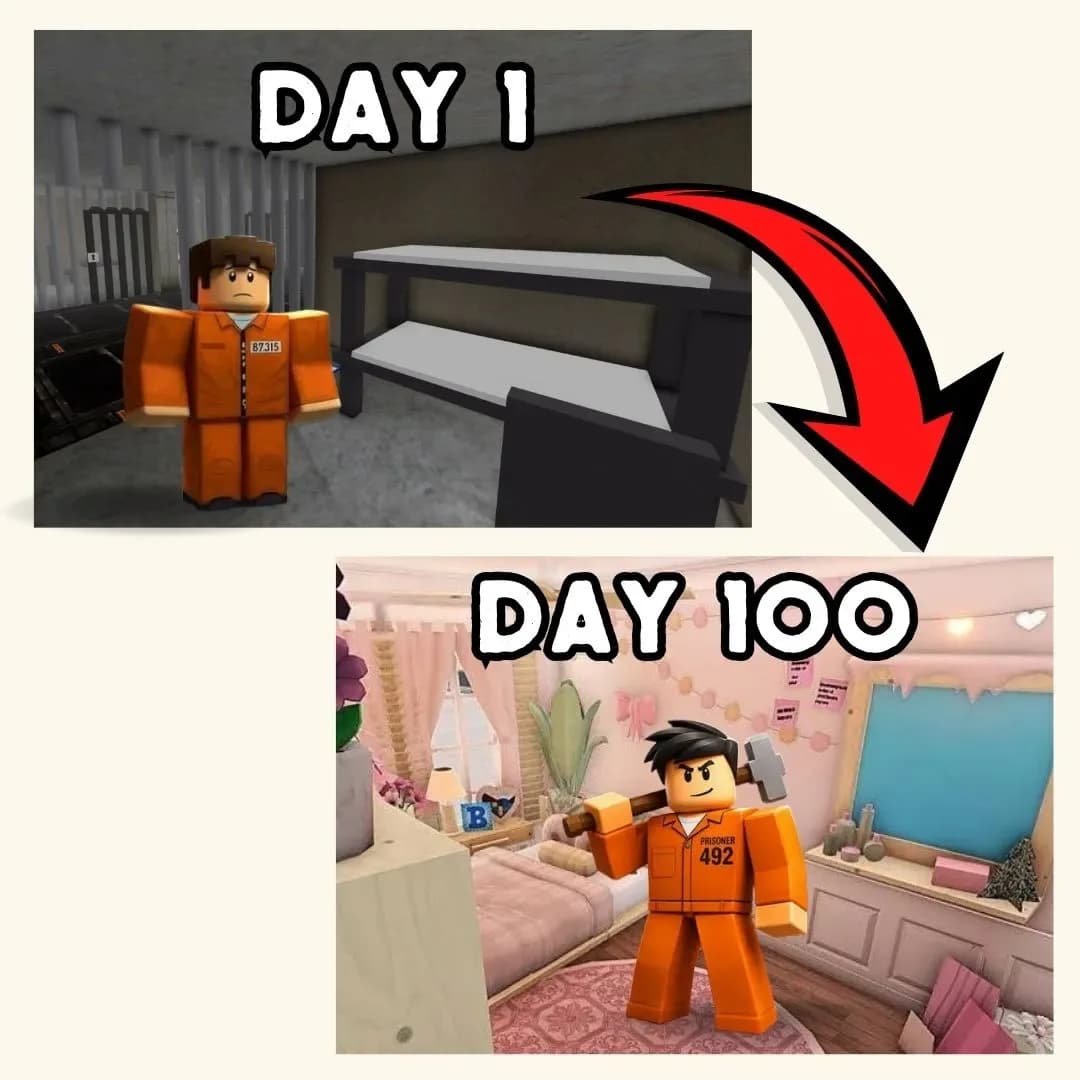
Have you ever played one of those puzzle packed jail escape room roblox style games where the clock is ticking and one wrong move gives the whole plan away? That nail biting race against time is exactly what we are building today, except this time you get to design every rule yourself in Scratch. You will code a secret tunnel that slowly gets dug out, a patrolling guard character who checks the cell on a timer, and a victory moment when the escape finally succeeds. It is one of those fun coding projects that mixes clever timing with real programming logic, and it feels wonderfully satisfying to pull off the perfect escape.
Scratch programming makes this puzzle filled build beginner friendly. The colorful drag and drop blocks let young coders see their logic clearly, so coding for kids stays exciting instead of scary. By the end, you will understand timers, variables, and conditions, and you will have a real escape puzzle to challenge your friends. Grab a shovel and let us start digging.
Table of Contents- Why This Kind of Escape Puzzle Is a Great Project
- The Story: The Great Cardboard Cell Challenge
- Set Up Your Cell and Digging Spot
- Code the Guard’s Patrol Timer
- Build the Tunnel Digging Progress
- Coding Skills Kids Learn
- Fun Ways to Level Up Your Escape
- Start Your Coding Adventure
- Conclusion
- FAQs
Why a Jail Escape Room Roblox Style Puzzle Teaches So Much
Kids love a good countdown, and pairing it with a clear goal like digging out before getting caught makes for one of the most exciting puzzle formats around. That same tense, timer driven excitement is exactly what makes this kind of countdown puzzle so much fun, and it translates beautifully into a coding project of your own.
This project is also packed with real computer science. Digging progress needs variables. The guard’s patrol needs timers and loops. Winning the escape needs conditions that check if you dug fast enough. You learn all of it while building something genuinely tense to play. That is why a jail escape room roblox style project ranks among the best beginner coding games for kids who love a countdown challenge. If your child enjoyed our Piggy escape game or our recent Elevator Escape build, this digging puzzle is a perfect next step.
The Story: The Great Cardboard Cell Challenge
At Sunnyvale Summer Camp, the counselors built a silly cardboard cell for the annual Great Escape Challenge. Every camper gets locked in for pretend, armed with nothing but a plastic spoon and a big imagination. The friendly camp guard strolls by every so often to check on things, and if the tunnel is not hidden in time, the round starts all over again.
You are today’s contestant, determined to dig your way to victory before the guard’s next lap around the cabin. Every scoop of pretend dirt brings you closer to freedom, but every careless second brings the guard closer too. Ready to make your escape? Let us start building the challenge.
Jail Escape Room Roblox Style: Set Up Your Cell and Digging Spot
Every escape puzzle needs a clear space to work in and a spot where the digging actually happens. We will use a simple cell backdrop and a digging spot sprite that players click repeatedly to make progress.
| Sprite | Job in the Game |
|---|---|
| Digging Spot | Tracks progress each time it is clicked |
| Guard | Patrols on a timer and checks the cell |
| Tunnel Meter | Shows how close the escape is to finished |
Here is a script that adds progress every time the digging spot is clicked, written the same way it would look stacked together in Scratch.
With this in place, every eager click brings the tunnel a little closer to complete, giving players a real sense of progress with each scoop.
Jail Escape Room Roblox Style: Code the Guard’s Patrol Timer
The guard needs to feel like a genuine ticking clock, checking in at unpredictable moments to keep players on their toes. We use a random wait time before each patrol check, so no two rounds ever feel exactly the same.
That unpredictable patrol is exactly what makes a jail escape room roblox style challenge feel thrilling, because players never know exactly how much time they truly have left.
Jail Escape Room Roblox Style: Build the Tunnel Digging Progress
The final piece checks whether the tunnel is finished before the guard’s next check. If the progress meter is full, the escape succeeds and the round ends in celebration.
| Progress | What It Means |
|---|---|
| 0 to 49 | Just getting started |
| 50 to 99 | Almost there, keep digging |
| 100 | Tunnel complete, escape ready |
That satisfying finish is the whole point of a jail escape room roblox style build, turning a simple clicking game into a genuine race against the clock.
Jail Escape Room Roblox Style: Coding Skills Kids Learn
This single project quietly teaches a huge amount. Here is what your young coder practices while having a blast:
| Skill | Where It Shows Up |
|---|---|
| Variables | Tracking tunnel progress |
| Timers | Random guard patrol timing |
| Loops | Keeping the guard checking forever |
| Conditions | Deciding if the escape succeeded |
| Events | Responding to clicks on the digging spot |
These are the same building blocks used in real games and apps. Master them young, and harder languages feel far friendlier later. When a learner is ready for text based code, our Algorithm Avengers program for teens is the perfect next leap.
Fun Ways to Level Up Your Escape
Once the basics work, let creativity take over. Encourage your child to remix the puzzle and make it truly their own:
Add a hint system that reveals where to dig fastest. Create multiple cells with different difficulty levels. Add a suspenseful ticking sound as the guard gets closer. Design a scoreboard that ranks the fastest escapes. Build a surprise twist where the guard occasionally naps. Every tweak sharpens their Scratch programming skills and keeps the tension exciting. For more remix ideas, kids love our Sprunki music mixer and the Adopt Me pet trading builds.
Start Your Coding Adventure
Ready to Code Games Like a Pro?
Now that you can build your own escape puzzle in Scratch, why stop at one project? At Junior Coderz, kids build games, apps, and even AI tools with friendly live teachers guiding every step. We turn screen time into skill time, one exciting project at a time.
Book a coding class, join a live Scratch workshop, or dive into our hands-on Scratch coding for kids program. Curious about smart tech too? Explore our AI Hybrid Course where coding meets artificial intelligence.
See what our young coders create every day on Instagram and Facebook. Then grab a free spot below and let your child build their very first masterpiece.
Conclusion
You just turned a silly camp challenge idea into your very own Scratch creation. From clicking to dig progress to an unpredictable guard timer and a satisfying escape finish, every part taught a real coding skill. Building your own jail escape room roblox style puzzle proves that the smartest way to understand programming is to make something genuinely thrilling to play.
So keep digging and keep dreaming. Remix your puzzle, share it with friends, and design your next tricky challenge. Coding for kids is not about getting everything perfect on the first try. It is about curiosity, creativity, and the joy of watching your ideas come to life. Whenever you feel stuck, our friendly team at Junior Coderz is ready to guide you. Connect with us on LinkedIn and start your coding journey today.
FAQs
Is this escape puzzle safe and suitable for kids?
Yes. This version is a lighthearted camp game about a pretend cardboard cell, with no real crime or scary themes involved. It is a playful countdown puzzle about timing and clicking, which makes it a fun and safe project for young coders and their families.
What age group can build this escape game?
Most kids aged eight and up can follow along with a little support. Younger coders may need help with timers, while older kids can build it solo. It works wonderfully as one of the more exciting beginner coding games for families.
Do I need to download anything to start?
No downloads are needed. Scratch runs free in any web browser at the official Scratch website. Just create a free account, open a new project, and start dragging blocks. That easy access is what makes Scratch programming perfect for coding for kids.
How long does this project take to finish?
A focused young coder can build a basic working version in two or three sessions. Adding hints, sounds, and extra cells takes a little longer. Breaking it into one feature at a time keeps the project fun and easy to manage.
What should my child learn after this game?
Once this feels easy, try bigger Scratch builds or step into text based coding like Python. Junior Coderz offers live classes that guide kids from blocks to real code, so every learner keeps growing at a pace that feels exciting, not stressful.