
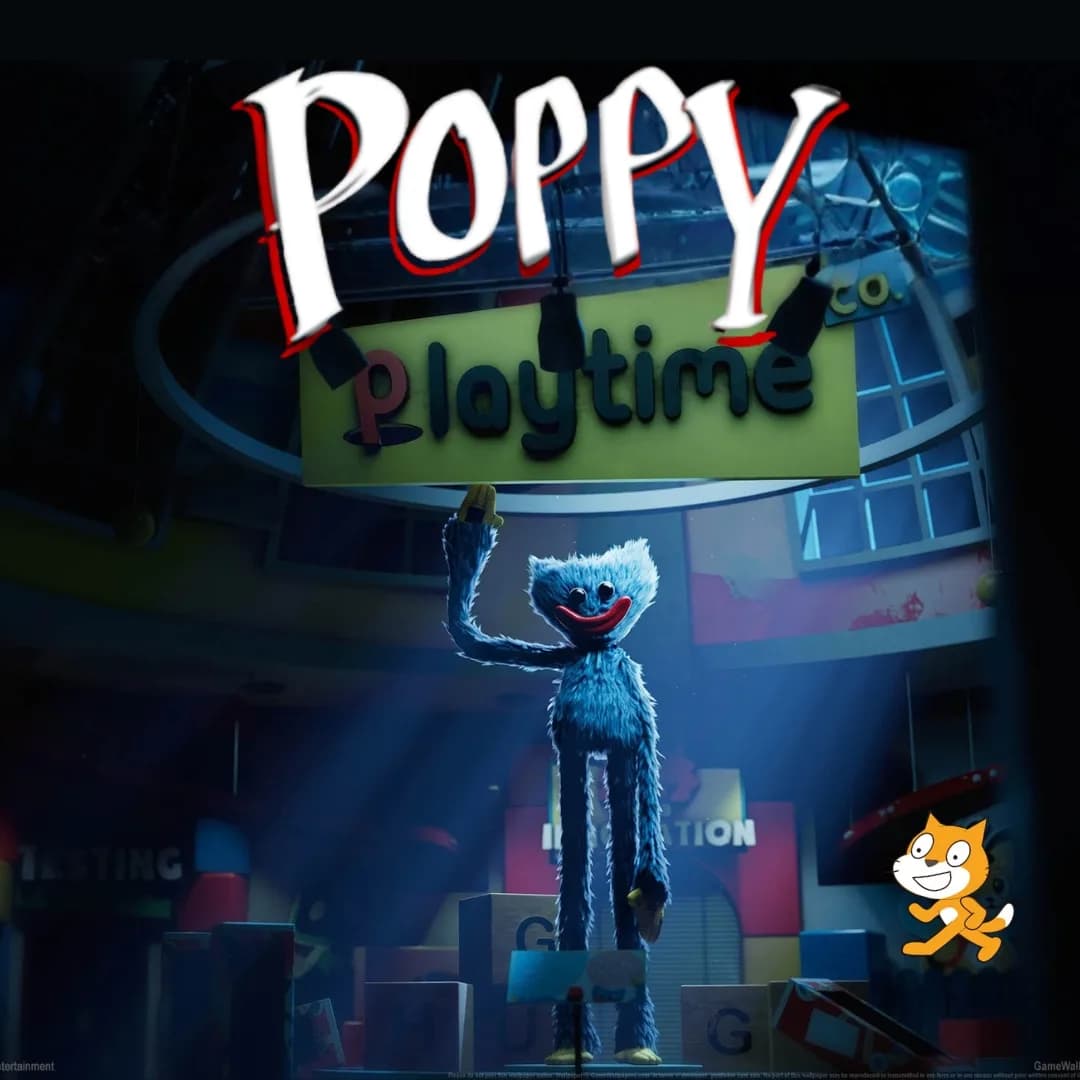

Imagine a toy workshop where the clock strikes midnight, the lights flicker, and every plush and wind-up toy slowly opens its eyes. Sounds spooky, right? Now imagine you are the one who writes the rules. In this project, you will build your own Poppy Playtime Factory style escape game in Scratch, where a clever kid collects gears, dodges silly toy chasers and unlocks the exit before the dawn bell rings. It is one of the most exciting fun coding projects for kids who love puzzles and a little suspense.
Do not worry, this version is playful, not scary. You are the director, so the toys are mischievous instead of mean. Along the way you will practice movement, chasing logic, score variables and win conditions through simple Scratch programming. Grab your flashlight, young inventor, because the factory is waking up.
Table of Contents- Why Escape Games Teach So Much
- The Story: Night Shift at Gizmo Toy Works
- Set Up the Factory Floor
- Code the Wake-Up Chase
- Build the Gear Puzzle and Exit
- Skills Kids Learn
- Ways to Remix Your Game
- Start Your Coding Adventure
- Conclusion
- FAQs
Why a Poppy Playtime Factory Game Is Great for Young Coders
Escape games are perfect first projects because the goal is crystal clear: get out before time runs out. That simple goal gives young coders a strong head start, since they can focus on building features instead of inventing rules. Every room, key and chaser also teaches a different programming idea.
Building a Poppy Playtime Factory inspired game means you must think like both a player and a designer. How fast should the chasers move? How many gears make the puzzle fair? Those design choices are real game development questions. If your child enjoyed our Piggy escape game or our Pokemon-style battler build, this toy workshop adventure is the perfect next step.
A quick note for parents: the official game that inspired this idea is aimed at older players. Our version is an original, friendly toy factory with giggles instead of frights, so it suits curious kids and family coding time.
The Story: Night Shift at Gizmo Toy Works
At Gizmo Toy Works, the toys behaved perfectly all day long. But every night at midnight, the old factory bell hummed, and the toys woke up with one big plan: tickle anyone who dared to wander the halls. Nobody had ever tried to leave before dawn, because nobody knew where the exit gears were hidden.
Then came Kit, a brave young inventor who fell asleep in the packing room. Kit woke to blinking lights, wobbling wind-up toys and a locked door. To escape, Kit had to find three golden gears, stay out of reach of the sleepy toy chasers and reach the exit before the morning bell. Ready to guide Kit to freedom? Let us write the code.
Poppy Playtime Factory Setup: Build the Floor and Sprites
Start with a simple factory backdrop, using shelves, conveyor belts and a big exit door drawn in the paint editor. Then add the sprites below. Keeping each sprite focused on one job makes your project easy to debug later.
| Sprite | Job in the Game |
|---|---|
| Kit | The player who moves with the arrow keys |
| Gear | Three golden gears to collect around the factory |
| Toy Chaser | A wobbly toy that follows Kit slowly |
| Exit Door | Opens only when all gears are collected |
First, give Kit smooth movement. This script lets the player glide around the factory floor in four directions.
Repeat the same idea for left and right using change x. With movement done, the factory floor is ready for some wobbly trouble.
Poppy Playtime Factory Code: Make the Toys Wake Up and Chase
The toy chaser is the heart of the game. Every frame, it turns toward Kit and takes a small step. Because it moves slower than the player, a clever kid can always dodge. That balance is what makes the chase fun instead of frustrating. Try changing the step size from two to three and watch how the whole mood of the game shifts. Testing small changes like this is exactly how professional game designers tune their levels.
When the toy catches Kit, nothing scary happens. The toy giggles and Kit hops back to the start of the room. To add suspense, flicker the lights by changing the ghost effect on the backdrop at random times.
Poppy Playtime Factory Finale: Build the Gear Puzzle and Exit
Now give Kit a mission. Each golden gear hides somewhere on the floor. When Kit touches one, a variable goes up and the gear vanishes. Once the counter hits three, the exit door unlocks. This is a classic pattern in game design, and kids use it again and again.
The exit door checks the counter. It also races the clock, because the dawn bell is ticking. If time runs out first, the toys win the night, and the player simply tries again. A good habit is to play your own game ten times in a row, because every run shows you a new bug or a clever shortcut you can fix before sharing it with friends.
Poppy Playtime Factory Skills: What Kids Really Learn
Behind the giggles, this one project quietly teaches several real programming skills:
| Skill | Where It Shows Up |
|---|---|
| Movement and loops | Kit walking and chasers following forever |
| Variables | Counting gears and the dawn timer |
| Conditions | Checking touches and unlocking the door |
| Broadcasts | Telling the game when Kit is tickled |
| Game balance | Choosing chaser speed so it feels fair |
These are the same building blocks used in real games. When a learner is ready for text based coding, our Algorithm Avengers program for teens is a great next leap.
Ways to Remix Your Game
Once the basics work, let creativity take over. Add a second room with a new background and a sneaky toy that moves in a square pattern. Hide a bonus battery that gives Kit a quick speed boost. Add a mini map, a countdown sound or a secret shortcut behind the shelves. Every upgrade makes your Poppy Playtime Factory adventure feel more like a real indie game, and it sharpens Scratch programming skills at the same time.
Friends can design their own toy characters and swap projects to test each other’s levels. If your child loves creative builds, they might also enjoy our Sprunki music mixer and the Adopt Me pet trading projects. Mixing ideas from different games is exactly how real designers think.
Start Your Coding Adventure
Ready to Build Your Own Games?
Now that you can build a toy factory escape in Scratch, why stop here? At Junior Coderz, kids create games, apps and even AI tools with friendly live teachers guiding every step. We turn screen time into skill time, and a Poppy Playtime Factory inspired project is just the beginning of what your child can make.
Book a coding class, join a live Scratch workshop, or start with our hands-on Scratch coding for kids program. Curious about smart tech too? Explore our AI Hybrid Course where coding meets artificial intelligence.
See what our young coders create on Instagram and Facebook. Then grab a free spot below and let your child build their first masterpiece.
Book Your Free Trial ClassConclusion
You began with a sleepy toy workshop and ended with a full escape game. Along the way you built movement, chasers, collectibles, a countdown and a win condition. Creating your own Poppy Playtime Factory style adventure proves that the best way to understand programming is to make something exciting to play.
So keep experimenting. Add new rooms, invent silly toys and challenge your friends to beat the dawn bell. Coding for kids is about curiosity and creativity, not perfection. Whenever you feel stuck, the team at Junior Coderz is happy to guide you. Connect with us on LinkedIn and start your coding journey today.
FAQs
Do I need the real game to build this project?
No. This is your own original escape game built in Scratch with simple sprites. It only borrows the fun idea of a toy factory at night, so any child can build it for free in a web browser.
Is this project too scary for kids?
No. Our toys are playful and giggly, and nothing frightening happens when Kit is caught. Kids choose the art and sounds, so families can keep the mood as light and silly as they like.
What age can build this Scratch game?
Most kids aged eight and up can follow along with some help. Younger coders may need support with the chaser script, while older kids can add extra rooms, items and levels on their own.
How long does the project take?
A basic version takes about two or three sessions. Extra rooms and power-ups take longer, so it helps to build one feature at a time and test often.
What should my child learn after this game?
Try bigger Scratch builds with clones and lists, then step into text based coding like Python. Junior Coderz offers live classes that guide kids from blocks to real code at a comfortable, exciting pace.