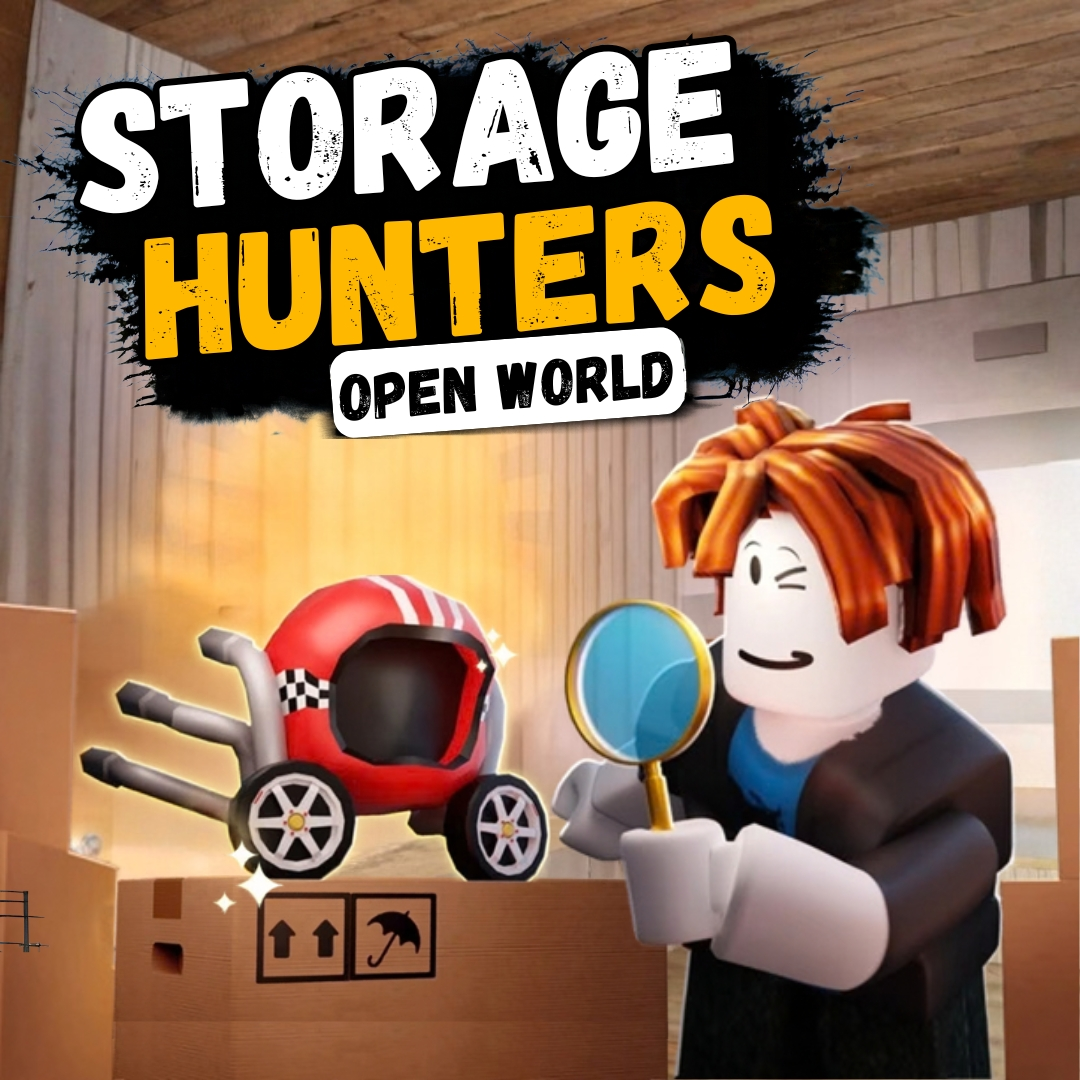

Have you ever watched someone bid on a mystery storage unit without knowing what is hiding inside, then gasp when the door finally rolls open? That exact rush of risky excitement is what makes a storage hunters game so much fun to watch and even more fun to build. Today we are turning that bidding, revealing, and profit chasing idea into a real project you can code yourself in Scratch. You will build a bidding system, a reveal mechanic that shows off mystery contents, and a profit counter that tracks whether each gamble paid off. It is one of those fun coding projects that mixes strategy with real programming logic, and it feels wonderfully satisfying to watch your bank balance grow.
Scratch programming makes this business minded build beginner friendly. The colorful drag and drop blocks let young coders see their logic clearly, so coding for kids stays exciting instead of scary. By the end, you will understand variables, random numbers, and conditions, and you will have a real tycoon style game to challenge your friends. Grab your clipboard and let us start bidding.
Why a Storage Hunters Game Makes a Great Coding Project
Kids love the thrill of a good gamble, especially one with no real risk attached. Bidding on a mystery box and hoping for treasure taps into pure curiosity, and that instant hook is exactly why this kind of bidding format works so well as a first business simulation for young coders.
This project is also packed with real computer science. Bidding needs variables. The reveal needs random numbers and lists. Tracking profit needs simple math and conditions. You learn all of it while building something genuinely exciting to play. That is why this kind of bidding and reveal game ranks among the best beginner coding games for kids who enjoy strategy and a little risk. If your child enjoyed our Adopt Me pet trading build or our Piggy escape game, this bidding tycoon project is a fun next step.
The Story: The Rusty Gate Storage Auction
Every Saturday morning, a rusty gate creaks open behind Maple Street, revealing a row of forgotten storage units nobody has opened in years. An eccentric auctioneer named Mr. Higgins bangs his gavel and invites brave bidders to guess what treasures, or total junk, might be hiding behind each door. Fortunes have been made here. Fortunes have also been lost on units filled with nothing but broken lamps.
You have saved up your allowance for weeks, and today is your first time at the Rusty Gate auction. Every unit you win could be the jackpot that makes your whole week, or a total dud that teaches you to bid smarter next time. Ready to test your luck and your coding skills? Let us build the auction.
Storage Hunters Game: Set Up Your Bidding Screen
Every good bidding game needs a clear bidding moment before the big reveal. We will use a simple variable to track the player’s cash, then let them choose how much to bid on each mystery unit.
| Sprite | Job in the Game |
|---|---|
| Storage Unit | Displays as locked until the bid is placed |
| Bid Button | Lets players commit their bid amount |
| Cash Display | Shows how much money is left to spend |
Here is a script that sets up the player’s starting cash, written the same way it would look stacked together in Scratch.
With starting cash locked in, every player begins the storage hunters game on equal footing, ready to make their very first risky bid.
Storage Hunters Game: Code the Mystery Reveal
The reveal is the most exciting part of any bidding game, and we bring it to life using a random number that decides what was hiding behind the door. A quick pause before the answer appears makes the moment feel dramatic.
That dramatic pause before the number appears is exactly what makes every reveal in a storage hunters game feel like a real gamble worth cheering or groaning over.
Storage Hunters Game: Build the Profit Tracker
Now for the number that really matters, whether the player made or lost money overall. We compare total earnings against the starting cash to show a simple win or loss message after each round.
| Outcome | What Happens |
|---|---|
| Reward above bid | Player profits from the unit |
| Reward below bid | Player takes a small loss |
| Reward equals bid | Player breaks even |
Watching that cash total rise and fall is exactly the kind of tension that makes a storage hunters game addictive, because every single unit feels like its own tiny adventure.
Storage Hunters Game: Coding Skills Kids Learn
This single project quietly teaches a huge amount. Here is what your young coder practices while having a blast:
| Skill | Where It Shows Up |
|---|---|
| Variables | Tracking cash, bids, and rewards |
| Random numbers | Deciding what each unit contains |
| Conditions | Checking profit versus loss |
| Math operators | Adding and subtracting cash |
| Events | Responding to clicks on units |
These are the same building blocks used in real games and apps. Master them young, and harder languages feel far friendlier later. When a learner is ready for text based code, our Algorithm Avengers program for teens is the perfect next leap.
Fun Ways to Level Up Your Tycoon
Once the basics work, let creativity take over. Encourage your child to remix the game and make it truly their own:
Add rare jackpot units that pay out huge rewards. Create a shop where players can buy hints about a unit’s contents. Add a rival bidder who competes for the best units. Design a leaderboard tracking the richest players. Build a bankruptcy ending for anyone who bids too wildly. Every tweak sharpens their Scratch programming skills and keeps the excitement growing. For more remix ideas, kids love our Sprunki music mixer and the Pokemon-style battler builds.
Start Your Coding Adventure
Ready to Code Games Like a Pro?
Now that you can build your own bidding tycoon game in Scratch, why stop at one project? At Junior Coderz, kids build games, apps, and even AI tools with friendly live teachers guiding every step. We turn screen time into skill time, one exciting project at a time.
Book a coding class, join a live Scratch workshop, or dive into our hands-on Scratch coding for kids program. Curious about smart tech too? Explore our AI Hybrid Course where coding meets artificial intelligence.
See what our young coders create every day on Instagram and Facebook. Then grab a free spot below and let your child build their very first masterpiece.
Book Your Free Trial ClassConclusion
You just turned a thrilling bidding idea into your very own Scratch creation. From a bidding screen to a dramatic mystery reveal and a satisfying profit tracker, every part taught a real coding skill. Building your own storage hunters game proves that the smartest way to understand programming is to make something genuinely exciting to play.
So keep bidding and keep dreaming. Remix your tycoon, share it with friends, and design your next mystery unit. Coding for kids is not about getting everything perfect on the first try. It is about curiosity, creativity, and the joy of watching your ideas come to life. Whenever you feel stuck, our friendly team at Junior Coderz is ready to guide you. Connect with us on LinkedIn and start your coding journey today.
FAQs
Do I need any official show assets to build this?
No, you do not need any official images or footage at all. This is your own original bidding game built in Scratch using simple sprites and blocks. It only borrows the fun idea of bidding and revealing surprises, so any child can build it free in a web browser.
What age group can build this tycoon game?
Most kids aged eight and up can follow along with a little support. Younger coders may need help with variables, while older kids can build it solo. It works wonderfully as one of the more exciting beginner coding games for families.
Is Scratch good for learning real coding?
Absolutely. Scratch teaches the same core ideas used in real programming, like variables, loops, and conditions. The drag and drop blocks remove typing errors so kids focus on logic. It is the perfect first step before moving to text based languages.
How long does this project take to finish?
A focused young coder can build a basic working version in two or three sessions. Adding rival bidders, sounds, and extra units takes a little longer. Breaking it into one feature at a time keeps the project fun and easy to manage.
What should my child learn after this game?
Once this feels easy, try bigger Scratch builds or step into text based coding like Python. Junior Coderz offers live classes that guide kids from blocks to real code, so every learner keeps growing at a pace that feels exciting, not stressful.