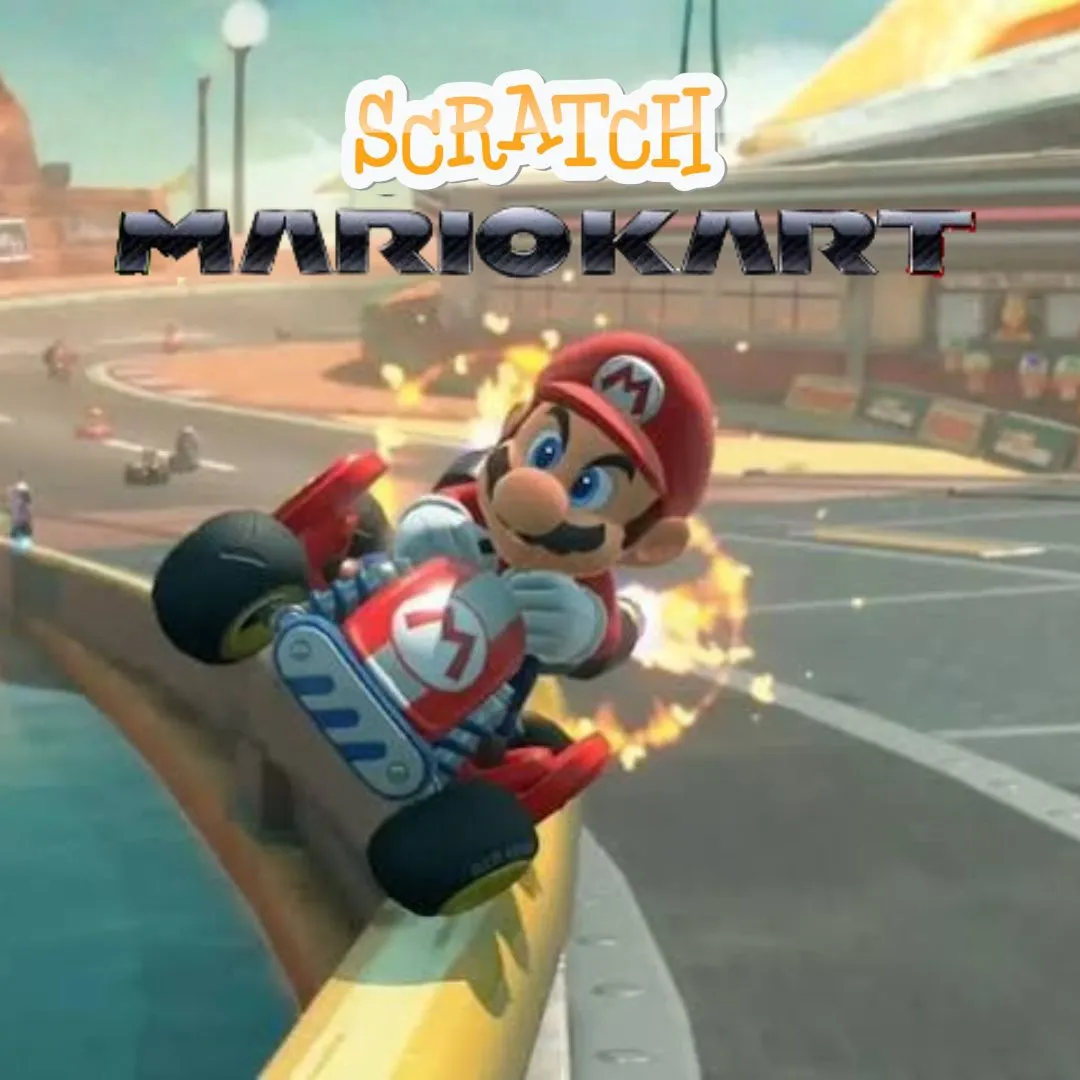

Do you love racing through wild tracks, grabbing power ups, and zooming past your rivals right at the finish line? Then get ready, because today we are going to build our very own Mario Kart game right inside Scratch, and this time the race is not stuck on one boring track. You will code a racer that can zoom across grassy hills, sandy deserts, and icy shortcuts all in the same wide open world. Building your own open world racer is one of those fun coding projects that turns pure racing excitement into real programming skill, and it feels amazing to steer something you built yourself.
Scratch programming makes this high speed build beginner friendly. The colorful drag and drop blocks let young coders see their logic clearly, so coding for kids stays exciting instead of scary. By the end, you will understand movement, timers, and collision detection, and you will have a real racing game to challenge your friends. Grab your controller and let us hit the gas.
Why a Mario Kart Game Is a Great Coding Project
Kids already know the thrill of racing games, so the goal feels familiar from the very first lap. Steer fast, grab boosts, beat your rivals. That instant excitement gives young coders a huge head start, because they can spend their energy building fun features instead of figuring out what the game is even about.
This project is also packed with real computer science. Steering needs motion and key detection. Power ups need variables and timers. An open world needs clever backdrops and boundaries. You learn all of it while building something thrilling to race around in. That is why this kind of open world racer ranks among the best beginner coding games for speed loving kids. If your child enjoyed our Pokemon-style battler build or the Piggy escape game, this fast paced project is a perfect next step.
The Story: The Wide Open Race of Dash Valley
Somewhere past the hills of Dash Valley sits a racetrack unlike any other, because it has no walls at all. Racers can zoom across grassy plains, splash through muddy rivers, and slide down icy slopes, all without ever touching a boring straight track. The valley’s champion challenge is simple. Explore, race, and reach the finish flag before anyone else, using whatever path feels fastest.
Your racer rolls up to the starting line with the whole valley stretched out ahead. There are no fences, no fixed route, only open ground and pure speed. A shimmering coin trail hints at shortcuts, and glowing boxes promise a boost for anyone brave enough to grab them. Ready to race off the beaten path? Let us start building.
Mario Kart Game: Set Up Your Racer and the Open World
Every great racing game needs a racer sprite that can move freely and a wide backdrop that feels open instead of boxed in. We will draw a big scenic backdrop, then place the racer right at the starting line, ready to explore in any direction.
| Sprite | Job in the Game |
|---|---|
| Racer | Moves freely across the open world |
| Boost Box | Grants a burst of speed when touched |
| Finish Flag | Ends the race when reached |
Here is a simple script that places the racer at the starting point the moment the race begins.
With the racer ready and the open world drawn, your Mario Kart game already feels like a real place worth exploring, long before a single lap has even started.
Mario Kart Game: Code the Racing Controls
Smooth steering is what makes any racing game satisfying to play. We use the arrow keys to turn the racer and move it forward, so players feel like they are truly driving across the open valley rather than just sliding around the screen.
That small script gives players full control over turning and speed, exactly like steering a real kart. Once this feels smooth, the whole Mario Kart game starts to come alive under your fingertips.
Mario Kart Game: Add Speed Boosts and Power Ups
No racing game feels complete without a burst of speed at just the right moment. We use a timer so the boost only lasts a couple of seconds, keeping races fair and exciting instead of one sided.
| Power Up | Effect | Duration |
|---|---|---|
| Boost Box | Doubles racer speed | 2 seconds |
| Coin Trail | Adds points to the scoreboard | Instant |
| Mud Puddle | Slows the racer down briefly | 1.5 seconds |
That temporary speed jump is what makes racers gamble on risky shortcuts across the open world. A good Mario Kart game always rewards bold choices, and this simple boost script captures that thrill perfectly.
Mario Kart Game: Coding Skills Kids Learn
This single game quietly teaches a huge amount. Here is what your young coder practices while having a blast:
| Skill | Where It Shows Up |
|---|---|
| Motion and steering | Moving and turning the racer |
| Variables | Tracking speed and score |
| Timers | Making boosts temporary |
| Collision detection | Checking power up pickups |
| Conditions | Deciding when the race ends |
These are the same building blocks used in real games and apps. Master them young, and harder languages feel far friendlier later. When a learner is ready for text based code, our Algorithm Avengers program for teens is the perfect next leap.
Fun Ways to Level Up Your Racer
Once the basics work, let creativity take over. Encourage your child to remix the game and make it truly their own:
Add a lap counter so races can go multiple rounds. Create rival racers controlled by simple code. Add engine sound effects for extra excitement. Design a countdown before the race begins. Build a shortcut only unlocked by finding a hidden path. Every tweak sharpens their Scratch programming skills and keeps the fun going. For more remix ideas, kids love our Sprunki music mixer and the Adopt Me pet trading builds.
Start Your Coding Adventure
Ready to Code Games Like a Pro?
Now that you can build your own open world racing game in Scratch, why stop at one project? At Junior Coderz, kids build games, apps, and even AI tools with friendly live teachers guiding every step. We turn screen time into skill time, one exciting project at a time.
Book a coding class, join a live Scratch workshop, or dive into our hands-on Scratch coding for kids program. Curious about smart tech too? Explore our AI Hybrid Course where coding meets artificial intelligence.
See what our young coders create every day on Instagram and Facebook. Then grab a free spot below and let your child build their very first masterpiece.
Book Your Free Trial ClassConclusion
You just turned a wide open racing idea into your very own Scratch creation. From full driving controls to timed speed boosts and a whole open world to explore, every part taught a real coding skill. Building your own Mario Kart game proves that the smartest way to understand programming is to make something thrilling to play.
So keep racing and keep dreaming. Remix your game, share it with friends, and design your next wild track. Coding for kids is not about getting everything perfect on the first try. It is about curiosity, creativity, and the joy of watching your ideas come to life. Whenever you feel stuck, our friendly team at Junior Coderz is ready to guide you. Connect with us on LinkedIn and start your coding journey today.
FAQs
Do I need any official game assets to build this?
No, you do not need any official images or characters at all. This is your own original racing game built in Scratch using simple sprites and blocks. It only borrows the fun open world racing idea, so any child can build it free in a web browser.
What age group can build this racing game?
Most kids aged eight and up can follow along with a little support. Younger coders may need help with timers, while older kids can build it solo. It works wonderfully as one of the more exciting beginner coding games for families.
Is Scratch good for learning real coding?
Absolutely. Scratch teaches the same core ideas used in real programming, like variables, loops, and conditions. The drag and drop blocks remove typing errors so kids focus on logic. It is the perfect first step before moving to text based languages.
How long does this project take to finish?
A focused young coder can build a basic working version in two or three sessions. Adding rival racers, sounds, and extra tracks takes a little longer. Breaking it into one feature at a time keeps the project fun and easy to manage.
What should my child learn after this game?
Once this feels easy, try bigger Scratch builds or step into text based coding like Python. Junior Coderz offers live classes that guide kids from blocks to real code, so every learner keeps growing at a pace that feels exciting, not stressful.