
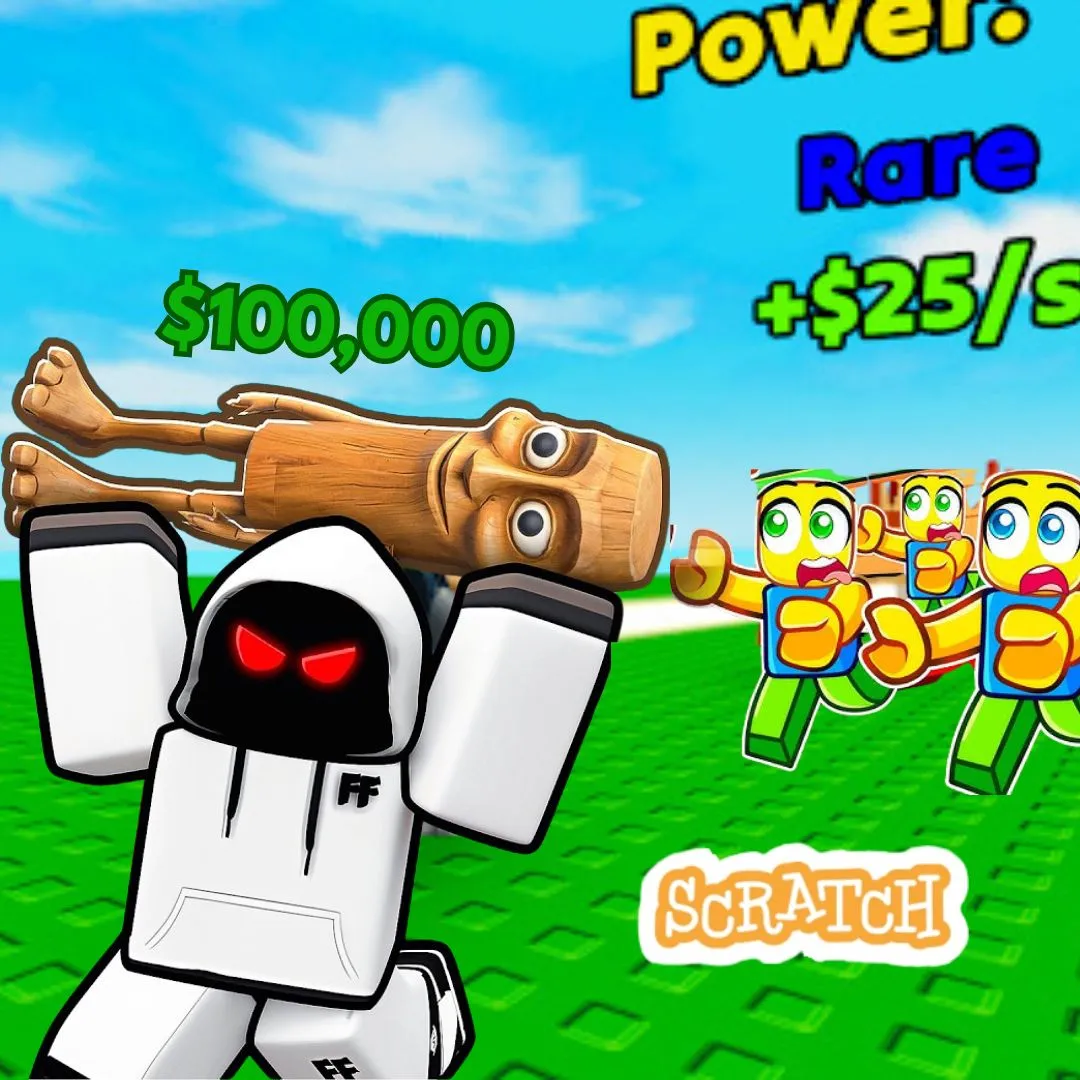
If you spend time online or play trending games, you have probably seen hilarious “brainrot” style content everywhere. From chaotic characters to funny sound effects and unpredictable gameplay, these games have become super popular with kids and teens. That is exactly why building your own Scratch version inspired by steal a brainrot unblocked is such an exciting coding project. Instead of only playing funny games, kids can learn how to create one from scratch while developing real programming skills.
In this detailed guide, we will walk through how to build a funny and creative Brainrot style game in Scratch step by step. Kids will learn movement, scoring systems, animations, collisions, and game logic while making a project that feels modern, trendy, and incredibly fun.
Why steal a brainrot unblocked Is a Great Coding Project
Projects inspired by steal a brainrot unblocked are perfect for beginner coders because they combine humor, creativity, and gameplay into one interactive experience. Kids stay engaged because the game feels silly and entertaining, but behind the scenes they are learning valuable coding concepts.
This type of project teaches players how games are structured. Kids learn how characters move, how items are collected, and how game rules are programmed. Instead of staring at complicated code, they use Scratch blocks to build everything visually.
Here is why this project works so well:
| Feature | Coding Skill Learned |
| Character movement | Coordinates and motion |
| Item collection | Collision detection |
| Funny animations | Costume switching |
| Scoring system | Variables and logic |
This makes it one of the most engaging beginner coding games for kids today.
What Kids Learn From steal a brainrot unblocked
Building a game inspired by steal a brainrot unblocked teaches more than just simple coding. Kids develop creativity, logical thinking, and problem solving skills while experimenting with funny game ideas.
For example, they learn how to:
Control sprites using keyboard inputs
Track points with variables
Create interactions between characters
Add sounds and animations
These are foundational skills used in real game development and programming.
At the same time, kids are encouraged to think creatively. They can invent their own crazy characters, add memes, or create silly power ups that make the game more entertaining.
Planning Your Brainrot Game
Before opening Scratch, kids should first plan their game idea. Planning helps organize the project and makes coding easier later.
Think about questions like:
Who is the main character
What items can players steal or collect
How does the player win
Will there be obstacles or enemies
A clear plan helps transform a funny concept into a complete game inspired by steal a brainrot unblocked.
Setting Up Your Scratch Project
Open Scratch and create a new project. Choose a main sprite that represents the player. Then create or import funny characters and objects that fit the chaotic Brainrot style.
Kids can use bright colors, goofy faces, and meme inspired designs to make the game stand out. This creative stage is one of the most enjoyable parts of the process.
This project also connects well with previous Scratch game ideas like circus adventure games, stickman fighting games, and Backrooms escape games.
Adding Player Movement in steal a brainrot unblocked
Movement is one of the first things kids should code. The player needs to move around the screen smoothly to collect items or avoid obstacles.
Here is a simple movement script:
when green flag clicked
forever
if key right arrow pressed then
change x by 5
if key left arrow pressed then
change x by -5
if key up arrow pressed then
change y by 5
if key down arrow pressed then
change y by -5
This creates smooth movement and introduces coordinate based programming.
Creating Collectible Items
The next step is adding collectible items. These could be funny objects, meme icons, or random treasures that fit the Brainrot theme.
Example script:
if touching player then
hide
change score by 1
This teaches collision detection and variables, which are important coding concepts.
Collecting items is one of the most exciting parts of steal a brainrot unblocked inspired gameplay.
Adding a Score System
A score system gives players a goal and makes the game more competitive.
Example:
set score to 0
Whenever the player collects an item:
change score by 1
Kids quickly understand how variables track progress inside a game.
Creating Funny Animations
Animations make the game feel alive. Kids can switch costumes whenever the character moves or interacts with objects.
Example:
next costume
Funny animations are a huge part of what makes games inspired by steal a brainrot unblocked feel entertaining and energetic.
Adding Obstacles and Challenges
To make the game more exciting, add obstacles that the player must avoid. These could be chasing enemies, moving barriers, or silly traps.
Example enemy script:
forever
move 2 steps
if on edge bounce
If the player touches the obstacle, they lose points or restart the level.
This adds challenge and improves gameplay.
Adding Sound Effects for Chaos
Sound effects are essential for Brainrot style humor. Kids can add meme sounds, funny effects, or dramatic music.
Example:
play sound “funny”
Sounds make the game feel more dynamic and memorable.
Designing Levels in steal a brainrot unblocked
Once the basic game works, kids can create multiple levels with different layouts and challenges.
For example:
Level one with easy collectibles
Level two with moving enemies
Level three with timers and traps
Levels keep players engaged and make the project feel more complete.
Making Your Game Unique
Encourage kids to experiment and add their own creative ideas. They can create custom power ups, weird characters, or surprising events.
The best part about building a game inspired by steal a brainrot unblocked is that there are no strict rules. The sillier and more creative the game becomes, the more fun it is.
Why Project Based Learning Is Powerful
Project based learning keeps kids motivated because they can immediately see the results of their work. Instead of memorizing coding concepts, they actively apply them.
Building games like this helps children improve creativity, logical thinking, and confidence. It also teaches patience and debugging skills when things do not work perfectly at first.
From Scratch to Advanced Programming
Scratch is an excellent starting point for young coders, but it is only the beginning. Once kids master projects like this, they can move on to advanced languages such as Python.
Courses like AI Hybrid and Algorithm Avengers help students expand their knowledge and build more advanced projects.
The foundation developed through steal a brainrot unblocked inspired games makes future coding easier and more exciting.
Learn Coding Creatively with JuniorCoderz
If your child loves building fun projects like this, JuniorCoderz is the perfect place to continue learning. Students create exciting games, explore AI tools, and develop real programming skills through hands-on learning experiences.
Visit Junior Coderz to book coding classes, join Scratch workshops, or explore advanced coding programs. JuniorCoderz helps kids turn creativity into confidence while building the skills needed for the future.
Conclusion
Creating a funny Brainrot style game in Scratch is one of the most exciting ways for kids to learn coding. Projects inspired by steal a brainrot unblocked combine creativity, humor, and programming into one interactive learning experience.
For parents, this project clearly demonstrates how coding can be educational while still feeling fun and modern. Kids are not just consuming games online. They are learning how to build them. With guidance from JuniorCoderz, children can develop problem solving skills, creative confidence, and a strong foundation for future technology learning. Book your free trial now!
FAQs
What is steal a brainrot unblocked
It is a funny and chaotic style of game that inspires creative gameplay ideas.
Is this Scratch project beginner friendly
Yes, Scratch is designed for beginners and makes coding simple and fun.
What coding skills do kids learn
Kids learn movement, variables, collision detection, and game logic.
Can kids customize the game
Absolutely. Kids can create their own characters, sounds, and gameplay features.
What comes after Scratch coding
Kids can move on to advanced programming languages like Python.