
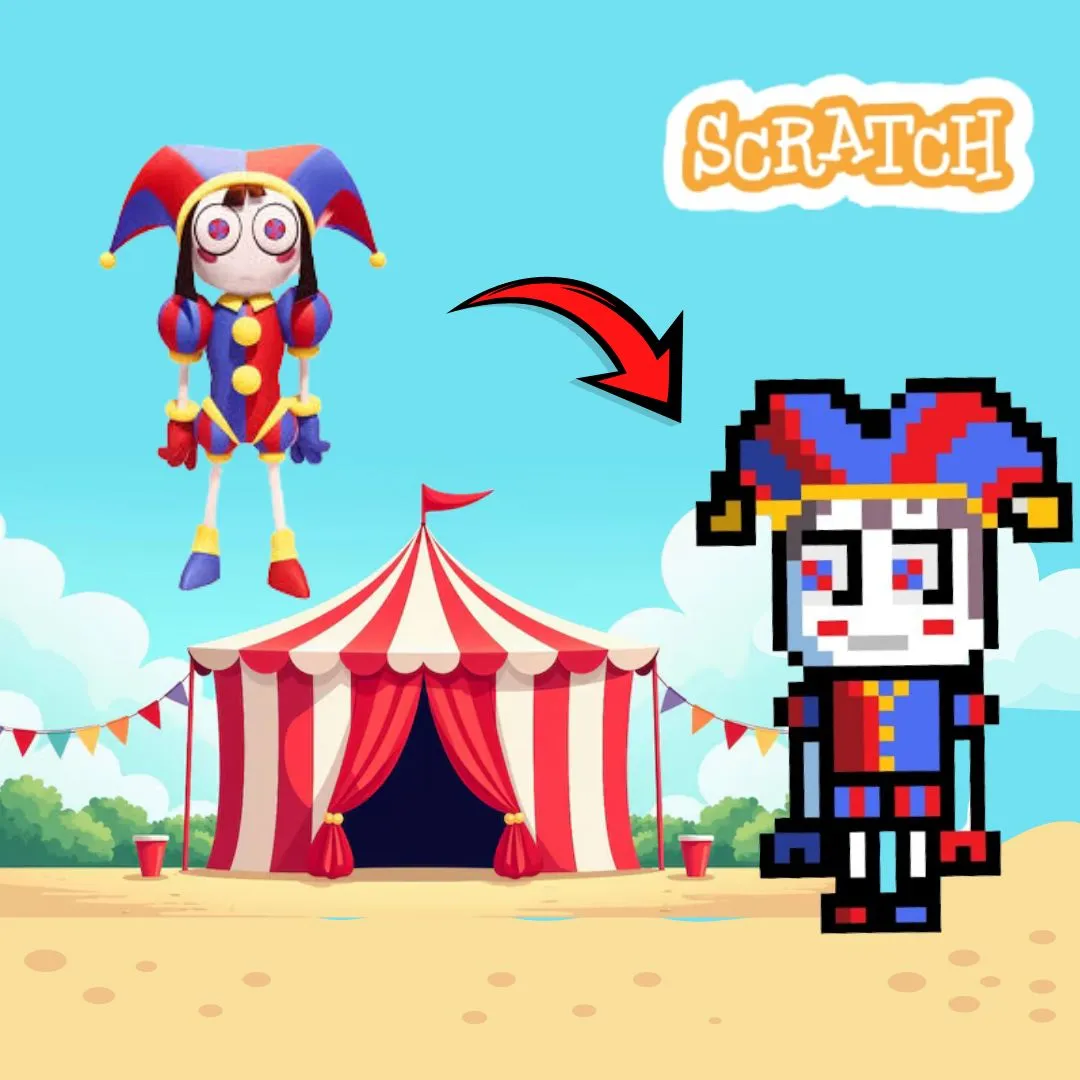
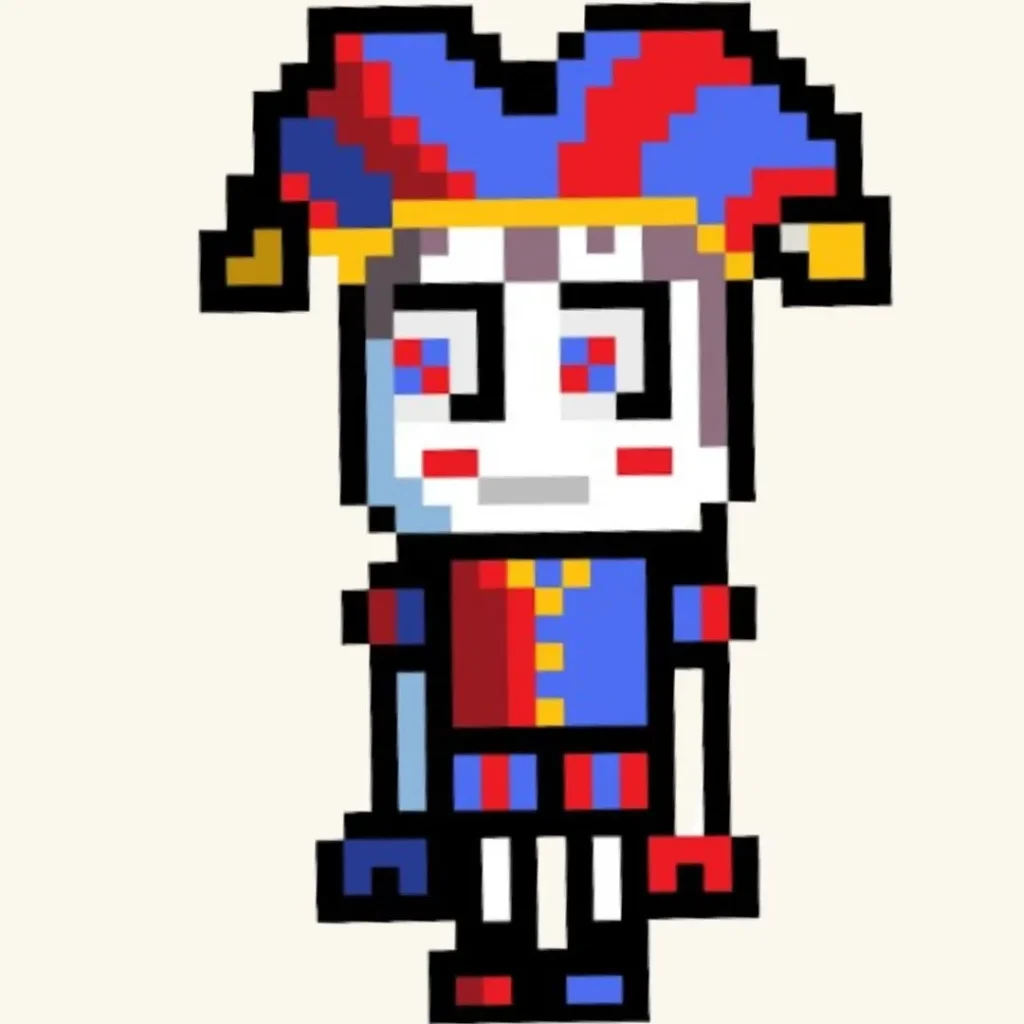
Have you ever imagined stepping into a colorful world full of performers, tricks, and surprises where every corner holds a new challenge? That is exactly the kind of excitement you can bring to life by building your own Circus Adventure Game in Scratch. Instead of just playing games, kids can design their own interactive circus world filled with characters, obstacles, and fun missions while learning real coding skills.
In this guide, we will walk step by step through creating a digital circus game using Scratch. This project blends creativity, storytelling, and programming into one engaging experience that both kids and parents will love.
Why a Circus Adventure Game Is Perfect for Beginner Coders
A Circus Adventure Game is a fantastic starting point for kids because it combines visual creativity with simple game mechanics. The circus theme naturally includes movement, action, and fun interactions, which makes learning coding exciting instead of overwhelming.
Kids can design performers, create mini challenges, and build a playful environment. This keeps them motivated while learning important coding concepts like events, loops, and conditions.
Here is why this type of project works so well:
| Feature | Learning Outcome |
| Character movement | Understanding coordinates |
| Mini challenges | Logical thinking |
| Interactive elements | Event handling |
| Scoring system | Variables |
This makes it one of the most engaging beginner coding games.
What Kids Learn From a Circus Adventure Game
While building a Circus Adventure Game, kids are learning much more than just how to move characters on a screen. They are developing core programming skills that apply to many advanced technologies.
They learn how to respond to keyboard inputs, control animations, detect collisions, and create game rules. These are the same building blocks used in professional game development.
At the same time, they are improving creativity and storytelling skills. Designing a circus world requires imagination, which makes the learning process more meaningful and enjoyable.
Planning Your Circus Adventure Game
Before starting the coding process, it is important to plan the game. A clear plan helps kids stay organized and focused.
They should think about:
What characters will be in the circus
What challenges the player will face
How the player wins the game
What makes the game fun and unique
Planning transforms a simple idea into a structured project. Many successful versions of a Circus Adventure Game begin with a creative concept that evolves during development.
Setting Up Your Project in Scratch
Start by opening Scratch and creating a new project. Choose a main character sprite, such as a circus performer, clown, or animal. Then design a bright and colorful circus background.
Encourage kids to experiment with designs. They can create tents, stages, or obstacle areas. This step allows them to personalize their Circus Adventure Game and feel more connected to it.
This creative stage is similar to other fun coding projects like talking cat games or platformer games.
Adding Character Movement in a Circus Adventure Game
Movement is the first step in making the game interactive. The player should be able to move the character around the circus arena.
Here is a simple script:
when green flag clicked
forever
if key right arrow pressed then
change x by 5
if key left arrow pressed then
change x by -5
if key up arrow pressed then
change y by 5
if key down arrow pressed then
change y by -5
This allows smooth movement and gives kids control over their character.
Creating Circus Challenges and Obstacles
A great Circus Adventure Game includes exciting challenges. Kids can add obstacles such as moving balls, spinning wheels, or jumping hoops.
These obstacles make the game more interesting and encourage problem solving. Players must avoid or overcome these challenges to progress.
Example of a moving obstacle:
forever
move 3 steps
if on edge bounce
This introduces motion and unpredictability into the game.
Adding a Scoring System
A scoring system keeps players motivated and adds a sense of achievement. Kids can increase the score whenever the player completes a challenge or collects items.
set score to 0
when touching star
change score by 1
This helps kids understand how variables work in Scratch programming.
Designing Interactive Elements
Interaction makes the game more engaging. Kids can add elements that respond when clicked or touched.
For example, a circus character could give hints or rewards.
when this sprite clicked
say “Great job!” for 2 seconds
This adds personality to the Circus Adventure Game and keeps players entertained.
Adding Sound Effects and Music
Sound is an important part of creating an immersive experience. Kids can add cheerful circus music or fun sound effects to match the theme.
play sound “pop”
These small details make the game feel more complete and enjoyable.
Creating Levels in a Circus Adventure Game
To make the game more advanced, kids can create multiple levels. Each level can introduce new challenges or increase difficulty.
For example:
Level one with simple obstacles
Level two with moving challenges
Level three with time limits
Levels keep players engaged and make the Circus Adventure Game more exciting.
Making Your Game Unique
Encourage kids to add their own ideas. They can create special powers, unique characters, or surprise elements.
Creativity is what makes each Circus Adventure Game special. No two games should look the same.
Connecting This Project to Other Coding Ideas
This project connects well with other beginner coding games like:
Stickman fighting games
Backrooms escape games
Talking cat meme games
Linking different projects helps kids build a wide range of skills and keeps learning interesting.
Why Project Based Learning Works
Project based learning is one of the most effective ways for kids to learn coding. Instead of memorizing concepts, they apply them in real projects.
Building a Circus Adventure Game helps kids stay engaged, think creatively, and develop problem solving skills. This approach makes learning more meaningful.
From Scratch to Advanced Coding
After mastering Scratch, kids can move on to more advanced programming languages like Python. The concepts they learn here, such as logic and interaction, will help them succeed.
Courses like AI Hybrid and Algorithm Avengers provide the next step in their coding journey.
The foundation built through a Circus Adventure Game prepares kids for future learning.
Build Real Skills with JuniorCoderz
If your child enjoys creating fun and interactive projects like this, JuniorCoderz is the perfect place to continue learning. Students explore Scratch programming, AI tools, and advanced coding concepts through hands-on projects that make learning exciting.
Visit Junior Coderz to book coding classes, enroll in Scratch workshops, or explore advanced programs. JuniorCoderz helps kids turn creativity into real skills while building confidence and problem solving abilities.
Conclusion
Creating a circus themed game is one of the most exciting ways for kids to learn coding. A Circus Adventure Game combines creativity, storytelling, and programming into one engaging experience.
For parents, this project shows how coding can be both educational and fun. Kids are not just playing games. They are building them. With the right guidance from JuniorCoderz, children can develop valuable skills, explore their creativity, and start their journey into the world of programming. Book your free trial now!
FAQs
What is a Circus Adventure Game
It is an interactive game where players explore a circus world and complete challenges.
Is this project beginner friendly
Yes, Scratch makes it easy for beginners to build this type of game.
What skills do kids learn
Kids learn coding basics, creativity, and logical thinking.
Can kids customize their game
Yes, they can design characters, levels, and challenges.
What comes after Scratch
Kids can move on to Python and advanced programming.