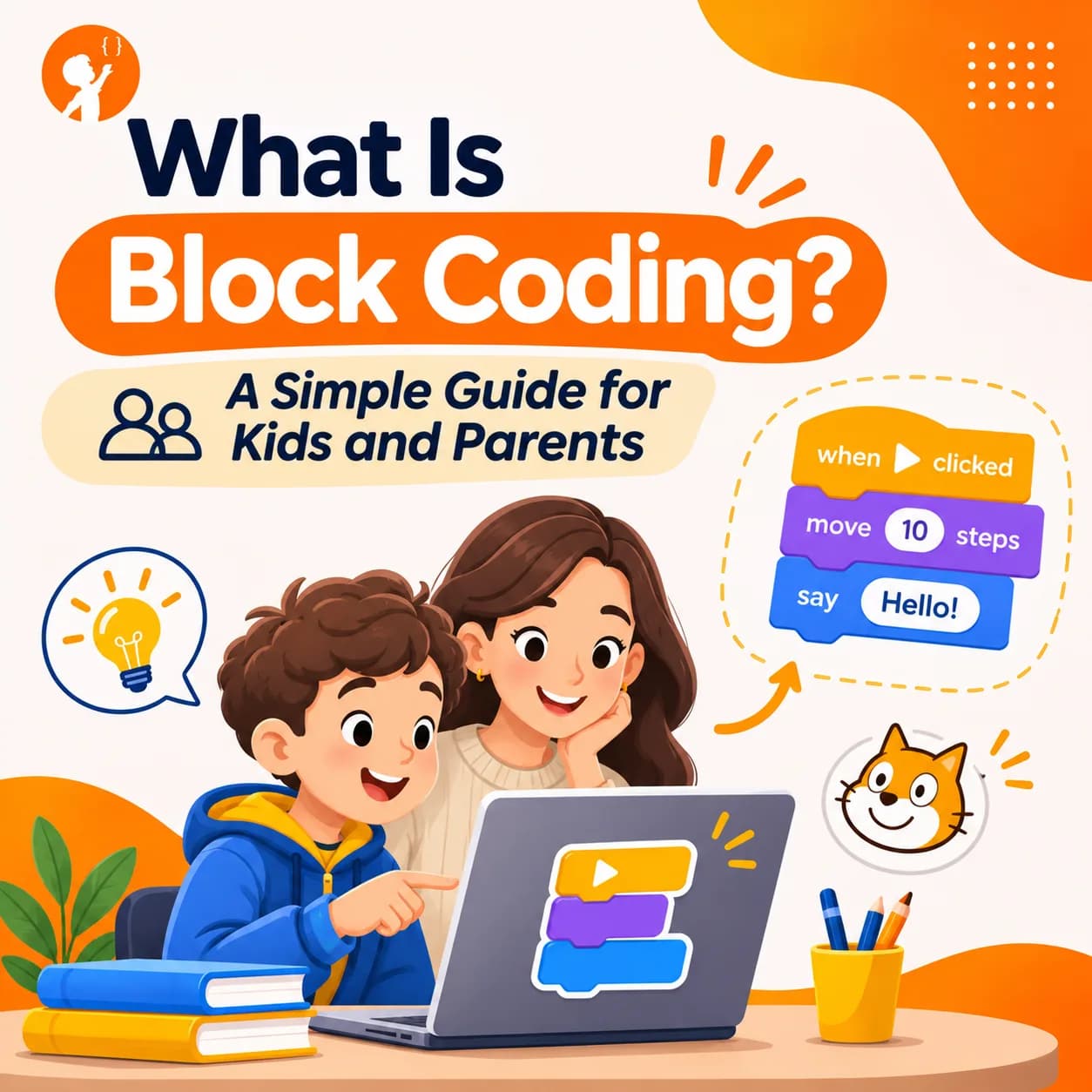
Most children who learn to code today start by snapping colourful pieces together on a screen. That is block coding, and it is one of the easiest and most fun ways to learn how computers think.
This guide explains what block coding is, how it works, the best block coding websites and apps, what kids can build with it, and when it is time to move on to typed code.
What Is Block Coding?
Block coding is a way of programming where you drag and drop pieces that look like puzzle pieces, instead of typing lines of code. Each block is one instruction, such as "move 10 steps", "repeat 5 times" or "if touching the edge, bounce". You join blocks together to make a program, and the shapes only fit together in ways that make sense.
Block based coding is also called block programming or visual programming. Under the hood, it uses the same ideas as typed languages like Python and JavaScript: order of steps, loops, decisions, variables and events. The difference is that children don't have to worry about spelling or punctuation, so they can focus on the logic.
| Block coding | Text coding | |
|---|---|---|
| How you write it | Drag and drop blocks | Type every word and symbol |
| Spelling mistakes | Not possible | Common, and they stop the program |
| Best starting age | About 5 to 7 with picture blocks, 8 and up with Scratch | About 10 to 12 and up |
| Main focus | Logic and ideas | Logic plus exact syntax |
| Examples | Scratch, ScratchJr, Blockly, Code.org | Python, JavaScript, C++ |
Best Block Coding Websites and Apps for Kids
These are well-known, trusted places to start. Most are free and run in a web browser.
1. Scratch
Scratch is the most popular block coding platform for kids. It was created at the MIT Media Lab and is now run by the non-profit Scratch Foundation. It is free and designed especially for ages 8 to 16. Children make games, animations and stories, and can share them with a huge online community.
What Your Child Will Learn
- How events start a program, such as "when the green flag is clicked"
- Loops, variables and if-then decisions
- Designing and building their own games and animations
- Planning a project and fixing bugs
- Sharing work and getting ideas from a creative community
Best for: ages 8 to 16 who want to make their own games. Our Scratch classes build on it step by step.
2. ScratchJr
ScratchJr is a free tablet app for ages 5 to 7. The blocks use pictures instead of words, so children who are still learning to read can make characters move, jump and talk.
What Your Child Will Learn
- Putting steps in the right order (sequencing)
- Simple loops and cause and effect
- Telling stories with characters, scenes and sounds
- Basic problem solving before they can read well
Best for: young children's very first steps in coding.
3. Blockly Games
Blockly Games is a free set of puzzle games built with Blockly, Google's open-source block coding library. Kids guide a character through a maze, draw with a turtle and solve logic puzzles. The later levels show the matching JavaScript code, which makes it a nice bridge to text coding.
What Your Child Will Learn
- Logical problem solving through puzzles
- Loops and conditions to guide a character
- Step-by-step debugging when a solution fails
- Reading real JavaScript, as a bridge to text coding
Best for: puzzle lovers, and kids getting ready for typed code.
4. Code.org
Code.org offers free courses and short activities using blocks, often with popular characters. Many schools use it in class.
What Your Child Will Learn
- Core coding ideas in short, guided lessons
- Sequencing, loops and events
- Early computer science concepts used in schools
- Building small projects with familiar characters
Best for: short guided lessons and school-style courses.
5. MIT App Inventor
MIT App Inventor lets older kids build real Android phone apps using blocks. It is a great next step for children who have mastered Scratch.
What Your Child Will Learn
- Designing app screens and layouts
- Handling buttons, taps and user input
- Storing and using data inside an app
- Thinking like an app maker who solves real problems
Best for: ages 11 and up who want to make apps.
6. Robots and the micro:bit
Many robot kits and small boards, such as the BBC micro:bit, can be programmed with blocks. Kids see their code move a real object, which makes ideas like loops and sensors easy to understand. Our guide to robot kits for kids covers good options.
What Your Child Will Learn
- Using sensors and inputs, like light, sound or buttons
- Controlling movement and lights with code
- Testing ideas in the real world and improving them
- Basic electronics and how machines respond
Best for: hands-on children who like building.
How Does Block Coding Work?
Most block coding tools use the same kinds of blocks, often shown in different colours.
- Event blocks start a program, such as "when the green flag is clicked" or "when a key is pressed".
- Motion and look blocks move characters, change costumes and show speech bubbles.
- Control blocks include loops ("repeat 10", "forever") and waits.
- Decision blocks ask questions, such as "if touching the enemy, then lose a life".
- Variable blocks store information, such as a score, lives or a timer.
- Operator blocks do maths and compare values, such as "score > 10".
A simple game might say: when the flag is clicked, set score to 0, then forever, if the cat touches a coin, add 1 to score. That is a real program with an event, a variable, a loop and a decision.
What Can Kids Build With Block Coding?
More than most parents expect. With Scratch alone, children can build:
- Platform, maze and racing games, like our guide to making a game on Scratch
- Animated stories and cartoons, like in how to make an animation in Scratch
- Quizzes and maths games
- Music and art projects
- Simulations, such as a solar system or a weather model
- Simple AI projects that react to the camera or sound
Why Is Block Coding Good for Kids?
- No typing barrier. Young children can code before they type quickly or spell well.
- Instant results. Kids see their character move straight away, which keeps them motivated.
- Fewer frustrating errors. Blocks only fit in sensible ways, so children spend time on ideas, not commas.
- Real computer science. Loops, variables and logic work the same way in every programming language.
- Creativity. Children make their own games and stories, not just copy examples.
Does Block Coding Have Limits?
Yes. Big programs can become messy with hundreds of blocks, and some advanced ideas are harder to show with blocks. Professional software is written in text languages. That is why block coding is a starting point, not the end goal. Children who stay with blocks too long can get bored, while children who skip blocks too early often get stuck on typing mistakes.
When Should Kids Move From Blocks to Text Coding?
Most children are ready to move on when they can plan a game on their own, use variables and loops comfortably, and type with some speed. That is often around age 10 to 12. Python is usually the best next step because its code reads almost like English. Our guide on how to start with Python explains how to begin.
Block Coding at Junior Coderz
At Junior Coderz, young learners start with block coding in live online classes with real engineers. Children aged 6 to 7 begin with the Tiny Techies program, then move on to Scratch, where they build their own games and animations. When they are ready, we guide them to Python, so the move from blocks to text code feels natural instead of scary.
Let Your Child Build Their First Game With Blocks
Block coding is the perfect first step, and it's even more fun with a real teacher. In a free trial class, your child builds a small game of their own and learns the ideas behind it. You'll also get advice on whether to start with blocks or move straight to Python.
- No Experience Needed
- Live Online Classes
- Ages 6 to 16
Snap the First Block Together
Block coding takes away the scary parts of programming and leaves the fun part: making ideas come alive. Let your child try a few blocks on Scratch this week and see what they create. To see what young creators are building, visit Junior Coderz or follow us on Instagram.
FAQs
What is block coding in simple words?
Block coding is programming by dragging and joining picture-like blocks instead of typing code. Each block is one instruction.
Is block coding real coding?
Yes. It uses the same ideas as typed languages, such as loops, variables and decisions. Only the way you write it is different.
What age is block coding for?
Picture-based tools like ScratchJr suit ages 5 to 7, and Scratch is designed for ages 8 to 16.
What are the best block coding websites?
Scratch, ScratchJr, Blockly Games, Code.org and MIT App Inventor are trusted, free places to start.
Is Scratch block coding free?
Yes. Scratch is free to use online, and ScratchJr is a free app.
Should my child learn block coding or Python first?
Most children under 10 do best starting with blocks. Older children who type well can often start with Python.