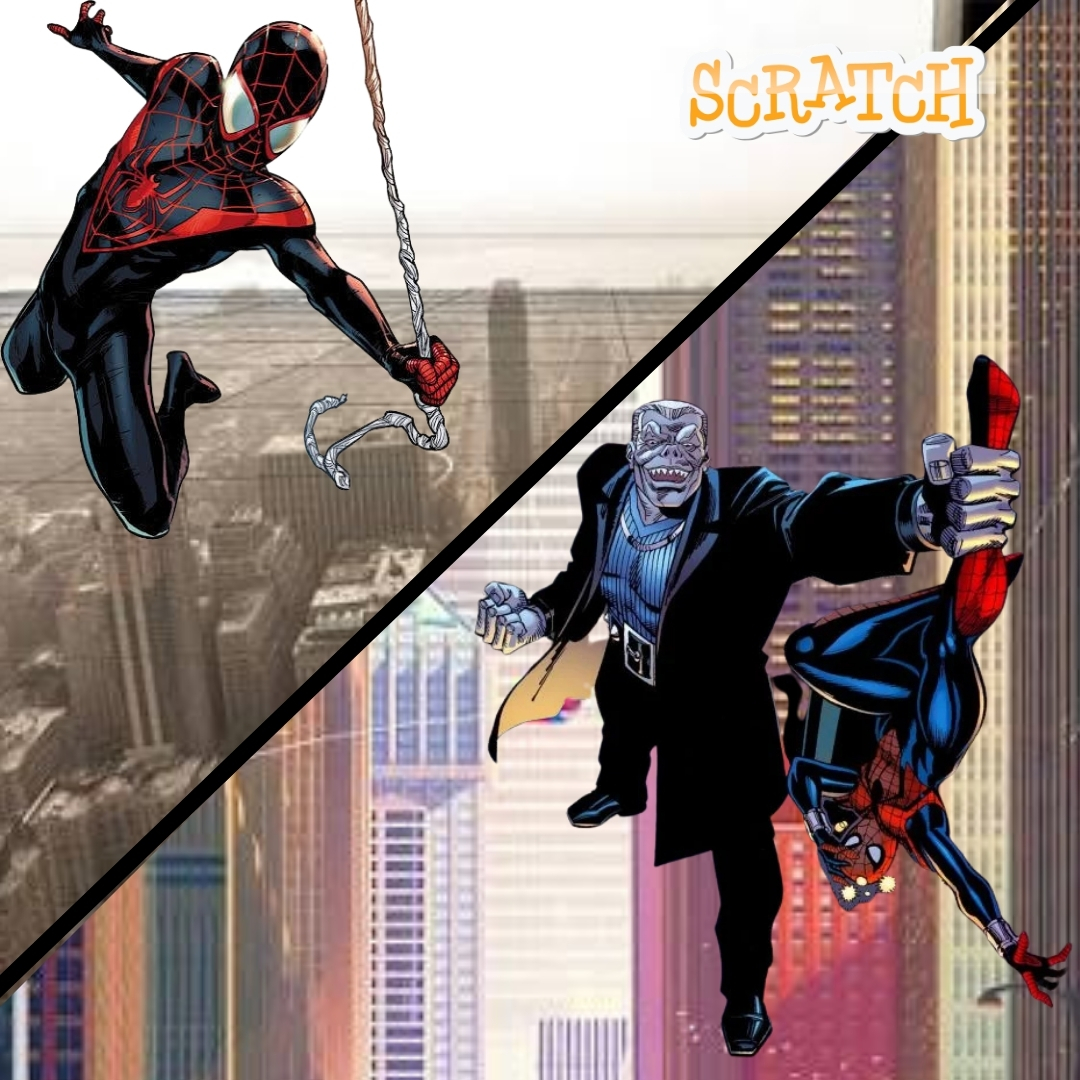

Can you leap from a rooftop, fire a web, and release it at exactly the right moment without crashing into a water tower? While fans search for clues about the spider man brand new day villain, young coders can create their own mystery enemy and build an original web-swinging adventure in Scratch. This fun coding project mixes superhero storytelling with gravity, momentum, mouse controls, collision detection, scoring, and animated costumes.
The project is exciting for kids, but it also gives parents and educators a clear example of meaningful screen time. Players are not simply controlling a hero. They are learning how a game remembers speed, responds to input, checks distances, and turns maths into motion. Open Scratch, prepare your web shooters, and get ready to swing through Code City.
Plan the spider man brand new day villain Web-Swinging Mission
Start with a simple goal: swing across five rooftops, collect three glowing web tokens, avoid drones, and reach the final signal tower. Sketch the route before coding. Mark tall buildings for web anchors, shorter rooftops for landing zones, and one safe checkpoint halfway through the level. A plan keeps the project organized and helps children understand that good games are designed before they are programmed.
| Game Element | Scratch Tool | What It Does |
|---|---|---|
| Hero sprite | Motion and costumes | Runs, jumps, swings, and lands |
| Web anchor | Mouse position and distance | Pulls the hero toward a rooftop point |
| City hazards | Clones and sensing | Create drones, signs, and moving obstacles |
| Mission score | Variables | Tracks tokens, lives, and completion time |
Children who are new to Scratch can begin with this beginner game-building guide. It explains sprites, backdrops, goals, and basic logic before the swinging system becomes more advanced.
The spider man brand new day villain Mystery: The Glitch Weaver
Code City is preparing for its biggest science fair when every screen suddenly flashes purple. Traffic lights spin wildly, delivery drones fly backward, and digital webs lock the city’s bridges. A mysterious hacker calling herself the Glitch Weaver has stolen the Quantum Thread, a tiny device that can rewrite the movement of any machine.
You play as Web Kid, a young rooftop hero with homemade web shooters and a fearless sense of humor. The Glitch Weaver has hidden three signal bugs across the skyline. Collect all three, follow their electronic trail, and swing to the tower before its countdown reaches zero. Miss a rooftop and you lose precious time. Reach the tower, stop the upload, and save the science fair.
This original story gives kids room to invent costumes, gadgets, jokes, and new missions without copying an official movie plot. Young writers can also explore interactive storytelling in Scratch to add dialogue choices and alternate endings.
Design Sprites for the spider man brand new day villain Challenge
Create four hero costumes: standing, jumping, swinging left, and swinging right. Switching costumes makes the movement feel alive even when the code stays simple. Add a small web-anchor sprite that follows the mouse. It can remain hidden during normal movement and appear when the player holds the space bar.
For the city, draw a wide cream sky and dark rooftop silhouettes. Use orange windows and peach signs to match the Junior Coderz palette. Create separate drone, token, checkpoint, and tower sprites. Keep each object visually different so younger players instantly understand what is safe, collectible, or dangerous. The Junior Coderz guide to animation in Scratch is useful for creating smooth hero costumes.
Code Gravity for the spider man brand new day villain Chase
Create variables named X Speed, Y Speed, On Ground, and Swinging. X Speed controls sideways motion. Y Speed controls falling and rising. Gravity decreases Y Speed every loop, while a jump gives it a positive value. This is the same kind of logic used in platform games.
The multiplication block adds gentle friction so the hero does not slide forever. Learners who enjoy this section can continue with gravity, motion, and bouncing in Scratch or try a complete Scratch platformer tutorial.
Build Web Swinging for the spider man brand new day villain Game
The web should pull the hero toward the mouse rather than teleporting the sprite. When the player holds space, point toward the mouse, calculate the distance, and add a small amount of movement in that direction. The player releases space to keep the momentum and fly forward.
If the pull feels too strong, change 45 to a larger number. If it feels weak, use a smaller number. This encourages experimentation because children can immediately feel how one number changes the whole game. Add a pen line or a thin web sprite between the hero and anchor to make the connection visible.
Add Hazards for the spider man brand new day villain Mission
Make drone clones fly from the right side of the stage at random heights. If a drone touches the hero, reduce Lives by one and send the player to the latest checkpoint. Tokens can add points, while signal bugs unlock the final tower. Use broadcasts such as Mission Complete, Hero Hit, and Checkpoint Saved so sprites react together.
Give the player three lives and show a friendly hint after each fall. Avoid harsh punishment because beginner coding games feel better when players can quickly try again. For more enemy movement ideas, explore Junior Coderz’s Scratch fighting game guide.
Test the spider man brand new day villain Adventure
Ask another player to test the game without explaining the controls. Watch whether they understand where to click, when to release the web, and which rooftop is safe. If players keep falling at the same place, move the anchor closer or reduce gravity. Testing is not proof that the game is bad. It is how developers discover what the game needs.
Add whooshing sounds, a moving city backdrop, a timer, and a final comic-style victory panel. A hidden shortcut can reward skilled players, while a practice mode can slow gravity for beginners. Puzzle fans may enjoy adding locked rooftop doors inspired by Scratch puzzle games.
What Young Coders Learn from the Web-Swinging Project
This game combines art, storytelling, maths, and programming. Variables store movement and lives. Loops keep gravity running. Conditions decide when the hero lands or takes damage. Coordinates connect the hero to the mouse, while broadcasts organize events across several sprites.
| Coding Skill | How It Appears in the Game |
|---|---|
| Variables | Store speed, energy, lives, score, and mission time |
| Conditions | Check keys, rooftops, drones, and collectibles |
| Coordinates | Measure the direction between hero and web anchor |
| Debugging | Improve swinging strength, collisions, and level fairness |
Start Building Superhero Games with Junior Coderz
One exciting project can open the door to a much bigger coding journey. Junior Coderz helps students create games, improve problem-solving skills, test original ideas, and enjoy programming through friendly live guidance. Children can book coding classes, join practical Scratch workshops, and learn at a pace that builds confidence.
Explore the Scratch Coding for Kids program, discover smart technology in the AI Hybrid Course, or prepare for more advanced challenges through Algorithm Avengers. See class ideas and student creations on Instagram and Facebook.
Book Your Free TrialConclusion
A web-swinging game turns an exciting superhero idea into a complete Scratch programming lesson. Kids plan a mission, animate a hero, create gravity, calculate a web pull, preserve momentum, add hazards, and test every rooftop. They also learn that creative coding is not about getting everything right on the first attempt. It is about changing values, spotting problems, and improving the experience one block at a time.
Begin with one rooftop and one web anchor, then expand Code City with secret missions, new gadgets, weather effects, and original villains. Junior Coderz can help young creators turn those ideas into polished projects through supportive classes and structured learning. Follow Junior Coderz on LinkedIn for coding updates and inspiration.
FAQs
Is this web-swinging game suitable for Scratch beginners?
Yes. Beginners can start with jumping and simple mouse pulling. Momentum, energy limits, drones, and checkpoints can be added after the basic movement works.
How long does the project take to complete?
A basic version may take two or three focused sessions. A polished game with several levels, animated enemies, sounds, and story scenes can be developed over a longer creative project.
Why does the hero fly too quickly when swinging?
The web pull may be too strong. Divide the distance by a larger number, reduce X Speed and Y Speed slightly, or add a maximum speed condition to keep movement controllable.
Can children use an original superhero instead?
Absolutely. Creating an original hero, costume, city, and villain makes the project more creative. Kids can invent unique powers while keeping the same movement and web-swinging code.
What should young coders build after this game?
They can add boss battles, rescue missions, a scrolling city, collectible suits, or dialogue choices. They can also move to more advanced Scratch projects or begin learning text-based programming with guidance.