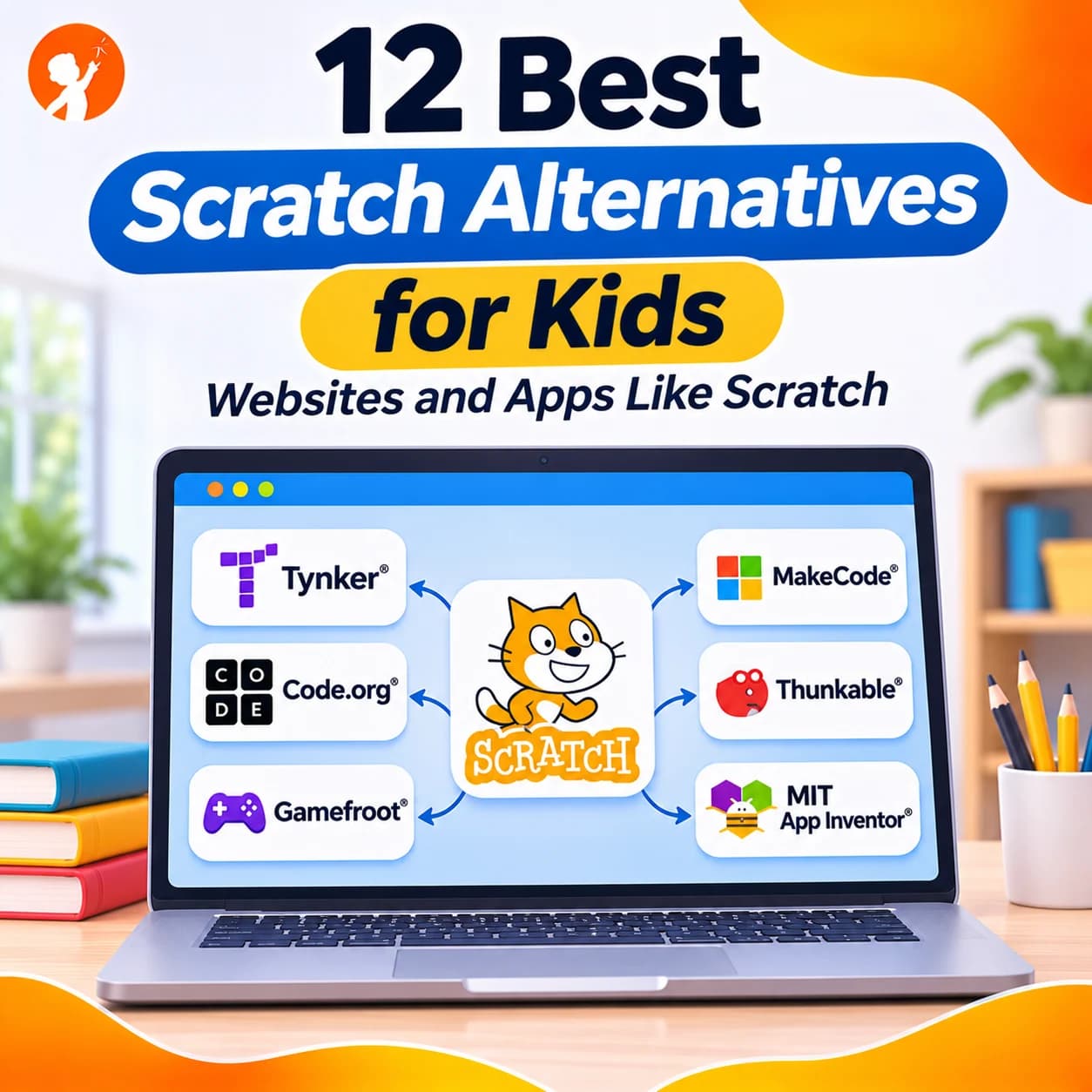
Scratch is the most popular coding platform for kids in the world, but it isn't the only one. Some children are too young for it, some have outgrown it, and some want to make phone apps, 3D worlds or Roblox games instead. That is where Scratch alternatives come in: other coding websites and apps that teach the same skills in new ways.
This guide lists 12 of the best websites like Scratch and apps like Scratch, sorted by age, with what each one is best for, what it costs and how to pick the right one for your child.
Why Look for a Scratch Alternative?
Scratch is a brilliant place to start, and it is free. But children are different, and families often look for another option for one of these reasons: the child is under 7 and finds Scratch too complex; they have mastered Scratch and want a bigger challenge; they want to make a specific thing, like a mobile app or a 3D game; or they are ready to move from blocks to real text code. The good news is that every platform below builds on the same ideas, so nothing your child learned in Scratch is wasted.
| Your child wants to... | Try this alternative |
|---|---|
| Start coding at age 5 to 7 | ScratchJr |
| Solve guided coding puzzles | Code.org, Blockly Games |
| Build more advanced block projects | Snap!, TurboWarp |
| Make retro arcade games | Microsoft MakeCode Arcade |
| Create phone apps | MIT App Inventor |
| Make 3D worlds and games | Alice, Roblox Studio |
| Move on to real code | Python |
12 Best Scratch Alternatives for Kids
The list goes roughly from the youngest coders to the oldest.
1. ScratchJr
The little sibling of Scratch, made for young children. Kids snap picture blocks together to make characters move, jump, talk and dance, with no reading needed.
Best for: ages 5 to 7. Price: free app for tablets. Why try it: the gentlest possible start to coding.
2. Code.org
Free guided courses and games starring Minecraft, Star Wars and Frozen characters, plus Sprite Lab for making your own stories and games. See our list of the best Code.org games.
Best for: ages 4 to 14. Price: free. Why try it: step-by-step puzzles that teach the basics clearly.
3. Blockly Games
A set of short puzzle games, from mazes to drawing with a turtle, built with the same Blockly technology behind many block coders. The last levels gently introduce JavaScript.
Best for: ages 8 to 12. Price: free in the browser. Why try it: a smooth bridge from blocks to typed code.
4. Tynker
A coding platform with block-based courses, game-making tools and Minecraft modding, which later moves children on to Python and JavaScript.
Best for: ages 7 to 14. Price: some free activities; full courses need a paid plan. Why try it: a structured path with lots of themed lessons.
5. Hopscotch
An iPad and iPhone app where children code games and art with blocks and share them with a community, a lot like Scratch on a tablet.
Best for: ages 8 to 13. Price: free to start, with a paid subscription for more features. Why try it: great for kids who mainly use an iPad.
6. Snap!
Made at the University of California, Berkeley, Snap! looks like Scratch but goes much further: children can build their own custom blocks and explore advanced computer science ideas.
Best for: ages 11 and up. Price: free in the browser. Why try it: the best choice for Scratch experts who want more power.
7. TurboWarp
A faster version of the Scratch editor that runs projects much more smoothly and adds extra tools, while opening normal Scratch projects.
Best for: ages 10 and up. Price: free. Why try it: keeps everything familiar while removing Scratch's speed limits.
8. Microsoft MakeCode Arcade
A free tool for making retro-style video games with blocks. With one click, children can switch the same game to JavaScript or Python and see the real code behind their blocks.
Best for: ages 9 to 15. Price: free in the browser. Why try it: one of the best games like Scratch for kids who love making games.
9. MIT App Inventor
From the same university that created Scratch, App Inventor lets children design real phone apps with blocks and test them on an Android phone or iPhone.
Best for: ages 10 to 16. Price: free. Why try it: a real app on your own phone is hugely motivating.
10. Alice
Created at Carnegie Mellon University, Alice lets students build 3D animated stories and simple games by dragging code tiles, and see how objects move in 3D space.
Best for: ages 10 to 16. Price: free download. Why try it: a gentle way into 3D and object-based programming.
11. Roblox Studio
For children who love Roblox, Roblox Studio is where they build their own worlds and games, coding them with a text language called Lua. Learn more in our guide on how to make a Roblox game.
Best for: ages 10 and up, with parent supervision. Price: free. Why try it: real text coding inside a game they already love.
12. Python
Python isn't a block platform, but it is the most common next step after Scratch. Its clean, readable code makes it the easiest real programming language, and it is used for games, apps and AI.
Best for: ages 10 and up. Price: free. Why try it: it opens the door to real-world coding. Start with our guide to Python for kids.
Scratch Alternatives Compared
| Platform | Ages | Coding style | Device | Cost |
|---|---|---|---|---|
| ScratchJr | 5 to 7 | Picture blocks | Tablet | Free |
| Code.org | 4 to 14 | Blocks | Browser | Free |
| Blockly Games | 8 to 12 | Blocks to JavaScript | Browser | Free |
| Tynker | 7 to 14 | Blocks to Python | Browser, tablet | Free and paid |
| Hopscotch | 8 to 13 | Blocks | iPad, iPhone | Free and paid |
| Snap! | 11+ | Advanced blocks | Browser | Free |
| TurboWarp | 10+ | Scratch blocks | Browser, desktop | Free |
| MakeCode Arcade | 9 to 15 | Blocks, JavaScript, Python | Browser | Free |
| MIT App Inventor | 10 to 16 | Blocks | Browser and phone | Free |
| Alice | 10 to 16 | Code tiles, 3D | Desktop | Free |
| Roblox Studio | 10+ | Lua text code | Desktop | Free |
| Python | 10+ | Text code | Any computer | Free |
How to Choose the Right Coding Website Like Scratch
- Start with age. Under 7, choose ScratchJr or Code.org. From 8 to 10, Scratch itself is usually still the best fit.
- Follow their interests. Game lovers enjoy MakeCode Arcade and Roblox Studio, while builders and designers love App Inventor.
- Check the device. Some tools work only on tablets, others only on computers.
- Look for a next step. Platforms that show real code, like Blockly Games or MakeCode, make the move to text coding easier.
- Think about safety. For sites with sharing and chat, check privacy settings and talk with your child about staying safe online.
Still deciding between languages? Our guide to the best coding languages for kids explains which ones suit each age, and what block coding is explains why blocks are such a good start.
Should Kids Stop Using Scratch?
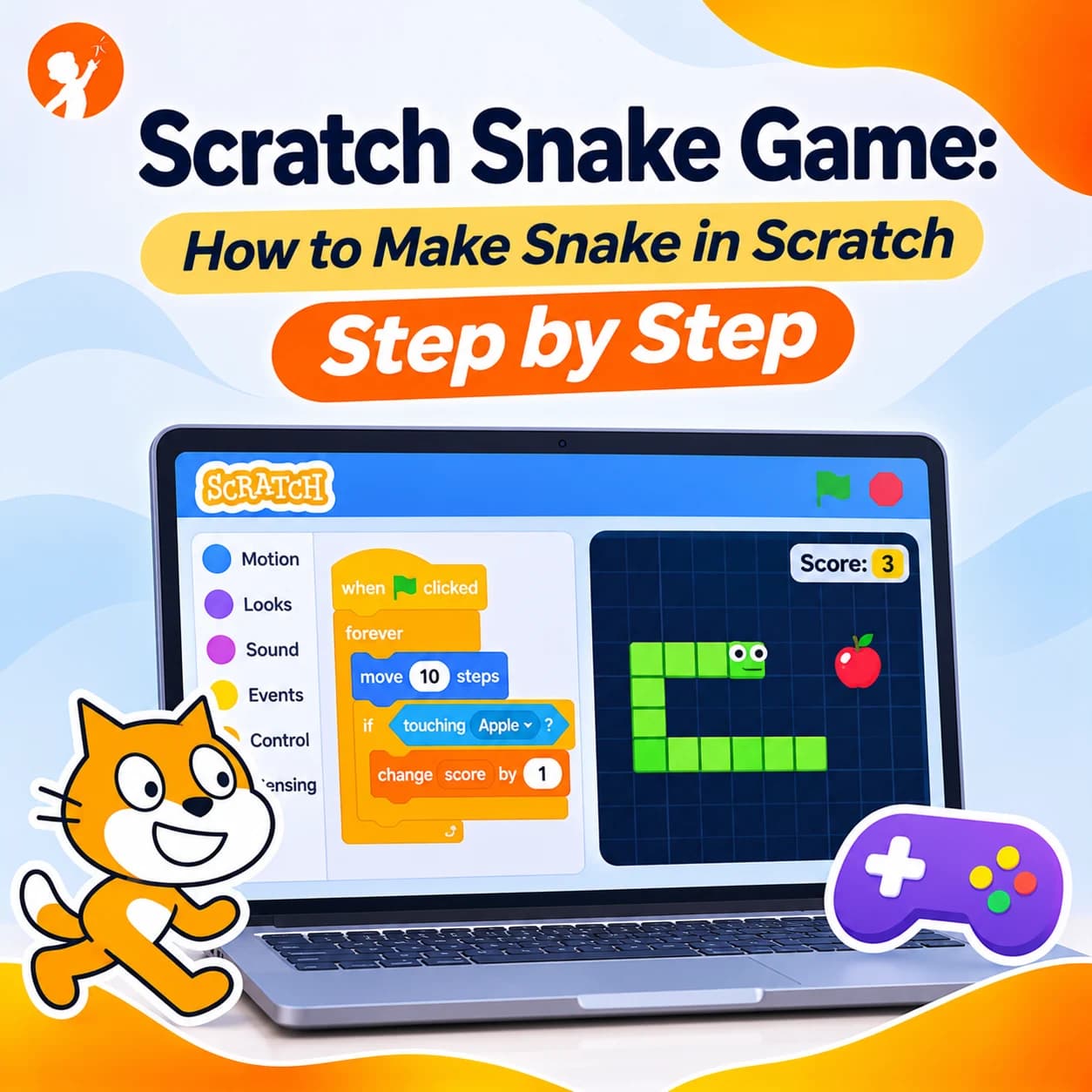
Not necessarily. Many of these coding websites like Scratch work best alongside it, not instead of it. A child can keep building games in Scratch while trying App Inventor for phone apps or MakeCode for arcade games. Scratch is also powerful enough for big projects: browse our Scratch game ideas or follow the Scratch snake game tutorial for a challenge. The real sign it is time to move on is when your child keeps saying "I wish I could do more", and that usually means they are ready for Python.
From Scratch to Real Code With Junior Coderz
At Junior Coderz, we guide children along the whole path, so you don't have to work out which platform comes next. Young beginners start with block coding and Scratch, then move on to Python, app development, game development and AI as they grow. Every class is live online with an engineer instructor, who picks the right tools for your child's age and level. See every option on our courses page.
Not Sure What Comes After Scratch?
Book a free trial class and let one of our engineer instructors check your child's level. In a live, hands-on lesson, they will try a project at the right difficulty, and you will get honest advice on whether to stay with Scratch or move on to Python, apps or game development. There is no pressure and nothing to install.
- Personal Level Check
- Engineer Instructors
- Ages 6 to 16
The Right Tool for Every Young Coder
There is no single best Scratch alternative, only the best one for your child right now. ScratchJr suits the youngest, Code.org and Blockly Games teach through puzzles, MakeCode and App Inventor let kids build real games and apps, and Python opens the door to professional coding. Try one or two free options together and see what sparks their interest. To see what young coders are building, visit Junior Coderz or follow us on Instagram.
FAQs
What is the best alternative to Scratch?
It depends on age. ScratchJr is best for ages 5 to 7, MakeCode Arcade and Snap! suit older Scratch users, and Python is the best next step for real coding.
Are there free websites like Scratch?
Yes. Code.org, Blockly Games, Snap!, TurboWarp, MakeCode Arcade, MIT App Inventor and Alice are all free.
What are good apps like Scratch for tablets?
ScratchJr is the best free tablet app for young children, and Hopscotch is a popular choice for older kids on an iPad.
What should kids learn after Scratch?
Most children move on to Python from around age 10. Children who love the web can learn HTML, CSS and JavaScript.
Is Scratch still good for kids?
Yes. Scratch is free, safe and powerful, and it remains the best starting point for most children aged 8 to 12.
Are there games like Scratch for making video games?
Yes. Microsoft MakeCode Arcade is great for retro games, and Roblox Studio lets older children build and code 3D games.