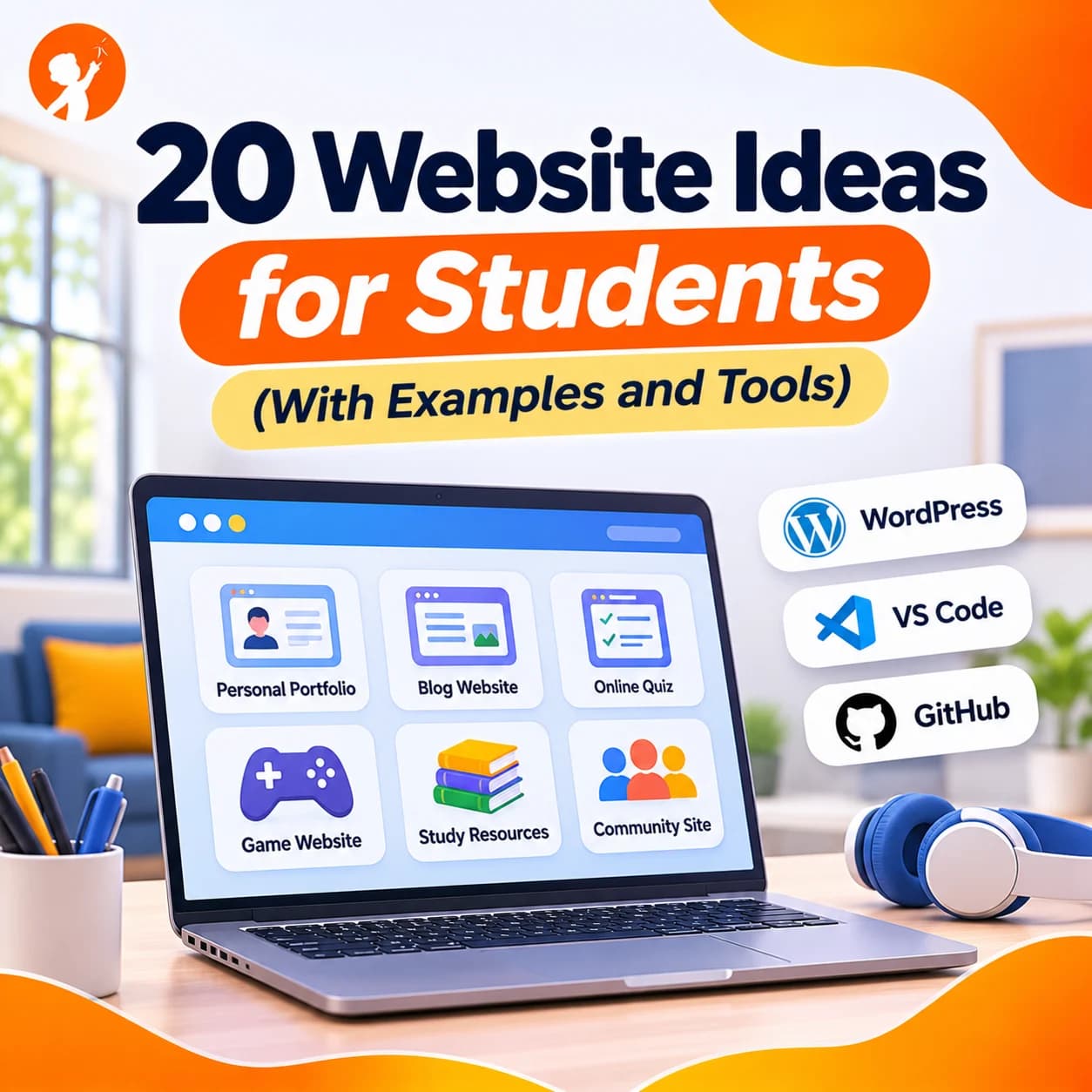
Looking for website ideas that are fun to build and actually useful? Building a website is one of the best projects a student can take on. It mixes coding, design and writing, and at the end you have something real you can share with friends, family and teachers.
Below you'll find 20 website ideas for students, from simple one-page sites to bigger projects, with what each one involves and the skills you will learn. We've also included good website examples to inspire you, and the tools to start with.
Why Should Students Build a Website?
A website is a project you can keep growing for years. Students learn HTML for structure, CSS for style and JavaScript for interaction, plus planning, writing and design. It's also a portfolio: a place to show your art, your coding projects or your school work. And unlike many projects, a website can be visited by anyone in the world.
| Level | What you build with | Good for |
|---|---|---|
| Beginner | Drag-and-drop builders, or simple HTML and CSS | Ages 9 to 12, first websites |
| Intermediate | HTML, CSS and a little JavaScript | Students who have built one or two pages |
| Advanced | JavaScript, APIs and data | Teens ready for interactive web apps |
20 Website Ideas for Students
Choose an idea you really care about. You'll spend hours on it, so a topic you love keeps you going.
1. Personal Portfolio (Beginner)
A home on the web for you: an "About Me" section, your hobbies, your best projects and a way to contact you (through a parent).
You'll learn: page layout, headings, images and links. This is the classic first website, and personal website examples are easy to find for inspiration.
2. Hobby or Fan Site (Beginner)
A site about something you love: football, a favourite book series, dinosaurs, space or cooking.
You'll learn: organising content into pages and writing for readers.
3. Digital Art Gallery (Beginner)
Show your drawings, photos or pixel art in a neat gallery with titles and short descriptions.
You'll learn: image grids, captions and simple CSS styling.
4. Class or Club Newsletter (Beginner)
Share news, events and photos from your class, sports team or school club.
You'll learn: writing articles, dates and keeping a site up to date.
5. Family Recipe Book (Beginner)
Collect your family's favourite recipes with ingredients, steps and photos.
You'll learn: lists, consistent page templates and navigation menus.
6. Book or Movie Review Site (Beginner)
Write short reviews with star ratings for books, films or games you've enjoyed.
You'll learn: tables, ratings and reusable page designs.
7. Study Notes Hub (Intermediate)
Turn your notes for maths, science or history into clear pages that help classmates revise.
You'll learn: organising information and linking pages together.
8. Quiz Website (Intermediate)
Create a quiz on any topic that shows a score at the end.
You'll learn: JavaScript basics: variables, buttons and if-statements.
9. To-Do List App (Intermediate)
Add, tick off and delete tasks for homework or chores.
You'll learn: JavaScript events, lists and saving data in the browser.
10. Countdown or Study Timer (Intermediate)
A timer for exams, birthdays or focused study sessions with breaks.
You'll learn: dates, time and updating the page every second.
11. Small Business Website (Intermediate)
Build a site for a real or pretend business: a bake sale, a tutoring service or a family shop.
You'll learn: designing for customers, a services page and a contact form. Our list of business ideas for teens can give you a starting point.
12. Charity or Awareness Site (Intermediate)
Raise awareness for a cause you care about, such as recycling, animal shelters or clean water.
You'll learn: persuasive writing, call-to-action buttons and infographics.
13. Travel Guide to Your City (Intermediate)
Show visitors the best places to eat, play and explore where you live.
You'll learn: embedding maps, photo layouts and mobile-friendly design.
14. Interactive Science Explainer (Intermediate)
Explain the solar system, the water cycle or the human body with clickable diagrams.
You'll learn: JavaScript interaction and clear visual explanations.
15. Weather Dashboard (Advanced)
Show live weather for any city using a free weather API.
You'll learn: fetching data from APIs and displaying it neatly.
16. Browser Game Website (Advanced)
Build a simple game, such as Snake, Memory or Tic-Tac-Toe, that runs right on your web page.
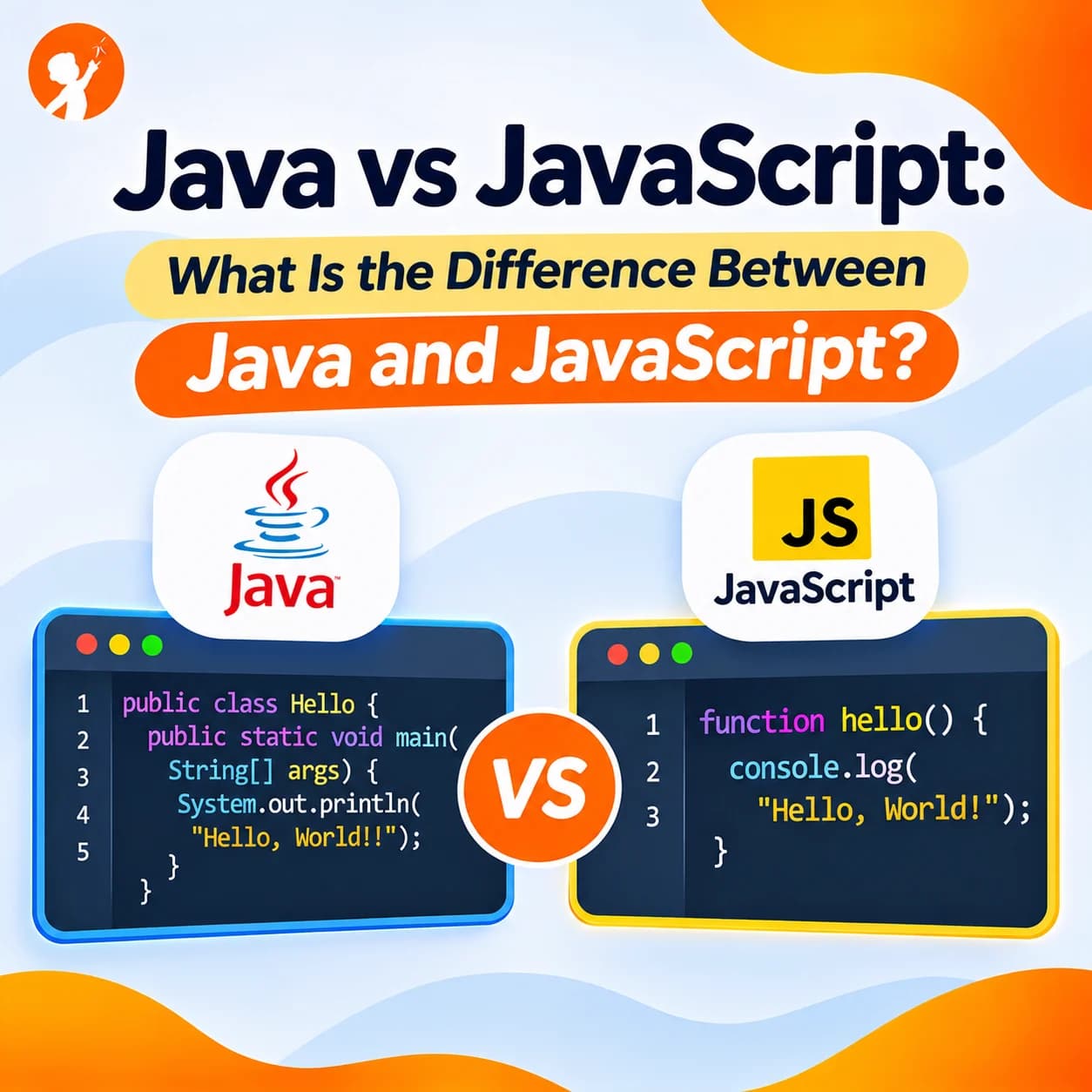
You'll learn: the canvas, game loops and keyboard controls. Not sure about the languages? Read Java vs JavaScript to see why JavaScript is the language of the web.
17. Habit or Reading Tracker (Advanced)
Track reading minutes, water drunk or practice time, with simple charts.
You'll learn: saving data, charts and calculating totals.
18. Flashcard Learning App (Advanced)
Make flashcards for spelling, languages or times tables, with a "show answer" button.
You'll learn: arrays, randomising and card-flip animations.
19. Website With a Simple Chatbot (Advanced)
Add a friendly helper that answers common questions about your site.
You'll learn: matching keywords to answers, and the basics of how chatbots work. See our guide to building a simple AI chatbot for ideas.
20. Online Store Mock-Up (Advanced)
Design a shop with products, prices and a working cart that adds up the total (no real payments).
You'll learn: product pages, JavaScript calculations and user-friendly design.
Website Examples to Inspire You
Before you start, look at good websites and notice what makes them work. When you visit a site, ask yourself:
- Is it easy to find things? Great sites have a clear menu and a simple homepage.
- Does it look good on a phone? Most visitors use mobiles, so pages must fit small screens.
- Is the text easy to read? Good contrast, short paragraphs and clear headings.
- Does it load quickly? Big images slow sites down, so they should be compressed.
- Is there one clear action? Such as "Sign up", "Read more" or "Contact us".
Museum websites, space agency sites and well-designed school websites are great examples of clear, student-friendly design.
Tools Students Can Use to Build a Website
| Tool | Best for | Coding needed? |
|---|---|---|
| Google Sites | Quick school projects | No |
| Wix or similar builders | Good-looking sites fast | No |
| HTML and CSS in a code editor | Learning how websites really work | Yes |
| CodePen or Replit | Trying code online, no installation | Yes |
| GitHub Pages | Putting a coded site online for free | Yes |
Builders are fine for a first site, but writing your own HTML and CSS teaches skills you can use for life. Our tips on making HTML fun for kids and our guide to website creation for kids are great next reads.
Put Your Website Skills to the Test
Want a real reason to build a website? In Code Quest 2026, our online competition for ages 8 to 16, students use coding and AI to create their own digital business over three weeks, from 15 December 2026 to 5 January 2027. Week 2, "Open for Business", is all about building a website that shows the world what the business does. Weekly video guides help at every step, tasks are scaled to each age group, and first prize is a PlayStation 5. Registration closes on 14 December 2026.
Learn Web Development With Junior Coderz
At Junior Coderz, students learn to build real websites in our live online web development classes, taught by trained engineer instructors. They start with HTML and CSS, add JavaScript, and finish projects like portfolios, quiz sites and browser games. Younger children can begin with Scratch, and older students can also explore app development and Python. See all options on our courses page.
Build Your First Real Website With an Engineer
In a free trial class, your child starts building a web page with one of our engineer instructors and sees their code appear live in the browser. You also get honest advice on the right level and course. There is no pressure and nothing to install.
- HTML, CSS and JavaScript
- Engineer Instructors
- Live Online Classes
Your Own Corner of the Internet
Every website on the internet started as one empty page. Pick one idea from this list, build the simplest version, and keep improving it week by week. Before long you'll have a site you're proud to share, and the skills to build almost anything on the web. To see what young coders are creating, visit Junior Coderz or follow us on Instagram.
FAQs
What is a good first website idea for a student?
A personal portfolio or a hobby site is perfect. Both are simple, personal and easy to grow over time.
Can a 10-year-old build a website?
Yes. With a simple builder or basic HTML and CSS, many 10-year-olds build their first pages, especially with a little guidance.
Do I need to know coding to make a website?
Not for a basic site, since builders like Google Sites need no code. But learning HTML and CSS lets you create anything you can imagine.
Is it free to make a website?
Yes. Tools like Google Sites, CodePen and GitHub Pages let students build and share websites for free.
What should a student website include?
A clear homepage, a simple menu, an "About" page, your main content and a way to contact you through a parent or teacher.
How can students keep their websites safe?
Never share your home address, school name, phone number or personal photos without a parent's permission, and use a parent's email for any contact form.