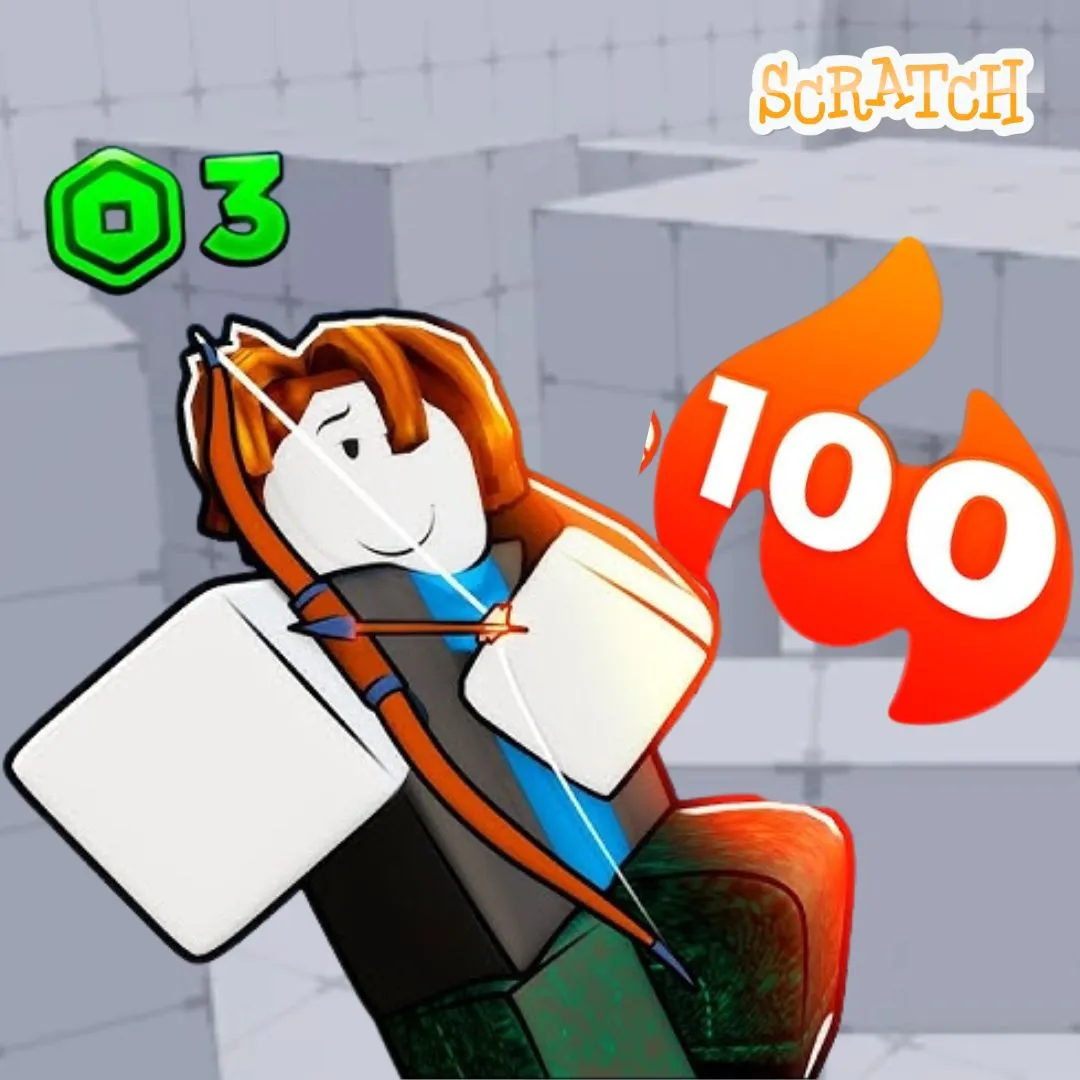

Shooter games are some of the most thrilling games kids play. The fast aiming, the bullet trails, the satisfying hit markers. Now imagine your child building one instead of just playing it. In this tutorial, we are creating a Rivals-style 1v1 Shooter in Scratch with crosshair aiming, bullet projectiles, and real hit detection. This project draws inspiration from the rivals roblox script mechanics that have taken the gaming world by storm. Instead of searching for scripts to copy, your child will learn how to code these systems from scratch. They will understand how crosshairs follow mouse movement, how bullets travel in a direction, and how hit detection actually works under the hood. This is one of the most advanced and rewarding fun coding projects a young programmer can tackle. Every mechanic maps to real programming concepts that professional game developers use daily. Let’s build something epic!
🎯 The Story: The Neon Arena Championship
In the year 2087, the world’s greatest gamers compete in the Neon Arena Championship. Two players enter a holographic arena. Each carries a single energy blaster. The rules are simple: first to land five clean hits wins the round. No hiding, no running. Just pure aim and reflexes.
Your player is Pixel, a rookie coder who discovered that the arena’s systems run on the same logic as Scratch blocks. By understanding the code behind the crosshair, the bullets, and the hit zones, Pixel gained an edge no other competitor had. Now it is your turn to build the arena and write the code that powers every shot.
Why a Rivals Roblox Script Style Shooter Is Perfect for Learning Scratch
Shooter mechanics are among the most educational systems a kid can code. The crosshair teaches coordinate tracking because it must follow the mouse position in real time. Bullet projectiles teach angle calculation, speed, and cloning. Hit detection teaches collision sensing and conditional responses. These three systems together cover almost every foundational concept in Scratch programming. Variables, loops, events, cloning, coordinates, and conditionals all come together in one exciting project.
The rivals roblox script trend has made competitive shooters incredibly popular among young gamers. By building one in Scratch, kids go from consumers to creators. They understand why bullets move the way they do. They see how health bars work from the inside. That deeper understanding transforms how they interact with every game they play. If your child has already built projects like a Stickman Fight Arena or a Dress to Impress Fashion Game, this project is the ideal next step in complexity.
Planning Your Rivals Roblox Script Inspired Shooter: The Game Blueprint
Every great game starts with a plan. Sketch out the key elements before touching Scratch. A 1v1 shooter needs two player sprites, a crosshair, a bullet system, health bars, and a win condition. Player 1 uses the mouse for aiming and clicking to shoot. Player 2 is controlled by AI or by a second player using keyboard keys. The arena is a simple backdrop with cover objects.
| Game Element | Details |
|---|---|
| Player 1 | Mouse-controlled aim, click to shoot |
| Player 2 / AI | Keyboard-controlled or auto-aim bot |
| Crosshair | Follows mouse position, snaps to aim point |
| Bullets | Clone projectiles traveling in aimed direction |
| Hit Detection | Collision check between bullet and opponent |
| Health Bars | Each player starts with 100 HP |
| Win Condition | First player to reduce opponent HP to 0 wins |
This planning phase builds computational thinking. Breaking a complex game into manageable pieces is the same approach real studios use. For more on this mindset, read our post on engineering mindset lessons for kids.
Building the Crosshair System for Your 1v1 Shooter
The crosshair is what makes a shooter feel responsive. In Scratch, creating one is surprisingly simple. Draw a small crosshair sprite: two thin lines forming a plus sign with a dot in the center. Set it to always follow the mouse position. This teaches kids about the coordinate system because the crosshair’s x and y values update every frame to match the mouse.
when green flag clicked
go to [front v] layer
set [ghost v] effect to (20)
forever
go to x: (mouse x) y: (mouse y)
end
The ghost effect at 20 makes the crosshair slightly transparent. This keeps it visible without blocking the action behind it. Placing it on the front layer ensures it always renders above other sprites. This tiny system is the foundation of every aiming mechanic in gaming. Kids immediately see the connection between their mouse movement and on-screen response. Add a color change when the crosshair hovers over the enemy sprite for a “target lock” feel. Use an “if touching Enemy” check that switches the crosshair costume to a red version.
🎯 Pro Tip: Hide the default mouse cursor using “hide” on a small invisible sprite that follows the mouse. This makes the custom crosshair feel like the only pointer on screen. Much more immersive!
Coding Bullet Projectiles: The Core of Every Rivals Roblox Script Mechanic
Bullets are where the real coding magic happens. When the player clicks, a bullet clone spawns at the player’s position. It then travels in the direction of the crosshair. In Scratch, this means pointing the bullet toward the mouse position at the moment of the click, then moving it forward in a straight line until it hits something or leaves the screen. This teaches angle calculation, directional movement, and clone management.
when green flag clicked
hide
when I receive [shoot v]
create clone of [myself v]
when I start as a clone
go to [Player1 v]
point towards [Crosshair v]
show
play sound [laser v]
repeat until <<touching [edge v] ?> or <touching [Player2 v] ?>>
move (15) steps
end
if <touching [Player2 v] ?> then
broadcast [p2Hit v]
end
delete this clone
Each bullet clone starts at Player 1’s position and points toward the crosshair. It moves at 15 steps per frame, which feels fast and snappy. The repeat loop runs until the bullet hits the edge or the opponent. If it touches Player 2, it broadcasts a “p2Hit” message before deleting. This broadcast triggers the health system to reduce Player 2’s HP. The entire system runs independently per bullet, so rapid firing works perfectly. Kids who enjoy projectile mechanics should also check our tutorial on creating enemy AI in Scratch.
Hit Detection and Health Bars in Your Rivals Roblox Script Game
Hit detection is where shots become meaningful. Without it, bullets just fly through targets with no effect. In our game, when a bullet touches Player 2, the “p2Hit” broadcast fires. Player 2’s script listens for this and reduces a “p2Health” variable by 20. A visible health bar sprite shrinks proportionally. When health hits zero, the game broadcasts a win event for Player 1. The same system works in reverse for Player 2 shooting at Player 1.
when I receive [p2Hit v]
change [p2Health v] by (-20)
set [color v] effect to (50)
wait (0.1) seconds
set [color v] effect to (0)
if <(p2Health) < (1)> then
broadcast [p1Wins v]
say [K.O.!] for (2) seconds
end
The color flash on hit creates a satisfying visual feedback. The sprite briefly turns a different color then snaps back. Each hit removes 20 HP, so five clean shots end the round. Create the health bar as a separate sprite. Use “set size to (p2Health) %” to make it shrink as health drops. Place it above Player 2’s head for a classic arcade feel. This system teaches kids about visual data representation. For a deeper dive into how shop and scoring systems work in Scratch, check out that tutorial.
Building an AI Opponent for Your 1v1 Shooter Arena
A shooter needs a worthy opponent. If no second player is available, an AI bot fills the role perfectly. The AI follows a simple pattern: it moves toward the player, pauses to aim, then shoots. Adding randomness makes it feel unpredictable. The AI picks a random wait time before shooting. It also moves to random positions between attacks. This prevents the game from feeling repetitive.
when green flag clicked
set [p2Health v] to (100)
forever
glide (pick random (1) to (2)) secs to x: (pick random (-180) to (180)) y: (pick random (-100) to (100))
wait (pick random (0.5) to (1.5)) seconds
point towards [Player1 v]
broadcast [aiShoot v]
end
The AI glides to a random position, waits a random amount of time, then aims at Player 1 and shoots. The randomized timing makes it feel natural rather than robotic. You can adjust difficulty by changing the wait range. A shorter wait (0.2 to 0.5) creates a harder bot. A longer wait (1.5 to 3.0) creates an easier one. Add a difficulty selector at the start using an “ask” block. This lets players choose their challenge level, which teaches user input handling. Projects with AI opponents prepare kids for advanced work in the AI Hybrid Course at Junior Coderz.
Adding Arena Design and Visual Polish to Your Shooter
A great arena makes the game feel alive. Design a backdrop with a futuristic neon theme. Use dark blues and purples for the background. Add glowing grid lines on the floor. Place rectangular cover objects as sprites that bullets cannot pass through. This adds tactical depth because players must peek around cover to take shots.
Add bullet trail effects by creating a small dot sprite. Each bullet clone stamps a copy of this dot every few frames as it moves. The trail fades out using the ghost effect. This creates a laser-beam visual that looks incredibly cool. Add a muzzle flash by switching the player sprite’s costume briefly when shooting. Include screen shake on hit by rapidly moving the stage offset. Layer in dramatic sound effects: a sharp laser blast for shooting, a metallic clang for hits, and an explosion for K.O. moments. These details transform a basic shooter into something that feels professional. For more creative Scratch projects, browse our best Scratch games collection.
Ammo and Reload Mechanics: Taking Your Rivals Roblox Script Game Further
Unlimited ammo makes shooting mindless. Adding an ammo system forces players to think about each shot. Create a variable called “ammo” starting at 6. Each shot reduces it by 1. When ammo hits zero, the player cannot shoot until they press “R” to reload. Reloading takes 2 seconds, during which the player is vulnerable. This teaches resource management and strategic thinking.
when green flag clicked
set [ammo v] to (6)
set [reloading v] to (0)
when [space v] key pressed
if <<(ammo) > (0)> and <(reloading) = (0)>> then
change [ammo v] by (-1)
broadcast [shoot v]
end
when [r v] key pressed
if <(reloading) = (0)> then
set [reloading v] to (1)
say [Reloading…] for (2) seconds
set [ammo v] to (6)
set [reloading v] to (0)
end
The “reloading” flag prevents the player from shooting or double-reloading during the 2-second window. Display the ammo count on screen so players always know how many shots remain. This small addition dramatically changes how the game feels. Players become more careful and precise. For more on how game mechanics build real skills, explore our post on how coding fits into STEM education.
Cool Extensions for Your Rivals Roblox Script Inspired Shooter
Once the core game works, extensions take it to the next level. Here are five ideas that each teach new concepts.
| Extension Idea | Concept Learned | Difficulty |
|---|---|---|
| Weapon Switching (pistol vs shotgun) | Costume switching, variable presets | Medium |
| Power-Up Drops (speed boost, shield) | Cloning, timers, booleans | Medium |
| Round System (best of 5) | Counters, game state management | Easy |
| Moving Cover Objects | Glide blocks, dynamic obstacles | Medium |
| Kill Streak Effects | Sequential counters, visual rewards | Hard |
A weapon switching system is especially fun. Give the player a pistol (6 shots, fast reload) and a shotgun (2 shots, slow reload, wider spread). Press “1” or “2” to switch. Each weapon changes the bullet speed, ammo count, and spread pattern. This teaches kids about presets and variable grouping. Students ready for advanced game design excel in the Algorithm Avengers program at Junior Coderz.
What Kids Learn by Building a 1v1 Shooter in Scratch
This project is packed with real programming skills. Coordinate tracking powers the crosshair system. Angle calculation drives bullet direction. Cloning creates dynamic projectiles. Collision detection enables hit registration. Variables manage health, ammo, and scores. Broadcasts coordinate events between sprites. Conditionals control game flow and win conditions. These are foundational skills in Scratch coding that transfer directly to Python and JavaScript.
Beyond code, kids develop game design instincts. They learn about pacing, balance, and player feedback. Creative skills grow as they design characters and arenas. Mathematical thinking sharpens through angle and speed calculations. Project management develops as they plan, build, test, and iterate. These skills prepare kids for advanced programming and real-world problem solving. To see how game projects connect to broader learning, read our guide on how to create a video game.
Ready to Help Your Child Build Real Games?
If this 1v1 shooter project sparked your child’s interest, picture what they could create with expert guidance! At Junior Coderz, kids aged 6 to 18 learn Scratch programming, game development, Python, AI, and more through live online classes. Every session is hands-on and led by professional engineers who make coding exciting and unforgettable.
Whether your child is a beginner or already building projects, we have the perfect track. Our AI Hybrid Course dives into machine learning and automation. Our Scratch workshops turn wild ideas into playable games. Book a free trial class and see the magic firsthand! Follow us on Instagram and Facebook for daily inspiration and student spotlights!
🎯 Book Your Free Trial ClassConclusion: From Player to Game Developer
Building a Rivals-style 1v1 Shooter in Scratch is one of the most exciting and educational projects a young coder can tackle. Through this single game, kids master coordinate systems, angle math, cloning, collision detection, variables, and game state management. They write a story, design an arena, balance gameplay mechanics, and polish with sound and visual effects. Most importantly, they create something they are genuinely proud to share.
Understanding the rivals roblox script mechanics from the inside out changes how kids see every game they play. They stop being passive consumers and start being active creators. Whether they continue in Scratch or move to Python and AI, the skills from this project last a lifetime. Open Scratch, draw that crosshair, and fire your first coded bullet. The arena is waiting. If you want expert guidance, Junior Coderz is here at every step. Connect with us on LinkedIn for new courses and student success stories. Ready, aim, code!
FAQs
Kids aged 10 to 14 will enjoy this project most. Younger kids (10 to 11) can build the crosshair and basic bullet system. Older kids (12 to 14) can add AI opponents, ammo mechanics, and weapon switching. Some Scratch experience with variables and cloning is helpful but not required.
Absolutely! The Scratch version uses simple geometric shapes and energy blasters rather than realistic weapons. The focus is entirely on coding mechanics like aiming, projectile physics, and collision detection. It is no different from building a dodgeball or laser tag game. The learning value far outweighs any concerns.
A basic version with crosshair, bullets, and hit detection takes about 2 to 3 hours. Adding the AI opponent, ammo system, health bars, and visual polish could take 5 to 8 hours across multiple sessions. Kids can save progress and build gradually. The project works great spread across a week or two.
Yes! Scratch lets kids publish projects and share a direct link. Friends can play in any web browser without downloading anything. The Scratch community also allows remixing, so other coders can learn from and build on each other’s projects. It is a wonderful way to get feedback and feel proud of their work.
After this project, kids can explore more complex games like time travel adventures or garden simulators. When ready for text-based coding, Python is the natural next step. Junior Coderz offers the AI Hybrid Course and Algorithm Avengers for teens leveling up.