A good coding tutor can turn a child who is "a bit interested in computers" into one who builds their own games, websites and apps. But tutors vary a lot, and the wrong one can make coding feel like extra homework.
This guide explains what a coding tutor for kids actually does, the types of tutoring you can choose from, the qualities that matter most, the questions to ask and the warning signs to watch for.
What Does a Coding Tutor Do?
A coding tutor teaches a child to program, one to one or in a very small group. Unlike a recorded course, a tutor watches your child work, spots where they are stuck and changes the lesson to fit them. A good tutor teaches the big ideas of coding, such as sequences, loops, variables and decisions, through projects your child cares about, and slowly moves them from picture blocks to real text code.
| Child's age | What a tutor usually teaches | Example projects |
|---|---|---|
| 6 to 8 | Block coding, sequences and simple loops | Animated stories, simple Scratch games |
| 9 to 11 | Bigger Scratch projects, first steps in Python | Quizzes, platform games, calculators |
| 12 to 14 | Python, web development and app basics | Websites, chatbots, small apps |
| 15 to 16 | Deeper coding, AI and competitions | AI projects, contest problems, portfolios |
How to Choose the Right Coding Tutor for Kids
Start with the format that suits your family, then judge each tutor on the things that make the biggest difference to how much your child learns.
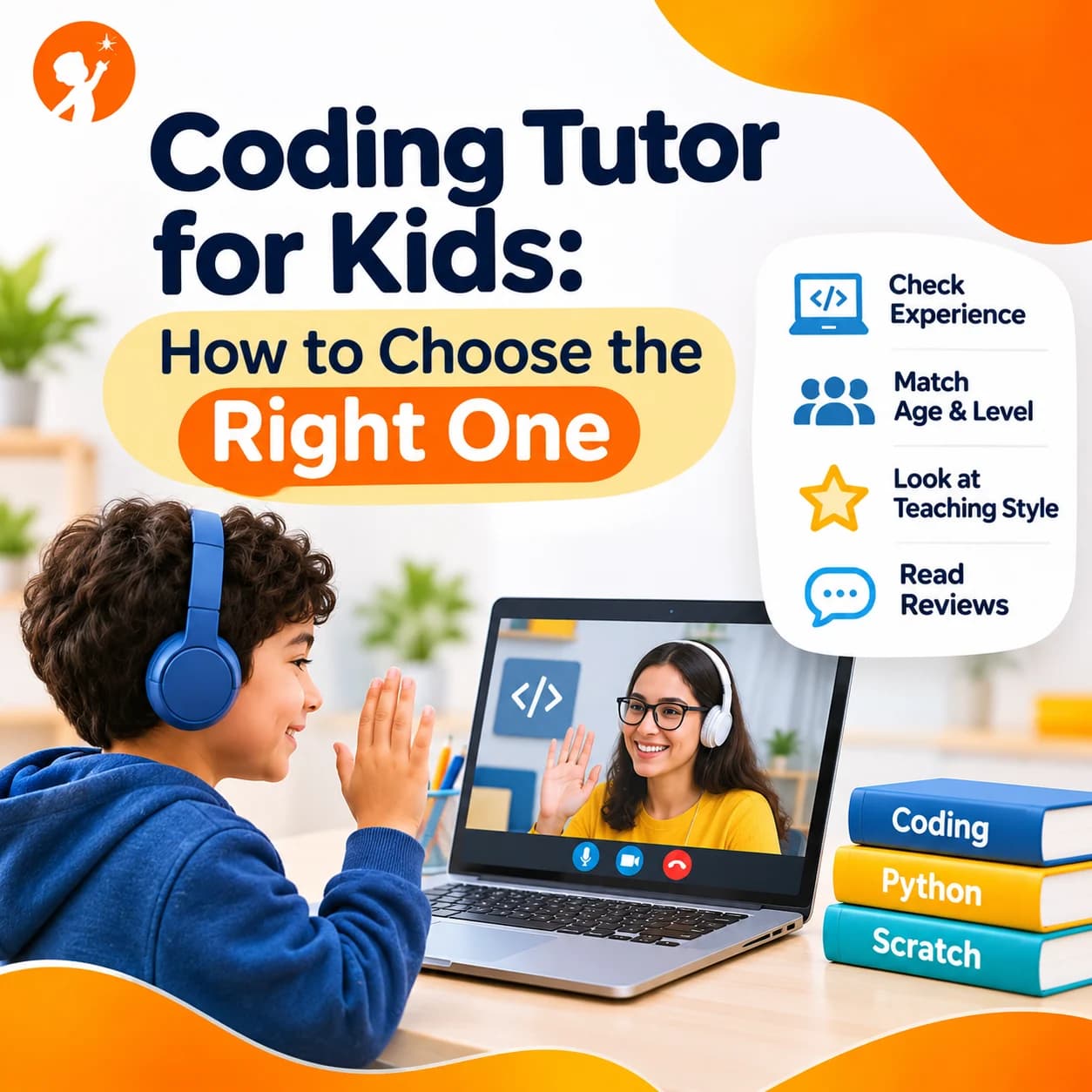
1. Online or In-Person?
In-person tutors are easier to find for younger children who need a lot of attention, but you are limited to who lives nearby. Online tutors can share your child's screen, fix code together in real time and fit around your schedule, and you can choose from far more experienced teachers. For coding, which happens on a screen anyway, live online lessons usually work just as well.
2. One-to-One or Small Group?
One-to-one tutoring moves at your child's exact pace and suits shy children or those with a clear goal, such as a competition. Small groups of three to six children cost less and add teamwork and a bit of friendly competition. Both work well, as long as the group is small enough for the teacher to see everyone's code.
3. Real Coding Experience
Ask about the tutor's background. A tutor with an engineering or computer science background can explain why code works, answer the hard questions and guide your child far beyond the basics.
4. Good With Children
Coding skill is not enough. The best tutors are patient, explain things simply, celebrate small wins and let children make and fix their own mistakes. Watch how the tutor speaks to your child in the first lesson.
5. A Clear Learning Path
A good tutor follows a plan that moves from beginner to advanced, instead of making it up each week. Ask what your child will learn in the first month and what comes after that.
6. Projects, Not Just Theory
Your child should finish real things they can show you: a game, a website, an animation or a small app. Projects keep children motivated and prove they are learning.
7. Regular Progress Updates
You should not have to guess how your child is doing. Look for tutors who share short updates, show you finished projects and tell you honestly what to work on next.
Questions to Ask a Coding Tutor Before You Start
- What is your coding background, and how long have you taught children?
- Which languages and tools will my child use first, and why?
- What will my child have built after four lessons?
- How do you decide when they are ready for the next level?
- How will you keep me updated on their progress?
- What happens if we miss a lesson?
- Can we try a lesson first?
Red Flags to Watch Out For
- Lots of copying. If your child only types code the tutor dictates, they are not learning to think like a programmer.
- No plan. Every lesson feels random, and nobody can say what comes next.
- Too advanced too soon. Jumping straight into hard text code can put young children off for good.
- Big promises. Be careful of anyone who promises a "certified programmer" in a few weeks.
- Your child dreads lessons. Coding should be challenging but fun. If your child is unhappy after a few weeks, talk to the tutor or try someone else.
Coding Tutor, Class or Camp: Which Is Best?
| Option | Best for | Keep in mind |
|---|---|---|
| Private coding tutor | Children who need their own pace or have a clear goal | Usually the highest cost per hour |
| Small live class | Most children, with teamwork and regular practice | Check the group size and the teacher's experience |
| Coding camp | Trying coding during school holidays | Short camps rarely build deep skills on their own |
| Self-paced videos and apps | Extra practice between lessons | No one checks the work, so many children stop when stuck |
For a closer look at the difference, read our guide to coding camps vs tuition classes. If you are still deciding when to start, our guide to the best age to start coding can help.
How Parents Can Help Between Lessons
You don't need to know how to code. Ask your child to show you what they built and explain how it works, because explaining is one of the best ways to learn. Give them a regular time to practise, even 20 minutes a few times a week. Praise effort and problem solving, not only finished projects. And let them get stuck for a little while before you help, since working out a bug on their own is where real learning happens.
Learn With Engineer Tutors at Junior Coderz
At Junior Coderz, every coding tutor is a trained engineer who also knows how to teach children. Classes are live and online, one to one or in small groups, and follow a clear path for ages 6 to 16. Younger children start with Scratch and the Tiny Techies program. Older students move on to Python, web development, game development, AI and even USACO competition training. Every course is built around projects, and parents get regular updates on progress. See every option on our courses page.
Meet Your Child's Coding Tutor
The best way to judge a tutor is to watch a lesson. In a free trial class, your child builds a small project with one of our engineer instructors, and you get honest advice on the right level and course for them. There is no pressure and no long contract.
- One-to-One or Small Group
- Engineer Instructors
- Ages 6 to 16
The Right Teacher Changes Everything
Children don't fall in love with coding because of a language or a laptop. They fall in love with it because someone helped them build something they are proud of. Choose a coding tutor with real skills, a clear plan and patience, try a lesson first, and watch how your child responds. To see what young coders are building, visit Junior Coderz or follow us on Instagram.
FAQs
What age should a child start with a coding tutor?
Many children are ready from about age 6 with block coding. Text coding, such as Python, usually works best from around 10 or 11.
How many lessons a week does my child need?
One or two lessons a week is enough for most children, with a little practice in between. Steady weekly practice matters more than long sessions.
Is an online coding tutor as good as an in-person one?
For coding, often yes. An online tutor can see your child's screen and fix code with them in real time, and you can choose from more experienced teachers.
Which coding language should my child learn first?
Most children start with block coding such as Scratch, then move to Python. A good tutor chooses based on your child's age and interests.
How do I know if a coding tutor is working?
Your child should be finishing projects, explaining how they work and trying new things on their own between lessons.
Do I need to buy special equipment?
Usually not. A computer or laptop with a good internet connection is enough for most coding lessons.