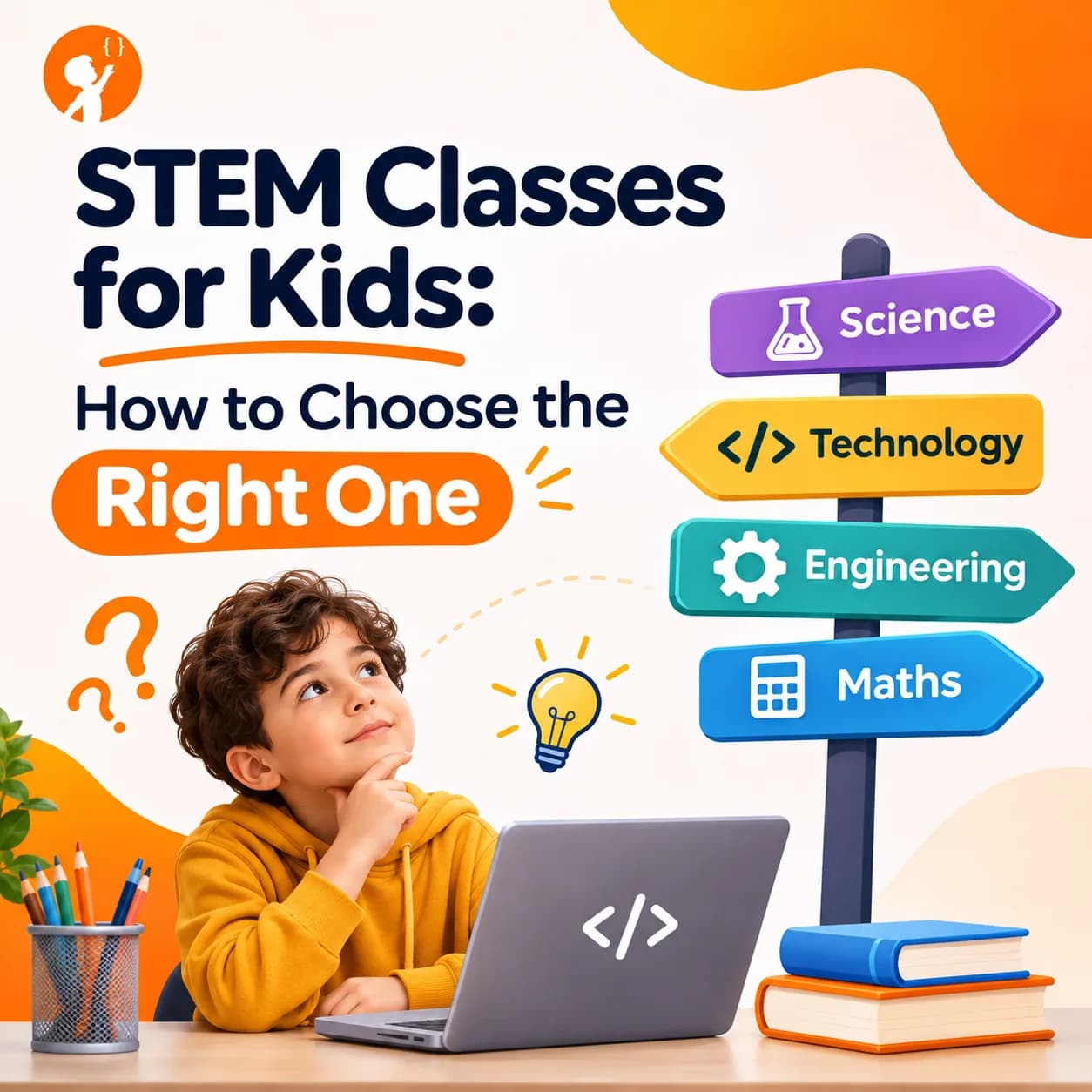
There are more choices than ever for parents who want their children to learn science, technology, engineering and math. Good STEM classes for kids turn curiosity into real skills, but a poor choice can waste money and make a child think STEM is boring.
This guide explains what STEM classes actually teach, the main types of programs, what to look for at each age, the questions to ask before you pay, and the warning signs to avoid.
What Are STEM Classes for Kids?
STEM stands for science, technology, engineering and math. A STEM class teaches these subjects through hands-on work, so children build, test and fix things instead of only reading about them. Some programs cover all four areas. Others focus on one, such as coding, robotics or science experiments. Some add art and call it STEAM.
The best STEM programs have one thing in common: children solve real problems. They make a game, program a robot, design a bridge that holds weight, or run an experiment and explain the result. That is how they learn to think, not just remember.
| Type of STEM class | What kids do | Good starting age |
|---|---|---|
| Coding | Build games, animations, apps and websites | 6 to 7 with picture blocks, 9 and up with text code |
| Robotics | Build and program robots that move and react | 7 and up |
| Science labs | Run experiments and explain what happened | 5 and up |
| Engineering and design | Plan, build and test models and machines | 7 and up |
| Math and logic | Puzzles, problem solving and competition math | 6 and up |
| AI and data | Train simple AI models and work with data | 10 and up |
Types of STEM Programs: Which One Fits Your Family?
STEM programs come in a few formats. Each has strengths, and the right one depends on your child, your schedule and your budget.
1. Live Online STEM Classes
A real teacher runs the class over video, usually in a small group or one to one. Children can ask questions, share their screen and get help straight away. Good online STEM programs feel as personal as an in-person class, and families save travel time.
Best for: busy families, children in areas with few local options, and kids who learn well with a teacher's attention.
2. In-Person After-School Programs
Local centres, schools and clubs offer weekly sessions. Children work with real kits and meet other kids who like the same things. The downside is travel, fixed times and, often, larger groups.
Best for: younger children who love hands-on kits and need a break from screens.
3. Self-Paced Videos and Apps
Recorded lessons and learning apps are cheap or free, and children can learn any time. But nobody checks their work, and many children stop when they get stuck. They work best as extra practice next to a class.
Best for: very motivated children, or as practice between live lessons.
4. STEM Camps and Holiday Programs
Camps run for a few days or weeks during school breaks. They are a great way to try a subject before you commit, but a short camp rarely builds deep skills on its own.
Best for: trying something new, or keeping kids busy and learning during holidays.
5. School Clubs and Elementary STEM Programs
Many schools now run coding clubs, science fairs and robotics teams. A good STEM program for elementary students starts with play and simple projects, then slowly adds real problem solving. School clubs are often free or low cost, but quality and time vary a lot.
Best for: a low-cost first taste, especially when a teacher is passionate about it.
6. Competition Teams
Older students can join robotics teams, coding contests or science fairs. These push children to work towards a goal and handle pressure. Our guide to the best STEM competitions for students explains the main options.
Best for: children who already have some skills and want a challenge.
What Makes a STEM Class Worth Paying For?
Brochures all sound the same. These are the things that actually make a difference to how much your child learns.
- Small groups. With fewer than six or seven children, every child gets help. In a class of 25, quiet children get lost.
- Real teachers with real skills. Ask who teaches. Someone with an engineering or computer science background can answer the hard questions.
- Projects, not just lectures. Your child should finish things they can show you: a game, a robot, a website or an experiment.
- A clear path. Good programs move children from beginner to advanced step by step, instead of repeating the same level.
- Progress you can see. Look for regular updates, certificates for real milestones, or a portfolio of your child's work.
- Classes at the right level. Children should be placed by skill, not only by age.
- A free trial. A trial class shows you the teaching style before you spend anything.
What Should Kids Learn at Each Age?
Age is a guide, not a rule. Interest and reading level matter more. But these stages work well for most children.
| Age | What works best | Example projects |
|---|---|---|
| 5 to 7 | Play, patterns and picture-based coding, with short sessions | Animated stories, simple robot paths |
| 8 to 10 | Block coding, basic robotics, simple experiments | Scratch games, quizzes, moving robots |
| 11 to 13 | First text coding, real engineering problems | Python programs, websites, sensor projects |
| 14 to 16 | Deeper coding, AI, competitions and portfolios | Apps, AI models, contest problems |
Not sure if your child is ready? Our guide to the best age to start coding explains the signs to look for.
Questions to Ask Before You Sign Up
Ask these questions before you pay for any STEM program. A good provider will answer them clearly.
- How many children are in each class?
- Who are the teachers, and what is their background?
- What will my child have built after the first month?
- How do you place children at the right level?
- How will I know my child is making progress?
- What happens if we miss a class?
- Can we try a class first?
Red Flags to Watch Out For
- Big promises. Be careful of programs that promise to make a child an app millionaire or a "certified programmer" in weeks.
- Long contracts upfront. You should be able to try before committing to months of fees.
- No real projects. If children only watch videos or copy code, they are not really learning.
- One level for everyone. Beginners and experienced kids need different lessons.
- Your child dreads it. A good STEM class should be challenging but fun. If your child is unhappy after a few weeks, talk to the teacher or try something else.
How Can Parents Support STEM Learning at Home?
You don't need to be an engineer to help. Ask your child to show you what they built and explain how it works. Praise effort and problem solving, not only results. Leave room for mistakes, because fixing them is where most learning happens. And keep it fun: a family science experiment or a simple coding game at the weekend can mean more than an extra hour of homework. For ideas, try our hands-on STEM activities for kids.
How Junior Coderz Runs STEM Classes
Junior Coderz offers live online STEM classes for ages 6 to 16, taught by real engineers and computer scientists. Classes are small, so every child gets attention, and each course follows a clear path from first steps to advanced skills. Younger children start with Scratch and the Tiny Techies program. Older students move on to Python, web development, AI and robotics. Every course is built around projects, so children always have something new to show. You can see every option on our courses page.
What Will Students Learn in Junior Coderz STEM Classes?
Our classes cover the skills children need for the future, taught step by step and always through projects. Here is what students learn.
1. Scratch and Block Coding
Children start by snapping blocks together to make animations, stories and games. Along the way they learn the big ideas of coding: sequences, loops, events, variables and decisions. Learn more about Scratch classes.
2. Python Programming
When they are ready, students move to Python, a real text language used by professional engineers. They build quizzes, calculators, simple games and their first data and AI projects. Learn more about Python classes.
3. Game Development
Students design and code their own games, from simple clickers to platformers with levels, scores and characters. They learn how real games are planned, built and tested. Learn more about game development.
4. Web Development
Students build their own websites with HTML, CSS and JavaScript, and learn how the pages they use every day are made. Learn more about web development.
5. App Development
Students create their own apps, learning how to design screens, handle buttons and make an app useful for real people. Learn more about app development.
6. Artificial Intelligence and Machine Learning
Students learn how AI works by training simple models, working with data and building projects that recognise images, sounds or text. They also learn to use AI safely and responsibly. Learn more about AI classes.
7. Virtual Robotics and Electronics
Students program robots and electronic circuits in a virtual lab, learning about sensors, motors and how machines respond to the world, with no expensive kit needed. Learn more about robotics classes.
8. 3D Modelling
Students design 3D objects and worlds, building spatial thinking and creativity that connects to engineering and game design. Learn more about 3D modelling.
9. Competitive Programming
Older students who love problem solving can train for the USA Computing Olympiad, learning the algorithms and contest skills used by top young programmers. Learn more about our USACO course.
10. Skills Beyond Coding
In every class, students also build logical thinking, problem solving, patience, teamwork and the confidence to present their own projects.
Here is how our programs are arranged by age:
| Program | Ages | What students focus on |
|---|---|---|
| Tiny Techies | 6 to 7 | First coding ideas through games, stories and creative projects |
| Junior Inventors | 8 to 10 | Hands-on STEM and coding, with robotics, AI, game making and 3D design |
| Code Champions | 11 to 14 | Deeper coding skills and bigger projects |
| Python Pioneers and Python Hybrid | 11 to 14 | Real programming with Python |
| AI Hybrid Course | 8 to 16 | Artificial intelligence projects |
| USACO | 14 and up | Competitive programming and algorithms |
Find the Right STEM Class for Your Child
The easiest way to choose is to see a class for yourself. In a free trial, your child builds a small project with a real instructor, and you get honest advice on the right level and next step. There is no pressure and no long contract, just a chance to see if it is the right fit.
- Small Live Classes
- Taught by Real Engineers
- Ages 6 to 16
The Right Class Makes All the Difference
The best STEM class is not the most expensive one or the one with the biggest name. It is the one your child looks forward to, with a teacher who notices them, and projects that make them proud. Start with your child's interests, ask the right questions and try before you commit. To see what young creators are building, visit Junior Coderz or follow us on Instagram.
FAQs
What age should kids start STEM classes?
Many children can start simple STEM play from about age 5. Structured coding and robotics classes usually work well from age 6 or 7.
Are online STEM programs as good as in-person ones?
They can be, if classes are live and small. A real teacher who can see your child's screen and answer questions makes the biggest difference.
How many hours a week should my child spend on STEM classes?
One or two hours a week is a good start for most children. Regular weekly practice matters more than long sessions.
What is the difference between STEM and STEAM?
STEAM adds art and design to science, technology, engineering and math. Many coding and design projects naturally mix both.
How do I know if my child is enjoying a STEM class?
Children who enjoy a class talk about their projects, want to show you their work and try things on their own between lessons.
Can girls and boys both do well in STEM classes?
Yes. Interest and good teaching matter far more than gender. A welcoming class helps every child feel they belong.