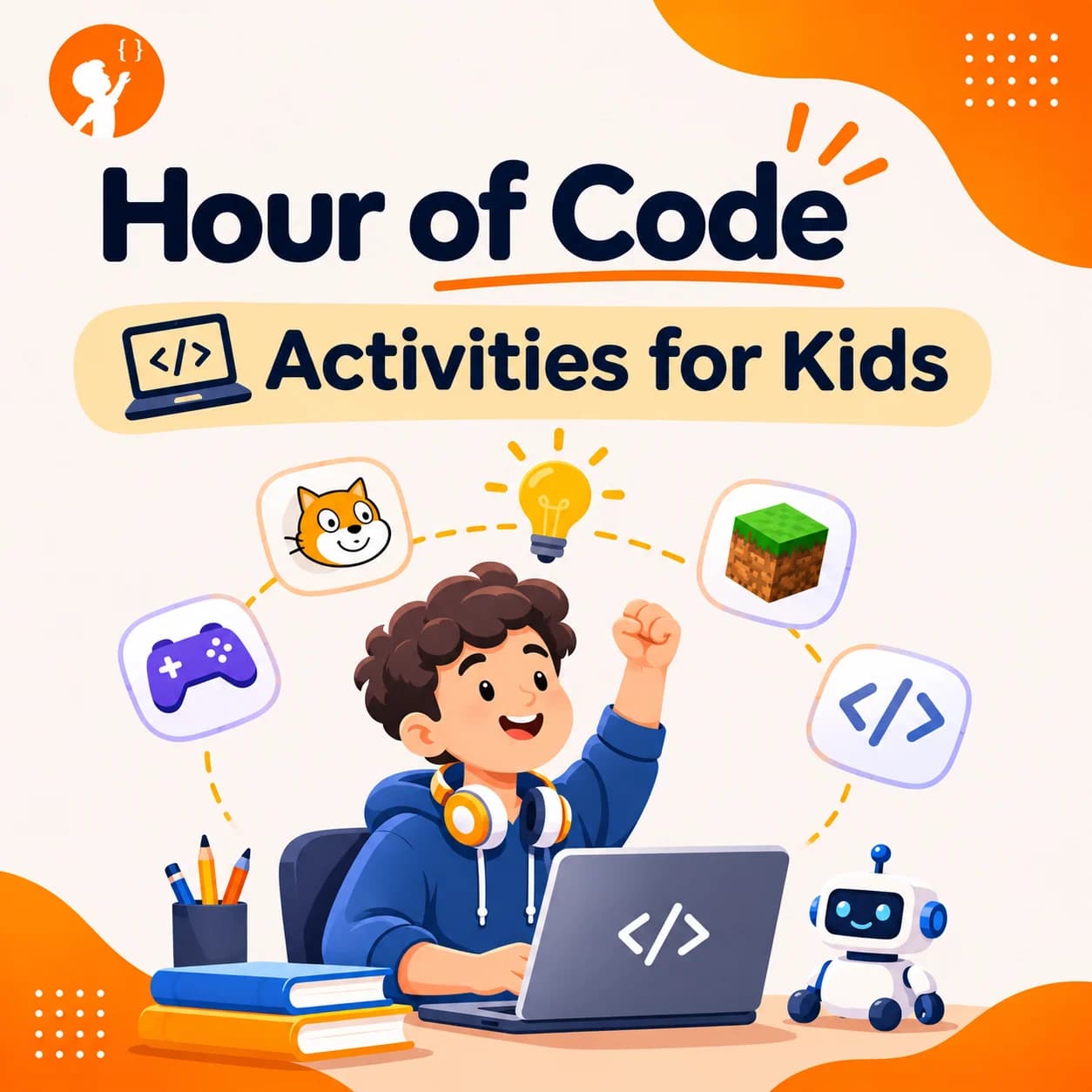
One hour is all it takes for a child to find out that coding is fun. The best hour of code activities are free, need no experience and let kids make something they can show off the same day.
This guide explains what has changed, shares the best activities for each age, and gives you easy holiday coding ideas to try at home or in class.
What Is the Hour of Code?
The Hour of Code is a global movement that gives students a fun one-hour start in computer science. Schools and families around the world have taken part.
There is one big change to know about. The Hour of Code is now the Hour of AI. It builds on the same idea, with a new focus on understanding artificial intelligence. It is run by CodeAI, the nonprofit behind code.org, and the old hourofcode.com address now takes you to hourofai.org. Many of the classic one-hour tutorials are still available. Most teachers and parents still search for the old name, so you will see both.
The main event takes place in early December, during Computer Science Education Week. Check hourofai.org for this year's dates. But the activities are free, and your child can try them any day of the year.
Best Hour of Code Activities for Kids
There are more than 250 activities to explore, for kindergarten through to adults. These are great places to start. Most run in a web browser, so there is nothing to install.
1. Dance Party: AI Edition
Kids code a dance party with characters that move to popular music. It feels like a game, which makes it an easy choice for children who think coding sounds boring.
Best for: kids who love music and want quick results.
2. Minecraft Tutorials
Children use blocks of code to move through a Minecraft world and solve small challenges. If your child already plays, they will feel at home right away.
Best for: young gamers who are new to code.
3. AI for Oceans
Kids train a computer to tell fish from trash in the ocean. It is a simple and memorable way to learn how AI learns from examples, and why good examples matter. Our guide to AI for kids explains more.
Best for: curious kids who keep asking how AI works.
4. Music Lab: Jam Session
Children mix beats and sounds with code to make their own track. It shows that code is not only for math lovers.
Best for: creative kids who like making music.
5. Mix & Move with AI
Students create and move with AI in this activity for ages 6 to 18. Because it suits a wide range of ages, it works well for brothers and sisters or a mixed class.
Best for: families and classes with different ages.
6. Intro to Web Lab
Students write a simple web page of their own and see how websites are built. Older kids like seeing real code instead of blocks. Our guide to website creation for kids is a good next step.
Best for: older kids and teens ready for real code.
Which Activity Suits Which Age?
| Age | What works best | Try this |
|---|---|---|
| 5 to 7 | Short, simple, with an adult nearby | Unplugged games and simple block puzzles |
| 8 to 10 | Games and block coding | Dance Party, Minecraft Tutorials |
| 11 to 13 | Creative projects and AI ideas | AI for Oceans, Music Lab |
| 14 and up | Real code and bigger ideas | Intro to Web Lab |
Holiday and Winter Coding Ideas
The Hour of AI falls just before the winter break, so holiday coding is a great way to keep kids busy and learning. Try one of these Christmas coding and winter coding ideas:
- A coded greeting card. Make an animated card in Scratch and share it with family.
- A snowfall scene. Use loops to make snowflakes fall across the screen.
- A catch-the-gifts game. Move a sled to catch falling presents and keep score.
- A holiday music maker. Program keys to play the notes of a favorite song.
New to Scratch? Our guide on how to make an animation in Scratch shows you where to start.
Can Kids Join Without a Computer?
Yes. Some activities work with no device at all, which helps in classrooms with few computers or homes that limit screen time. Try this simple one: one child gives step-by-step directions, and the other follows them exactly to walk across the room. When something goes wrong, they find the mistake and fix it together. That is real debugging, with no screen.
How Can Parents and Teachers Make It Work?
- Try it first. Spend five minutes on the activity before your child starts.
- Let them choose. Children stick with a topic they picked themselves.
- Work in pairs. Kids learn fast when they explain ideas to each other.
- Don't fix mistakes for them. Ask, "What do you think happened?"
- Share the result. A proud moment is what makes kids want to do it again.
What Comes After One Hour at Junior Coderz?
One hour can start something big, but the excitement fades without a next step. At Junior Coderz, kids aged 6 to 16 keep going in live online classes with real engineers. They move from Scratch to Python, game making and AI, and they build their own projects along the way.
Looking for a bigger winter challenge? In Code Quest 2026, our online competition for ages 8 to 16, students plan a business and build its website and app from 15 December 2026 to 5 January 2027.
Keep the Coding Going After One Hour
If your child loved their first hour of coding, this is the best time to build on it. In a free trial class, they make a small project with a real instructor, and you can see how our classes work. There is no experience needed, and each class is live, online and set to your child's level.
- No Experience Needed
- Live Online Classes
- Ages 6 to 16
One Hour Can Change Everything
You don't need to be a programmer to help your child start. Pick one activity, sit down together and see what they make. It may be the most fun they have had with a computer all year. To see what young creators are building, visit Junior Coderz or follow us on Instagram.
FAQs
Is the Hour of Code still happening?
Yes, under a new name. The Hour of Code is now the Hour of AI, and many of the one-hour tutorials are still available at hourofai.org.
When is the Hour of Code?
It takes place in early December, during Computer Science Education Week, but kids can try the activities at any time.
Are Hour of Code activities free?
Yes. The activities are free, and most run in a web browser with nothing to install.
What age is the Hour of Code for?
It is for everyone, from kindergarten to adults. Younger children may need an adult nearby to help.
Do kids need coding experience?
No. The activities are made for complete beginners, and many use simple drag-and-drop blocks.
Can kids do it without a computer?
Yes. Some activities need no device at all, so children can learn the ideas behind coding without a screen.