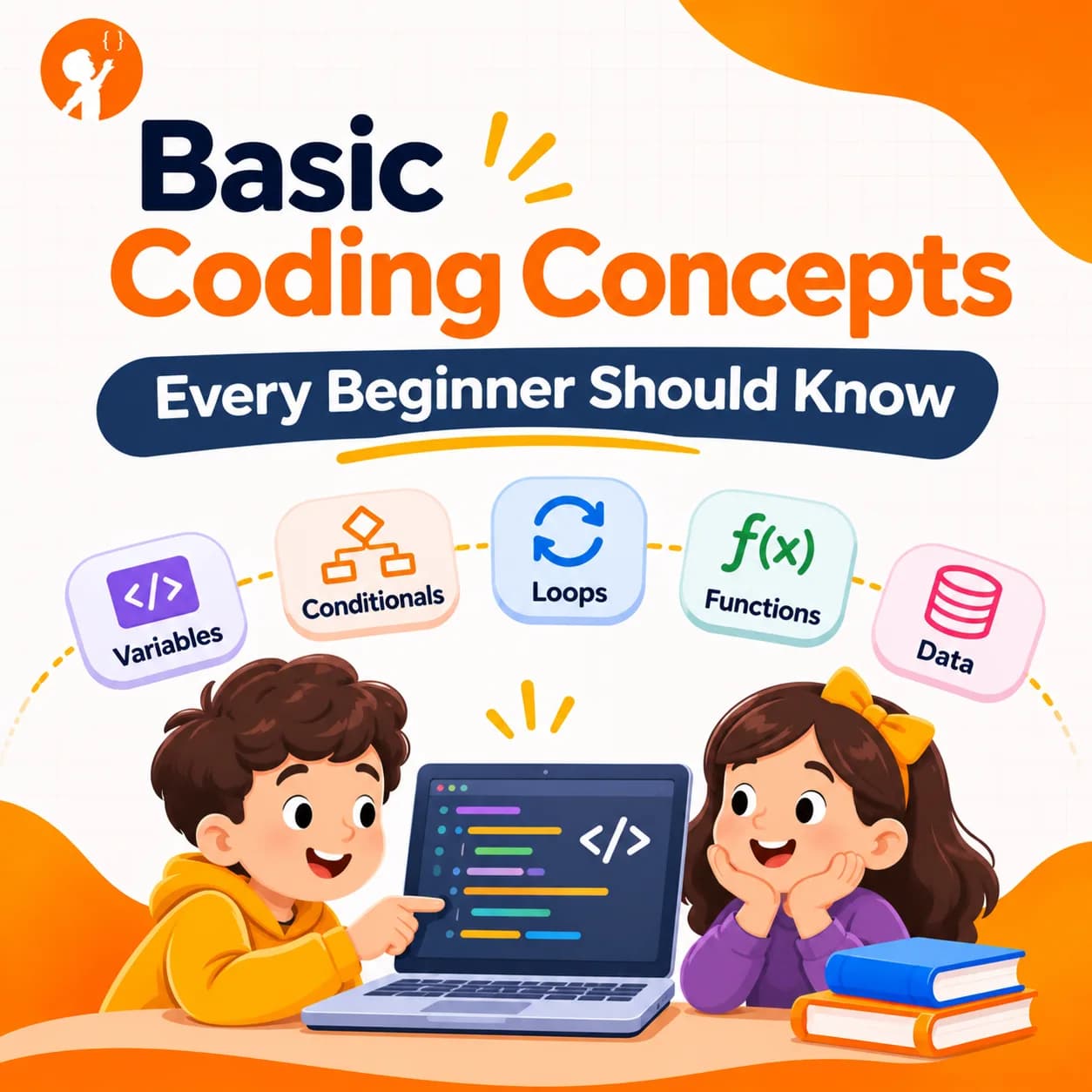
Every app, game and website is built from the same small set of ideas. Once you understand these basic coding concepts, learning any programming language becomes much easier, whether you are a child starting with Scratch or an adult trying Python.
This guide explains what coding means, then walks through the core concepts every beginner should know, with simple examples you can try.
What Does Coding Mean?
Coding means writing instructions that a computer can follow. A computer is very fast but has no common sense, so every step has to be clear and in the right order. The instructions are written in a programming language, such as Python, JavaScript or Scratch blocks. A complete set of instructions is called a program.
You may also hear the word programming. In everyday use, coding and programming mean almost the same thing. Programming sometimes includes the bigger job of planning and designing software, while coding is the writing part.
| Concept | In one line | Everyday example |
|---|---|---|
| Algorithm | A step-by-step plan | A recipe |
| Sequence | Steps run in order | Socks before shoes |
| Variable | A named box that stores data | A scoreboard |
| Data type | What kind of data it is | Number, word or yes/no |
| Condition | A decision with if and else | If it rains, take an umbrella |
| Loop | Repeat steps | Stir 20 times |
| Function | A reusable set of steps | "Make tea" as one instruction |
| Event | Code that runs when something happens | A doorbell ringing |
| Debugging | Finding and fixing mistakes | Checking a maths answer |
Basic Coding Concepts Every Beginner Should Know
These ideas appear in almost every programming language. The examples use Python because it is easy to read, but the same concepts exist in Scratch blocks, JavaScript and others.
1. Algorithms
An algorithm is a clear, step-by-step plan for solving a problem. Before you write code, you need to know the steps. Programmers often plan on paper first.
Try this: write the steps to make a sandwich so exactly that someone who has never seen one could follow them.
2. Sequence
Computers run instructions in order, from top to bottom. If the order is wrong, the result is wrong, even when every single step is correct.
print("Ready")
print("Steady")
print("Go!")3. Variables
A variable is a named place to store information so the program can use it later. In a game, the score, the number of lives and the player's name are all variables. Their values can change while the program runs.
score = 0
score = score + 10
print(score)   # shows 10
4. Data Types
Data comes in different types, and the computer treats each type differently.
- Integers are whole numbers, like 7 or -3.
- Floats are numbers with decimals, like 3.5.
- Strings are text, written in quotes, like "Hello".
- Booleans are True or False.
Mixing them up causes errors. For example, Python cannot add the text "5" to the number 5 without converting one of them first.
5. Operators
Operators do maths and make comparisons. You will see + and - for adding and subtracting, * and / for multiplying and dividing, and comparison operators such as == (equal), != (not equal), > and <. Logical operators like and, or and not combine conditions.
6. Conditionals (If and Else)
Conditionals let a program make decisions. If something is true, do one thing. Otherwise, do something else.
age = 12
if age >= 13:
    print("Welcome to the teen class")
else:
    print("Welcome to the junior class")
7. Loops
Loops repeat code, so you don't have to write the same line again and again. A for loop repeats a set number of times. A while loop repeats until something changes.
for count in range(3):
    print("Hip hip hooray!")
8. Lists and Arrays
A list stores many values in one variable, in order. A shopping list, a high score table and a class register are all lists.
fruits = ["apple", "banana", "mango"]
print(fruits[0])   # shows apple
Notice that counting starts at 0 in most languages, which surprises many beginners.
9. Functions
A function is a named block of code that does one job. You write it once and use it whenever you need it. Functions keep programs short and tidy.
def greet(name):
    print("Hello, " + name + "!")

greet("Ayesha")
greet("Ali")
10. Events
Events are things that happen, like a click, a key press or a timer ending. Event-driven code waits for these and then runs. Games and apps are full of events. In Scratch, "when green flag clicked" is an event block.
11. Input and Output
Input is information going into a program, such as typing your name or pressing a button. Output is what the program gives back, such as text on screen, a sound or a moving character.
12. Debugging
Debugging means finding and fixing mistakes, called bugs. Every programmer writes bugs, even experts. Good debugging habits include reading error messages carefully, testing small pieces at a time and using print statements to check values.
13. Comments
Comments are notes in the code for humans, which the computer ignores. In Python they start with #. They explain why the code does something, which helps you and others understand it later.
How These Concepts Work Together
Real programs combine all of these ideas. Here is a tiny guessing game that uses variables, input, a loop, a condition and output:
secret = 7
guess = 0
while guess != secret:
    guess = int(input("Guess a number from 1 to 10: "))
    if guess < secret:
        print("Too low!")
    elif guess > secret:
        print("Too high!")
print("You got it!")
Once you can read a program like this, you understand the building blocks of coding. Everything else is practice and bigger projects.
How Can Kids Learn These Concepts?
Children learn coding concepts best through play and projects, not memorising definitions. Younger kids can learn sequence and loops with screen-free games and block coding. Our guide to block coding explains how. Older children can try short Python programs, like a calculator or a quiz. For step-by-step help, read how to begin coding or how to build a simple Python calculator.
Common Beginner Mistakes
- Trying to memorise everything. Understand the idea and look up the exact words when you need them.
- Writing too much before testing. Run your code often, after every few lines.
- Ignoring error messages. They usually tell you the line and the problem.
- Copying without understanding. Type examples yourself and change them to see what happens.
- Jumping between languages. Stick with one language until the basics feel easy.
Learn the Basics the Right Way With Junior Coderz
At Junior Coderz, children aged 6 to 16 learn coding concepts in live online classes with real engineers. Beginners start with Scratch, where loops and variables come to life in their own games. Older students move to Python and build real projects that use every concept in this guide. You can see every path on our courses page.
Turn These Concepts Into Real Projects
Reading about loops and variables is a start, but using them in a real game is where it clicks. In a free trial class, your child builds a small project with a real instructor and learns the ideas behind it. You'll also get a clear recommendation on where to start.
- Project-Based Learning
- Taught by Real Engineers
- Ages 6 to 16
Small Ideas, Big Programs
Every program in the world, from a simple quiz to a huge video game, is built from the concepts in this guide. Learn them one at a time, practise with small projects and you will be surprised how quickly they come together. To see what young coders are building, visit Junior Coderz or follow us on Instagram.
FAQs
What are the basic concepts of coding?
The core concepts are algorithms, sequence, variables, data types, operators, conditionals, loops, lists, functions, events, input and output, and debugging.
What is the meaning of coding?
Coding means writing step-by-step instructions, in a programming language, that a computer can follow.
Which coding concept should beginners learn first?
Start with sequence and variables, then add conditionals and loops. Functions and lists come next.
Is coding hard for beginners?
The basics are not hard if you learn one idea at a time and practise with small projects. Most difficulty comes from rushing.
Which language is best for learning basic coding concepts?
Scratch is great for younger children. Python is a popular first text language because its code is easy to read.
How long does it take to learn the basics of coding?
With regular weekly practice, many beginners understand the core concepts within a few months.