
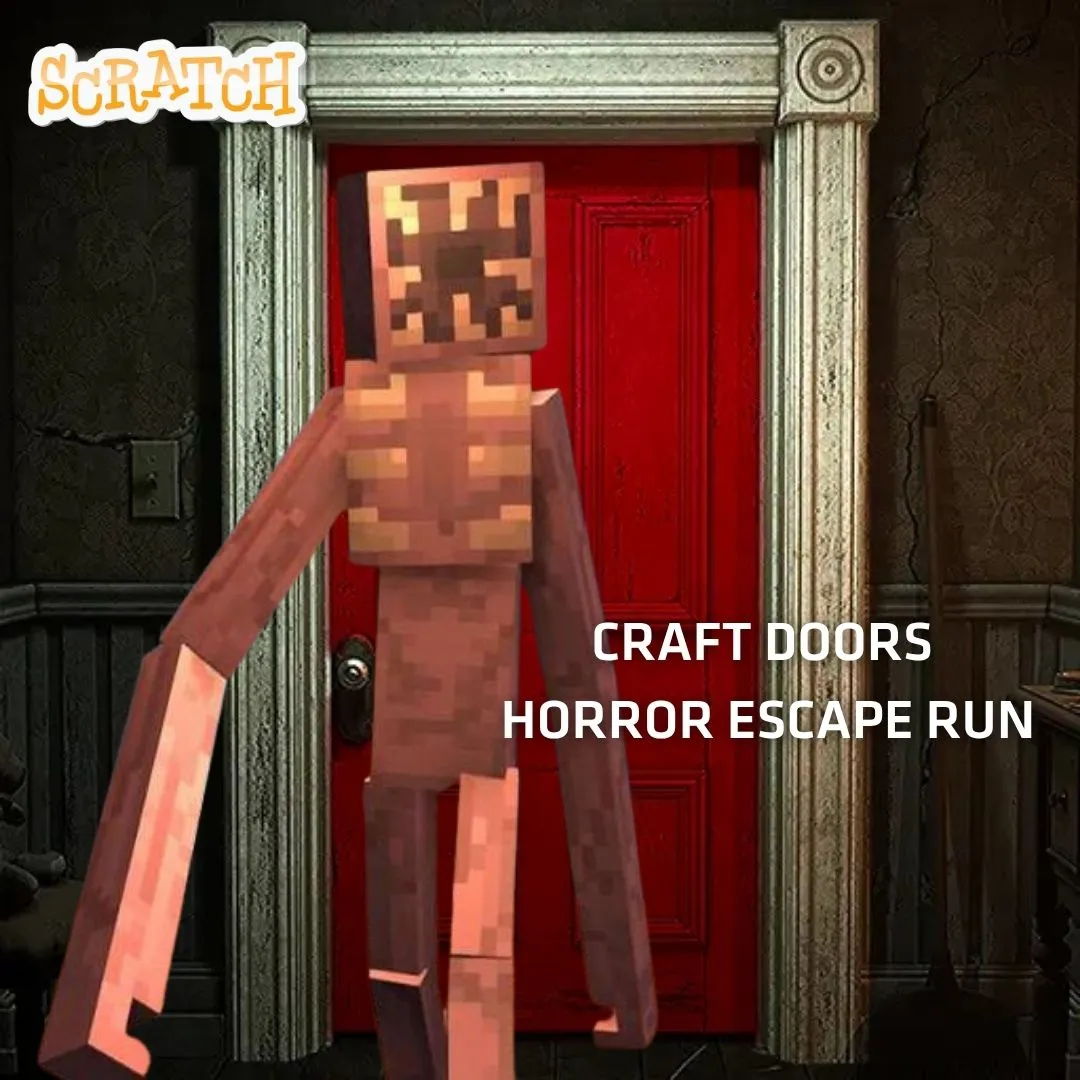

There is a reason kids cannot stop talking about DOORS. The flickering lights, the creaking hallways, the moment a monster appears and you have exactly two seconds to hide. It is the perfect blend of tension and puzzle-solving. Now imagine your child building that experience instead of just playing it. In this tutorial, we are creating a DOORS-style scary horror escape room game in Scratch with room-by-room progression, hidden key hunts, jump scare events, and puzzle mechanics. This project teaches backdrop switching, variables, collision detection, cloning, and event-driven programming. Every mechanic maps to real coding concepts that professional game developers use. Whether you are a parent looking for creative screen time, an educator seeking classroom-ready projects, or a kid who wants to build something thrilling, this step-by-step guide covers everything you need to get started.
🚪 The Story: The Hallway That Never Ends
Nobody knows who built the building at 13 Cipher Lane. It appeared one foggy morning where an empty lot used to be. The doors inside are numbered, starting at Door 1. Behind each one is a room with a puzzle, a key, and sometimes something that does not want you there.
A young coder named Glitch entered on a dare. The front door locked behind her. The only way out is forward, through every room, solving every puzzle, dodging every creature. But here is the twist: Glitch realized the building runs on code. The monsters follow scripts. The puzzles have logic. And the keys are just variables waiting to be found. If she can read the patterns, she can survive. Your player builds the code that controls every door.
Why Building a Scary Horror Escape Room Game Is Great for Learning Scratch
Horror escape games are secretly brilliant learning tools. The genre forces kids to think about pacing, tension, and player experience. Every room is a self-contained puzzle with its own logic. The door system teaches sequential progression with variables. Jump scares teach timed events and costume switching. Key hunts teach collision detection and inventory tracking. Monster AI teaches movement patterns and broadcasts.
DOORS has over 188K concurrent players on Roblox for a reason. Kids love the thrill of not knowing what is behind the next door. By building their own version in Scratch, they go from scared player to confident creator. They understand why the lights flicker (timed costume changes). They see how monsters know where to find you (coordinate tracking). That shift from consumer to creator is powerful. If your child has built projects like a Sprunki Quiz Game or a Fashion Design Game, this project is the perfect next challenge.
Planning Your Scary Horror Escape Room Game: The Design Blueprint
Before opening Scratch, plan the game structure on paper. A DOORS-style game needs a room progression system, puzzle mechanics, a key-and-lock system, monster encounters, and a win condition. Each room is a separate backdrop. The player moves through rooms by finding the key and reaching the door. Some rooms have monsters that require hiding. Others have puzzles that require clicking objects in the right order.
| Game Element | Details |
|---|---|
| Room System | 10 backdrops, one per room, numbered Door 1 to 10 |
| Player Sprite | Small character that moves with arrow keys |
| Keys | Hidden in each room, must be found to unlock the door |
| Puzzles | Click-sequence puzzles, hidden object hunts |
| Monsters | Appear in certain rooms, player must hide in closets |
| Jump Scares | Full-screen sprite flash with loud sound effect |
| Win Condition | Reach Door 10 and escape the building |
This planning teaches computational thinking. Breaking a complex game into room-sized pieces is exactly how real studios design levels. For more on this mindset, read our post on engineering mindset lessons for kids.
Building the Room Progression System for Your Horror Escape Game
The room system is the backbone of the entire game. Each room is a separate backdrop on the Scratch stage. A variable called “currentRoom” tracks which room the player is in. When the player collects the key and touches the door sprite, currentRoom increases by 1 and the backdrop switches. This creates the feeling of moving deeper into the building. Each new backdrop should look slightly darker and creepier than the last.
when green flag clicked
set [currentRoom v] to (1)
set [hasKey v] to (0)
switch backdrop to [room1 v]
when I receive [nextRoom v]
change [currentRoom v] by (1)
set [hasKey v] to (0)
switch backdrop to (join [room] (currentRoom))
if <(currentRoom) > (10)> then
broadcast [escaped v]
end
The “hasKey” variable resets to 0 every time the player enters a new room. This forces them to find the key again before they can proceed. The “join” block dynamically builds the backdrop name by combining “room” with the current number. This clever trick means you do not need 10 separate “switch backdrop” blocks. When currentRoom goes past 10, the game broadcasts an “escaped” event for the win screen. For more on how backdrop switching powers Scratch games, explore our best Scratch games collection.
Coding the Key Hunt System for Your Scary Horror Escape Room Game
Every room has a hidden key. Finding it is the core puzzle loop. Create a key sprite that appears at a different position in each room. When the player touches the key, the “hasKey” variable changes to 1 and the key hides. The door sprite only allows passage when hasKey equals 1. This simple system teaches variables, collision detection, and conditional logic in one clean mechanic.
when I receive [nextRoom v]
set [hasKey v] to (0)
show
go to x: (pick random (-200) to (200)) y: (pick random (-120) to (80))
set [ghost v] effect to (60)
when green flag clicked
forever
if <touching [Player v] ?> then
set [hasKey v] to (1)
play sound [key-pickup v]
hide
end
end
The ghost effect at 60 makes the key semi-transparent. Players must look carefully to spot it. This adds a search element that builds tension. In later rooms, increase the ghost effect to 80 or 90 for near-invisible keys. You can also place keys behind clickable objects like paintings or shelves. When the player clicks the object, the key appears. This adds puzzle layers that reward exploration. Kids who love hidden object mechanics should check our tutorial on building adventure games from scratch.
when green flag clicked
forever
if <<touching [Player v] ?> and <(hasKey) = (1)>> then
play sound [door-creak v]
broadcast [nextRoom v]
wait (1) seconds
end
end
Adding Jump Scares That Actually Work in a Scary Horror Escape Room Game
Jump scares are what make horror games memorable. In Scratch, a jump scare is a full-screen sprite that appears suddenly with a loud sound. The trick is timing. The scare should happen when the player least expects it. Trigger them when the player enters specific rooms, touches certain objects, or after a quiet period. Create a large sprite with a scary face that covers the entire stage. Keep it hidden until the trigger fires.
when I receive [jumpScare v]
go to [front v] layer
show
set size to (300) %
play sound [scream v]
wait (0.5) seconds
hide
set size to (100) %
The size boost to 300% makes the face fill the screen instantly. The scream sound plays at the same moment. After half a second, everything vanishes. Trigger this broadcast from specific rooms using a conditional check on the currentRoom variable. For example, fire the jump scare when the player enters room 3, room 7, and room 9. Never scare on every room or the player stops being surprised. Spacing scares unevenly is a design technique called “variable reinforcement.” It keeps players on edge because they never know when the next one will hit.
👻 Scare Design Tip: Add a quiet 3-second pause before the jump scare triggers. Silence is scarier than noise. The player starts to relax, thinking the room is safe, and then BOOM. That pause makes the scare ten times more effective!
Building Monster AI for Your Scary Horror Escape Room Game
Monsters are the heart of any DOORS-style game. In certain rooms, a creature appears and chases the player. The player must reach a hiding spot (a closet sprite) before the monster catches them. If the monster touches the player, health drops or the game ends. This system teaches AI movement, collision detection, and player-choice mechanics.
when I receive [monsterRoom v]
go to x: (220) y: (0)
show
play sound [heartbeat v]
repeat until <<touching [Player v] ?> or <touching [Closet v] ?>>
point towards [Player v]
move (2 + ((currentRoom) * (0.3))) steps
end
if <touching [Player v] ?> then
broadcast [jumpScare v]
change [health v] by (-30)
end
hide
The monster’s speed scales with the current room number. In room 3, it moves at 2.9 steps per frame. By room 9, it moves at 4.7 steps. This creates natural difficulty progression. The monster chases the player using “point towards” until it either catches them or the player reaches the closet. When the player hides inside the closet (touching the Closet sprite), the monster gives up. Add a flickering light effect before the monster appears. Rapidly switch the backdrop between a bright and dark version for two seconds. This visual warning gives players a chance to react and find the hiding spot. Kids who enjoy enemy AI should also read our guide on creating enemy AI in Scratch.
Designing Room Puzzles: The Brain of Every Horror Escape Game
Not every room should have a monster. Some rooms test brains instead of reflexes. Puzzles break up the action and teach kids about logic design. Here are three puzzle types that work perfectly in Scratch. Each one uses different programming concepts.
| Puzzle Type 🧩 | How It Works | Scratch Concept |
|---|---|---|
| Click Sequence | Click 4 objects in the correct order | Lists, index tracking |
| Code Lock | Enter a 4-digit code found on a wall clue | Ask/answer, string comparison |
| Light Switch | Toggle switches until all lights are on | Boolean variables, XOR logic |
| Simon Says | Repeat a color/sound pattern | Lists, sequential playback |
For the code lock puzzle, hide a clue on a painting sprite. When the player clicks the painting, it shows the code briefly. Then the game uses “ask” to prompt for input. If the answer matches, the key appears. If wrong, the lights flicker as a warning. This teaches string comparison and user input handling. Mix puzzle rooms with monster rooms for perfect pacing. Two puzzles, then a monster, then a puzzle, then a jump scare. That rhythm keeps the experience fresh and unpredictable. For a deeper look at how game projects teach real skills, explore our guide on how to create a video game.
Atmosphere and Sound Design: Making Your Horror Game Truly Creepy
A horror game without atmosphere is just a walking simulator. Sound and visual effects create the fear. Start with ambient audio. Record a low hum or use Scratch’s sound editor to create one. Play it on a continuous loop throughout the game. Add footstep sounds that trigger every time the player moves. Use a “floor creak” sound that plays randomly every 10 to 20 seconds. These background noises keep the player tense even in safe rooms.
For visuals, darken each room progressively. Room 1 is well lit. Room 5 is dim. Room 10 is nearly pitch black with only a small flashlight circle around the player. Create the flashlight effect using a large black sprite with a circular hole cut out. Place it on the front layer and make it follow the player. Everything outside the circle is dark. This teaches masking, layering, and coordinate tracking. Add flickering by randomly changing the hole size by a few pixels every frame. Layer in a distant thunder rumble for rooms with windows. These small details transform a basic project into something genuinely atmospheric. For more creative audio projects, check our tutorial on building a Scratch Music Maker.
Cool Extensions to Expand Your Scary Horror Escape Room Game
Once the core 10-room game works, extensions take it further. Here are five ideas that add replay value and teach advanced concepts.
| Extension Idea | Concept Learned | Difficulty |
|---|---|---|
| Randomized Room Order | Lists, shuffling, random selection | Hard |
| Inventory System | Lists, item management, UI design | Medium |
| Multiple Monster Types | Costume switching, behavior patterns | Medium |
| Sanity Meter | Variables, visual effects, thresholds | Medium |
| Speedrun Timer | Timer variables, leaderboard display | Easy |
A sanity meter is especially cool. Create a variable that drops when the player is in darkness or near a monster. When sanity falls below 30, the screen starts glitching with random color effects. Below 10, fake jump scares trigger that are not real threats. The player cannot trust what they see. This teaches threshold-based conditionals and visual feedback. Students ready for complex game systems excel in the Algorithm Avengers program at Junior Coderz.
What Kids Learn by Coding a DOORS-Style Escape Game
This project covers an impressive range of programming concepts. Variables track room numbers, keys, health, and sanity. Conditionals control door access, puzzle verification, and monster behavior. Loops drive monster movement, sound playback, and animation cycles. Broadcasts coordinate room transitions, jump scares, and win events. Cloning creates dynamic effects and multiple puzzle objects. These are foundational skills in Scratch coding that transfer to Python and JavaScript.
Beyond code, kids develop game design skills. They learn about pacing and tension curves. They practice level design by crafting ten unique rooms. Creative writing grows through the story they build around their game. Sound design teaches them how audio shapes emotion. And debugging teaches patience and persistence when things break. These skills prepare students for advanced courses and real-world problem solving. For a broader view of how coding fits into STEM education, explore our detailed guide.
Ready to Help Your Child Build Incredible Games?
If this horror escape project captured your child’s imagination, picture what they could build with expert guidance! At Junior Coderz, kids aged 6 to 18 learn Scratch programming, game development, Python, AI, and more through live online classes. Every session is hands-on and led by professional engineers who make coding exciting.
Whether your child is a beginner or already building projects, we have the perfect track. Our AI Hybrid Course covers machine learning and automation. Our Scratch workshops turn wild ideas into playable games. Book a free trial class and see the magic! Follow us on Instagram and Facebook for daily coding inspiration and student spotlights!
🚪 Book Your Free Trial ClassConclusion: Open the Door to Coding Creativity
Building a DOORS-style horror escape game in Scratch is one of the most creative and educational projects a young coder can tackle. Through this single game, kids master variables, conditionals, loops, cloning, broadcasts, and game state management. They design ten unique rooms, craft puzzles, code monster AI, and polish with sound and lighting effects. Most importantly, they create something genuinely impressive that they can share with friends.
The scary horror escape room game genre teaches kids that fear is just code. Once they understand the patterns behind the scares, they go from being frightened to being in control. Whether they continue building in Scratch or move to Python and AI, the skills from this project last forever. Open Scratch, draw that first dark hallway, and code your first creaky door. The building at 13 Cipher Lane is waiting. If you want expert guidance, Junior Coderz is here at every step. Connect on LinkedIn for new courses and student success stories. Ready to open Door 1?
FAQs
Kids aged 10 to 14 enjoy this project most. Younger kids (10 to 11) can build the room progression, key hunts, and basic jump scares. Older kids (12 to 14) can add monster AI, puzzles, sanity meters, and atmospheric effects. The horror elements are kid-friendly since everything is built with simple Scratch sprites rather than realistic graphics.
Absolutely! The Scratch version uses cartoon-style sprites and fun sound effects. Kids control exactly how scary their game gets since they design every element themselves. Building the scares is far less frightening than experiencing them in a polished game. Many kids find the creative process empowering rather than scary.
A basic 5-room version with keys, one monster, and jump scares takes about 3 to 4 hours. The full 10-room version with puzzles, multiple monster types, a flashlight system, and sound design could take 8 to 12 hours across multiple sessions. Kids can save progress in Scratch and build one room at a time over several days.
Yes! Scratch lets kids publish projects and share them with a link. Friends can play in any browser without installing anything. Horror escape games tend to get a lot of engagement on the Scratch community because players love being scared and leaving comments about which room was the hardest.
After this project, kids can tackle more complex games like stickman arena fighters or time travel adventures. For text-based coding, Python is the next step. Junior Coderz offers the AI Hybrid Course and Algorithm Avengers for teens ready to advance.