
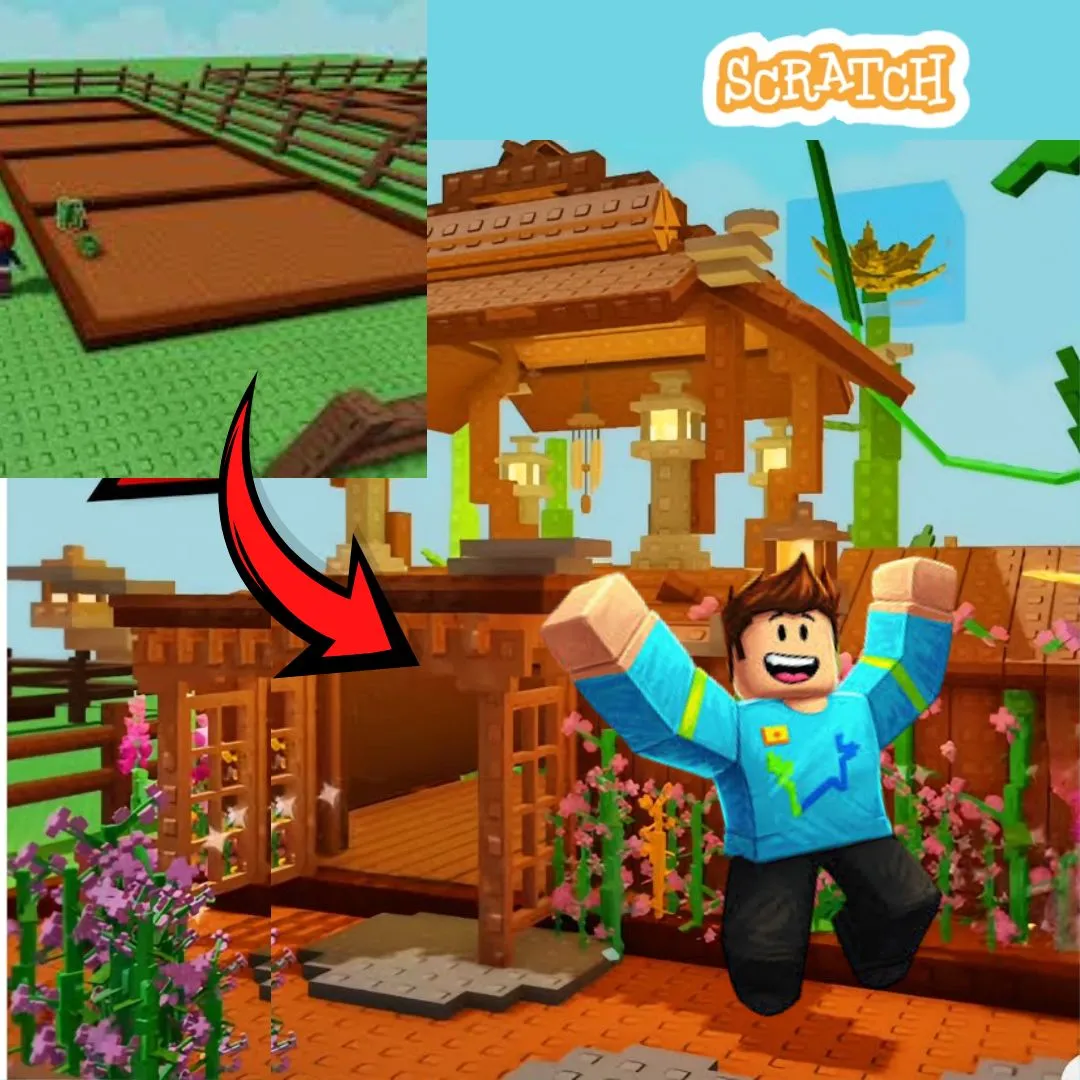

Have you ever played farming or gardening games where you plant seeds, water crops, and watch your garden grow into something amazing? Games inspired by farming simulators are incredibly popular with kids because they combine creativity, strategy, and rewarding gameplay. That is exactly why building your own Scratch project inspired by a grow a garden roblox game is such a fun and educational coding activity.
Instead of only playing games online, kids can create their very own digital garden from scratch. They can design plants, create growing animations, add rewards, and build an interactive world while learning important programming concepts. In this guide, we will walk through every step of creating a gardening game in Scratch in a way that is exciting, beginner friendly, and packed with creativity.
Why a grow a garden roblox game Is Perfect for Beginner Coders
A grow a garden roblox game style project is perfect for beginner coders because it combines simple game mechanics with endless creativity. Kids can start with easy tasks like planting seeds and later add advanced features like shops, weather systems, and rare plants.
This type of project keeps children engaged because they can immediately see the results of their coding. Watching a seed grow into a colorful flower or tree feels rewarding and makes learning programming exciting.
Here is why gardening games work so well for coding education:
| Feature | Coding Skill Learned |
| Plant growth | Variables and timers |
| Movement | Coordinates and controls |
| Collecting rewards | Collision detection |
| Shops and upgrades | Logic and conditions |
This makes it one of the most engaging beginner coding games for young creators.
What Kids Learn From a grow a garden roblox game
Building a grow a garden roblox game in Scratch teaches children much more than basic coding. It introduces logical thinking, planning, creativity, and problem solving in a fun way.
Kids learn how to create systems that interact with each other. For example, watering plants might increase growth speed, while collecting coins allows the player to buy new seeds.
They also learn how games use timers, animations, and variables to create dynamic experiences. These concepts are the foundation of real game development.
Planning Your Gardening Game
Before starting the coding process, it is important to plan the game carefully. Good planning helps kids organize their ideas and build a more polished project.
Encourage them to think about questions like:
What kinds of plants will players grow
How will plants evolve over time
Will there be coins or rewards
Can players unlock new garden areas
Planning transforms a simple idea into a complete grow a garden roblox game inspired adventure.
Setting Up Your Scratch Project
Open Scratch and create a new project. Choose a cheerful background like a farm, backyard, or fantasy garden.
Then add sprites for:
Seeds
Flowers
Trees
Watering cans
Coins
Kids can either use Scratch library sprites or draw their own custom designs. This creative stage is similar to projects like circus adventure games or talking cat games where imagination plays a huge role.
Adding Player Movement in a grow a garden roblox game
If the player controls a gardener character, movement is important.
Here is a simple movement script:
when green flag clicked
forever
if key right arrow pressed then
change x by 5
if key left arrow pressed then
change x by -5
if key up arrow pressed then
change y by 5
if key down arrow pressed then
change y by -5
This allows players to move around the garden smoothly and interact with objects.
Creating Plant Growth Mechanics
The heart of the game is plant growth. Kids can use variables and timers to simulate plants growing over time.
First create a variable called “Growth.”
Example:
set Growth to 0
Then slowly increase it:
forever
wait 2 seconds
change Growth by 1
As the variable increases, the plant sprite can switch costumes to show different growth stages.
This is one of the most exciting parts of building a grow a garden roblox game because kids can visually see their coding come to life.
Adding Watering Features
To make gameplay more interactive, players should water their plants.
Example:
if touching wateringcan then
change Growth by 2
This teaches interaction between sprites and creates strategy within the game.
Kids quickly learn that player actions affect game outcomes.
Creating a Coin and Reward System
Gardening games feel more rewarding when players earn coins or points.
Example:
set Coins to 0
Whenever a plant fully grows:
change Coins by 5
Players can use these coins to unlock new seeds or decorations.
Reward systems make the grow a garden roblox game more addictive and engaging.
Adding Shops and Upgrades
One fun feature is creating a shop where players can buy seeds or tools.
Kids can add options like:
Rare flowers
Faster watering cans
Special fertilizers
Decorative items
This introduces conditions and game economy concepts.
Example:
if Coins > 10 then
show special seed
Shops make the game feel much more complete.
Designing Different Plant Types
Encourage kids to create different categories of plants.
For example:
| Plant Type | Reward |
| Sunflower | 5 coins |
| Rose | 10 coins |
| Magic Tree | 20 coins |
Different plants make gameplay more exciting and encourage experimentation.
Adding Weather Effects
Advanced versions of the game can include weather systems like rain or sunshine.
Rain could automatically water plants, while storms might slow growth.
This adds realism and makes the grow a garden roblox game more interactive.
Creating Levels and Unlockable Areas
As kids improve their projects, they can add new garden zones.
Ideas include:
A tropical garden
A magical forest
A futuristic greenhouse
Unlockable areas motivate players to continue progressing.
Adding Sounds and Animations
Sound effects and animations bring the game to life.
Kids can add:
Bird sounds
Water splashes
Happy music
Example:
play sound “water”
Animations and sounds create a more immersive experience.
Making the Game Unique
The best Scratch projects are always personal and creative. Encourage kids to add funny characters, pets, or unexpected surprises.
A grow a garden roblox game does not have to follow strict rules. Kids can create fantasy plants, rainbow trees, or even alien gardens.
Creativity is what makes coding exciting.
Why Gardening Games Are Great for Learning
Gardening games teach patience, planning, and creativity. Kids learn that actions have consequences and that systems work together.
These projects also encourage experimentation. Players can try different strategies and discover what works best.
This style of project is especially effective for project based learning because kids stay motivated while building something meaningful.
Connecting This Project to Other Coding Ideas
This gardening project connects well with many other fun coding projects, including:
Backrooms escape games
Platformer adventures
Brainrot style meme games
Talking cat projects
Linking different game styles helps kids build a wide range of coding skills.
From Scratch to Advanced Programming
Scratch is the perfect introduction to coding, but it also prepares kids for more advanced programming later.
After building projects like this, students can move on to Python, AI projects, and advanced game development through programs like AI Hybrid and Algorithm Avengers.
The problem solving skills learned while building a grow a garden roblox game create a strong foundation for future learning.
Start Building Games with JuniorCoderz
If your child loves creative coding projects like this, JuniorCoderz is the perfect place to continue learning. Students create exciting games, animations, and AI powered projects while developing real programming skills through hands on learning.
Visit Junior Coderz to book coding classes, join Scratch workshops, or explore advanced programs. JuniorCoderz helps children turn creativity into confidence while preparing them for the future of technology.
Conclusion
Creating a gardening game in Scratch is one of the most relaxing and creative ways for kids to learn coding. A project inspired by a grow a garden roblox game combines imagination, strategy, and programming into one exciting experience.
For parents, this project clearly demonstrates how coding can be educational while still feeling fun and engaging. Kids are not just playing digital games. They are building interactive worlds and learning valuable future ready skills. With guidance from JuniorCoderz, children can develop confidence, creativity, and a strong foundation in programming while having an amazing time creating their own projects. Book your free trial now!
FAQs
What is a grow a garden roblox game
It is a farming style game where players plant, grow, and collect crops or flowers.
Is this Scratch project beginner friendly
Yes, Scratch makes it simple for beginners to create gardening games.
What coding skills do kids learn
Kids learn movement, variables, interactions, and game logic.
Can kids customize the game
Absolutely. Kids can create unique plants, gardens, and gameplay features.
What comes after Scratch coding
Kids can move on to Python and advanced programming projects.