
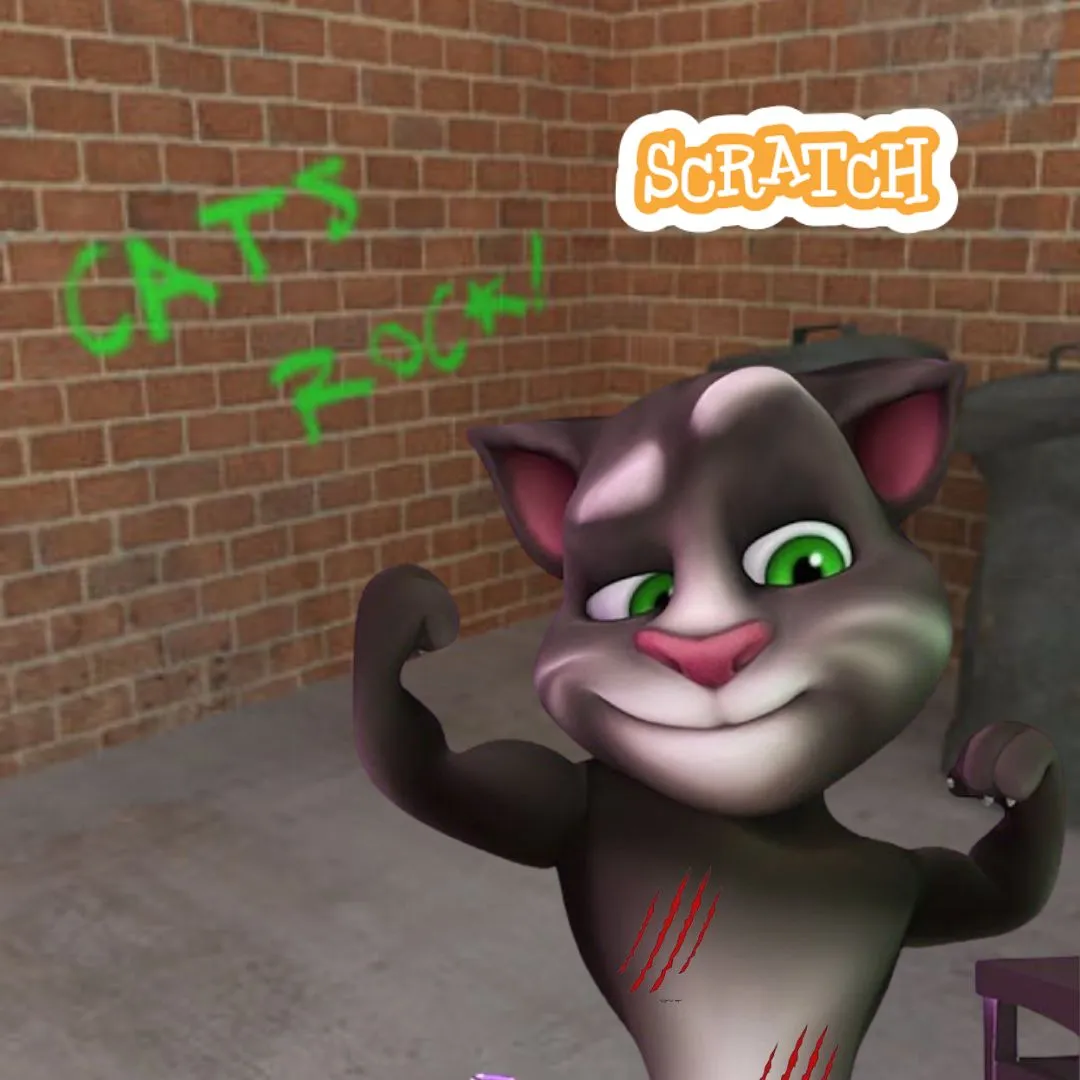
Have you ever seen those funny talking cat videos where the character repeats everything in a silly voice and makes everyone laugh? Now imagine your child creating something just like that on their own. That is exactly what makes building a Scratch project inspired by a talking tom cat 4 game so exciting. It transforms simple screen time into a creative learning experience where kids not only play but actually build their own interactive game.
In this guide, we will explore how to create a talking cat meme game step by step using Scratch. Along the way, kids will learn real coding concepts while having fun, and parents will clearly see how creative projects can build valuable skills.
Why a talking tom cat 4 game Is a Great First Coding Project
When kids start learning coding, the biggest challenge is keeping them engaged. A talking tom cat 4 game solves this problem perfectly because it feels like something they already enjoy. Instead of complex logic or boring exercises, this project is full of humor, sound, and interaction.
Kids love the idea of a character that talks back to them. That simple concept introduces them to programming in a natural and enjoyable way. They are not just learning commands. They are creating something entertaining and personal.
This type of project also builds confidence early. When a child sees their character respond, speak, and animate, it creates excitement and motivation to keep learning.
What Kids Learn While Building a talking tom cat 4 game
Behind the fun and laughter, there is a lot of learning happening. When kids build a talking tom cat 4 game, they are developing essential coding and thinking skills without even realizing it.
They begin to understand how events work, how input and output function, and how logic controls behavior. These are the same concepts used in real programming languages.
Here is a simple breakdown of what they learn:
| Concept | What It Means |
| Events | Triggering actions like clicks |
| Input | Taking user responses |
| Output | Displaying messages or sounds |
| Logic | Controlling behavior |
These skills are foundational and prepare kids for more advanced coding later.
Setting Up Your talking tom cat 4 game in Scratch
The first step in building your game is setting up the project. This is where creativity starts to shine. Kids can choose a cat sprite from Scratch or upload their own design. They can also select a colorful background that matches the theme of their game.
This stage is important because it allows kids to personalize their project. Some might create a funny meme-style cat, while others might design a cute pet character. This creative freedom makes the talking tom cat 4 game more meaningful.
This setup phase is very similar to other beginner projects like pet games or quiz games, where design plays a key role in engagement.
Adding Voice Interaction in a talking tom cat 4 game
The most exciting part of this project is making the cat talk. Scratch allows kids to record and play sounds easily. This feature is what brings the game to life.
Kids can record their own voice or add funny sound effects. Then they can program the cat to respond when clicked.
Here is a simple example:
when this sprite clicked
play sound “meow”
This small step introduces kids to how interaction works in coding. It also makes the talking tom cat 4 game instantly fun and engaging.
Making the Cat Repeat What You Say
To make the game feel like a real talking app, kids can program the cat to repeat what the player types. This is one of the most exciting features for young coders.
Here is how it works:
ask “Say something!” and wait
say answer for 2 seconds
This simple logic teaches how input and output work together. The cat asks a question, waits for a response, and then repeats it.
This feature makes the talking tom cat 4 game interactive and often leads to lots of laughter.
Adding Animations to Bring the Cat to Life
A static character is not very exciting, so adding animation is the next step. Kids can create different costumes for the cat, such as smiling, talking, or laughing expressions.
By switching between costumes, the character appears to move and react.
when this sprite clicked
next costume
Animations make the game feel alive and dynamic. They also teach kids how visual elements can be controlled through code.
Enhancing Fun with Sound Effects
Sound effects can turn a simple project into something memorable. Kids can add laughing sounds, cartoon noises, or silly effects to make their game more entertaining.
play sound “laugh”
These small additions greatly improve the experience. They also show kids how multimedia elements can be integrated into coding projects like a talking tom cat 4 game.
Creating Interactive Buttons and Features
To make the game more advanced, kids can add buttons that trigger different actions. For example, one button can make the cat dance, while another can make it laugh.
when sprite clicked
broadcast “dance”
Broadcasting messages introduces a more advanced concept where different parts of the program communicate with each other.
This adds depth to the talking tom cat 4 game and makes it feel like a real application.
Adding a Fun Score System
Gamification is a great way to keep kids engaged. Even a simple score system can make the game more exciting.
set score to 0
change score by 1
Kids can increase the score every time the player interacts with the cat. This encourages repeated play and experimentation.
Making the Game More Creative and Unique
At this stage, kids can start adding their own ideas. They might include funny dialogues, unique sound effects, or creative animations.
This is where coding becomes more than just learning. It becomes self-expression. Every talking tom cat 4 game can look completely different depending on the child’s imagination.
Encouraging creativity is key to keeping kids interested in coding for the long term.
Why Projects Like This Matter for Parents
Parents often wonder if coding classes are worth the investment. Projects like this provide a clear answer.
When kids build something like a talking tom cat 4 game, they are not just learning theory. They are applying knowledge, solving problems, and creating something real.
This kind of learning builds confidence and critical thinking skills. It also helps children understand how technology works instead of just using it.
How This Leads to Advanced Coding Skills
Once kids are comfortable with Scratch, they can move on to more advanced tools like Python. The concepts they learn here, such as logic and interaction, are directly transferable.
For example, the idea of asking for input in Scratch is similar to using input commands in Python. This makes the transition much easier.
Projects like the talking tom cat 4 game act as a strong foundation for future learning.
Start Your Child’s Coding Journey with JuniorCoderz
If your child enjoys creating fun and interactive projects like this, JuniorCoderz is the perfect place to continue learning. Students get hands-on experience building games, animations, and real world applications while developing strong coding skills.
Visit Junior Coderz to explore Scratch coding programs, AI hybrid courses, and advanced coding classes. JuniorCoderz focuses on creativity, project based learning, and skill development, helping kids grow with confidence.
Conclusion
Building a talking cat meme game is one of the most enjoyable ways for kids to learn coding. A talking tom cat 4 game combines humor, creativity, and programming in a way that keeps kids engaged and motivated.
For parents, this project clearly shows the value of coding education. Kids are not just playing games. They are building them. With the right support from platforms like JuniorCoderz, children can develop important skills and turn their ideas into real digital creations. Book your free trial now!
FAQs
What is a talking tom cat 4 game
It is an interactive game where a cat character responds to user input and repeats messages in a fun way.
Is this project suitable for beginners
Yes, Scratch makes it easy for beginners to create interactive games like this.
What skills do kids learn from this project
Kids learn coding basics, creativity, and problem solving.
Can kids customize their game
Yes, they can add their own sounds, animations, and designs.
What should kids learn after Scratch
They can move on to Python and more advanced programming concepts.