
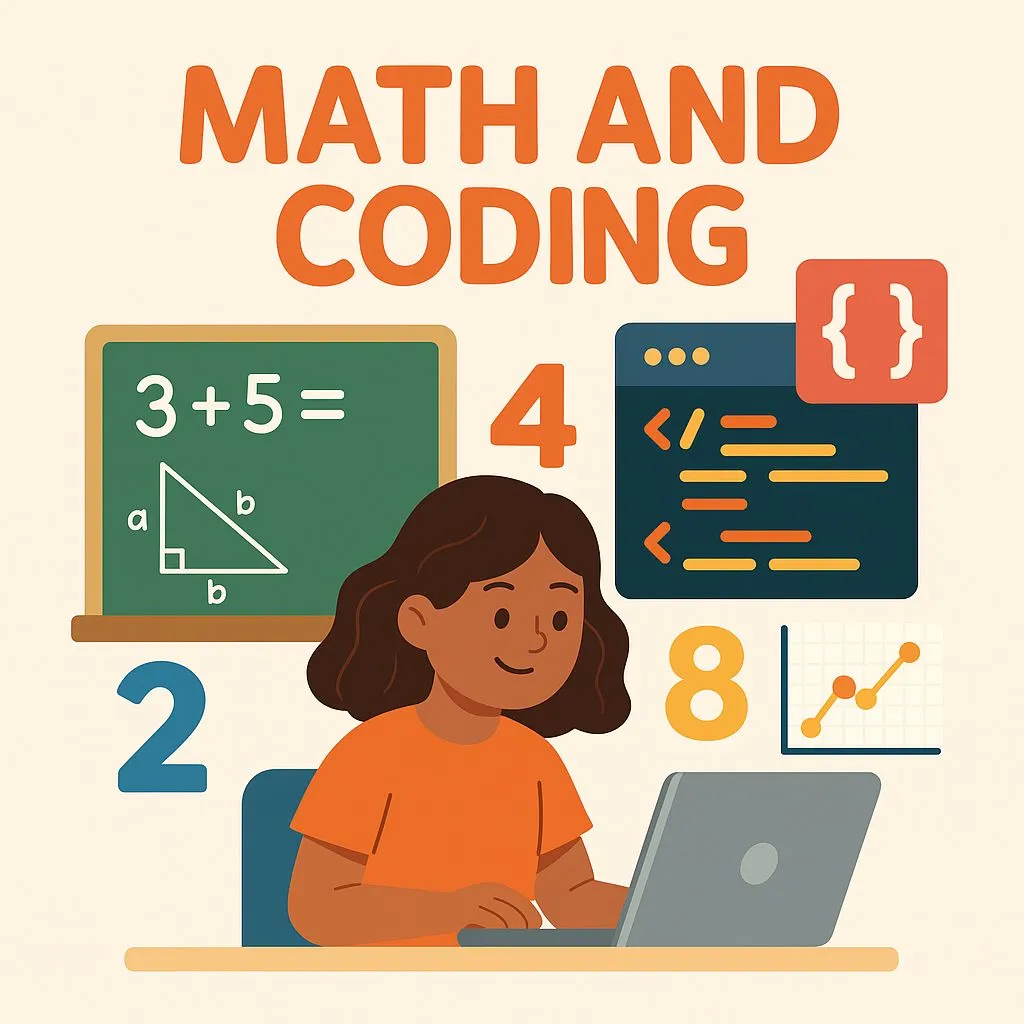
Imagine watching a child’s face light up when they realize that pressing a few buttons makes a sprite jump twice, then four times, then eight times turning what once felt like mysterious “math” into a living, breathing game. That’s the magic of math and coding coming together: when numbers become characters, loops become adventures, and fractions become visuals that kids intuitively understand.
Yet, beneath the fun and games lies something far more powerful. What if this playful exploration of coding mathematics could not only boost engagement, but truly lay the groundwork for deeper number sense, logic, and confidence in math? Read on, because in this guide we’ll reveal how to structure these experiences, spark curiosity, and build a lasting foundation for your learners ready to dive into the intersection of coding with numbers and foundational math.
Why “math and coding” Belong Together
In today’s world, children don’t just need to memorize math facts, they need to think, reason, and adapt. That’s where coding mathematics steps in. When a child writes code, they aren’t simply hitting keys they’re thinking: “What happens if I change this value? How many times will this loop run? What if I turn right instead of left?” Those questions? They’re math.
Research shows that coding allows kids to visualize abstract math ideas like sequence, pattern, repetition, and logic in a tangible way. For example, one study described how children using code better grasped pre-algebra and geometry concepts because they could “see” them, manipulate them, and test them.
Therefore, pairing coding math activities with your teaching isn’t a nice-to-have, it’s a strategic move. It bridges the gap between “doing math problems” and “understanding why math works.” And when done right, it builds not only skills, but confidence and we all know: confident kids play with challenges rather than avoid it.
Core Concepts: How Coding Mirrors Math
Here are the big ideas behind maths in coding that you can use to craft meaningful lessons:
1. Loops = Repeated Addition or Multiplication
In coding, a loop (for example: “repeat 5 times: add 3”) mirrors the math operation of 3 × 5 (3 added five times). When children see that code and then change parameters, it becomes an interactive math experiment.
2. Variables = Algebraic Thinking
A variable in code is like a placeholder in math (x, y). When students set x = 5 then y = x + 3, they’re doing algebra even if the terminology hasn’t been introduced yet. This is one of the strongest ways coding with numbers reinforces abstract thinking.
3. Conditionals & Logic = Math Reasoning
Conditional statements in programming (if-else) mirror the reasoning behind solving inequalities and logical statements (“Is 7 > 5? Then…”). By using conditionals, coding becomes a hands-on way to explore logic which is core to higher-level math.
4. Geometry & Coordinates = Movement + Space
In coding environments, children control x/y coordinates, angles, rotations, that’s geometry in action. They code a sprite to move 100 steps, turn 90°, repeat suddenly they own the geometry. This is a strong example of applying coding and mathematics together.
5. Pattern Recognition & Decomposition
Mathematics often means spotting patterns. Coding makes this explicit: you loop when you see repetition, you abstract functions when you see repetition with variation. Coding mathematics becomes the scenario where students think “What repeats? What changes?” and apply pattern logic.
8 Engaging Lesson Ideas for Kids
Here are practical, ready-to-go activities that marry coding math with fun for elementary/k-5 learners.
Activity 1: Place-Value Sprite Builder
Objective: Understand place value (units, tens, hundreds)
Description: Students create a sprite and use variables units, tens, hundreds. They ask the user for a number (e.g., 327), then display the number of hundreds, tens, and units with visual icons (100-blocks, 10-rods, 1-cubes).
Math link: Reinforces how 3 × 100 + 2 × 10 + 7 × 1 = 327 (place-value understanding).
Differentiation tip: Advanced students can extend to thousands or decimal places.
Assessment: “Explain in your own words what happens when the variable tens changes.”
Activity 2: Fraction Visualizer Game
Objective: Visualise fractions and parts of a whole
Description: On screen you create 1 whole; children code the sprite to divide that whole into equal parts and shade a given fraction (e.g., 3/8). They then change the denominator and numerator and observe.
Math link: Links fraction notation to code logic: numerator = shaded parts, denominator = total parts.
Differentiation tip: Extend to improper fractions or mixed numbers.
Assessment: Students record how changing denominator affects the size of each part.
Activity 3: Coordinate Treasure Hunt
Objective: Understand x/y coordinates and geometry
Description: Students code a “treasure” sprite to move to coordinate (x, y). They change the values with arrow keys or input boxes. Then they challenge another student to guess coordinates.
Math link: Demonstrates how ordered pairs work in geometry.
Differentiation tip: Add negative coordinates or 3-D movements.
Assessment: “Describe how changing x from 4 to –2 affects the sprite’s move.”
Activity 4: Angle Arcade
Objective: Understand angles and rotations
Description: Create a game where the sprite must turn correct angles to navigate a maze. For example: “Turn 90° and move 50 steps” etc.
Math link: Links coding commands (turn degrees) to geometric concept of angle.
Differentiation tip: Introduce angles over 180°, complementary/supplementary angles.
Assessment: Student describes how code “turn = 180°” differs from “turn = −180°”.
Activity 5: Times-Table Shooter
Objective: Reinforce multiplication facts
Description: Create a sprite shooter game: the sprite launches “bullets” in multiples of a base number (e.g., 7) and students shoot at targets labelled 7, 14, 21, 28. They change the loop count to see how many times the bullet fires and the score changes accordingly.
Math link: Real-time visual of multiplication via looped actions.
Differentiation tip: Move to arrays or grids for a visual representation of multiplication.
Assessment: Ask: “If you change the loop to 10 times, what will the score be? Why?”
Activity 6: Coin Counter Simulator
Objective: Practice decimals & addition
Description: Simulate a coin counter: when user inputs number of coins of different denominations (e.g., 10c, 20c, 50c), code calculates total.
Math link: Reinforces decimals, value addition, real-world finance context.
Differentiation tip: Introduce currency conversion or change-making.
Assessment: Students explain the math behind converting coins into decimal total.
Activity 7: Graph Plotter
Objective: Understand linear equations & graphing
Description: Students input “y = 2x + 3” and code plots points accordingly. They then modify slope/intercept and observe how the line changes.
Math link: Bridges algebra and geometry; shows how slope and intercept influence graphs.
Differentiation tip: Extend to quadratic or exponential equations.
Assessment: Ask: “What happens to the graph when you change the slope from 2 to −1?”
Activity 8: Logic Lab – If/Else Puzzle
Objective: Develop logical reasoning & conditional thinking
Description: Create a decision game: “If the number is divisible by 3, sprite says ‘Fizz’; else if divisible by 5, say ‘Buzz’; else say number.” Students adapt code to “FizzBuzz” style.
Math link: Applies divisibility rules, logic, modular arithmetic disguised as fun.
Differentiation tip: Add combination rules (divisible by 3 and 5).
Assessment: Students write the logic in plain English then code it.
How to Implement This in Your Classroom or Home
1. Start with a clear math objective
Before diving into code, decide exactly what concept you want to teach whether it’s place value, multiplication, or fractions. This helps focus the coding activity so every block of code directly supports a math skill. Clear objectives make the learning purposeful and measurable.
2. Select the right coding platform
Choose a platform suited to your students’ age and comfort level like Junior Coderz is great for visual, block-based projects also adds a physical, hands-on element. Picking the right tool ensures children stay engaged while seamlessly connecting math and coding concepts.
3. Scaffold the task
Break the lesson into simple, digestible steps. Teach coding blocks like loops, variables, or conditionals separately before combining them with math ideas. Scaffolding helps children build confidence, understand logic progressively, and avoid feeling overwhelmed.
4. Let students tinker
Encourage exploration and experimentation. Let them change numbers, loops, or directions in code to see what happens. This curiosity-driven tinkering transforms “coding with numbers” into active discovery where mistakes are just new learning opportunities.
5. Reflect and connect
After completing a task, have students explain how their code connects to math concepts. Ask reflection questions like “Why did increasing the loop change the outcome?” or “What’s the math behind this behavior?” Reflection solidifies understanding and deepens reasoning.
6. Assess and iterate
Use short quizzes, project rubrics, or exit tickets to check comprehension. Encourage students to tweak and improve their code to solve new problems or extend challenges. Iteration reinforces both coding logic and mathematical problem-solving skills over time.
Do You Need to Be Good at Math for Programming?
Short answer: No. But a mindset built by mathematics can help. Many parents ask: “Do you need to be good at math for programming?” The truth is, programming and math share a lot of habits: logical thinking, decomposition, sequence but being good at rote math facts isn’t a prerequisite.
Coding often helps learners get better at math, because it gives context, visualization and interaction. As one source puts it:
“While young coders definitely don’t need to be math-whizz kids to start coding, they will learn the aforementioned math principles as they code.”
In other words: Start with curiosity. Use coding and mathematics together to grow understanding, not the other way around.
Why This Matters: Long-Term Benefits
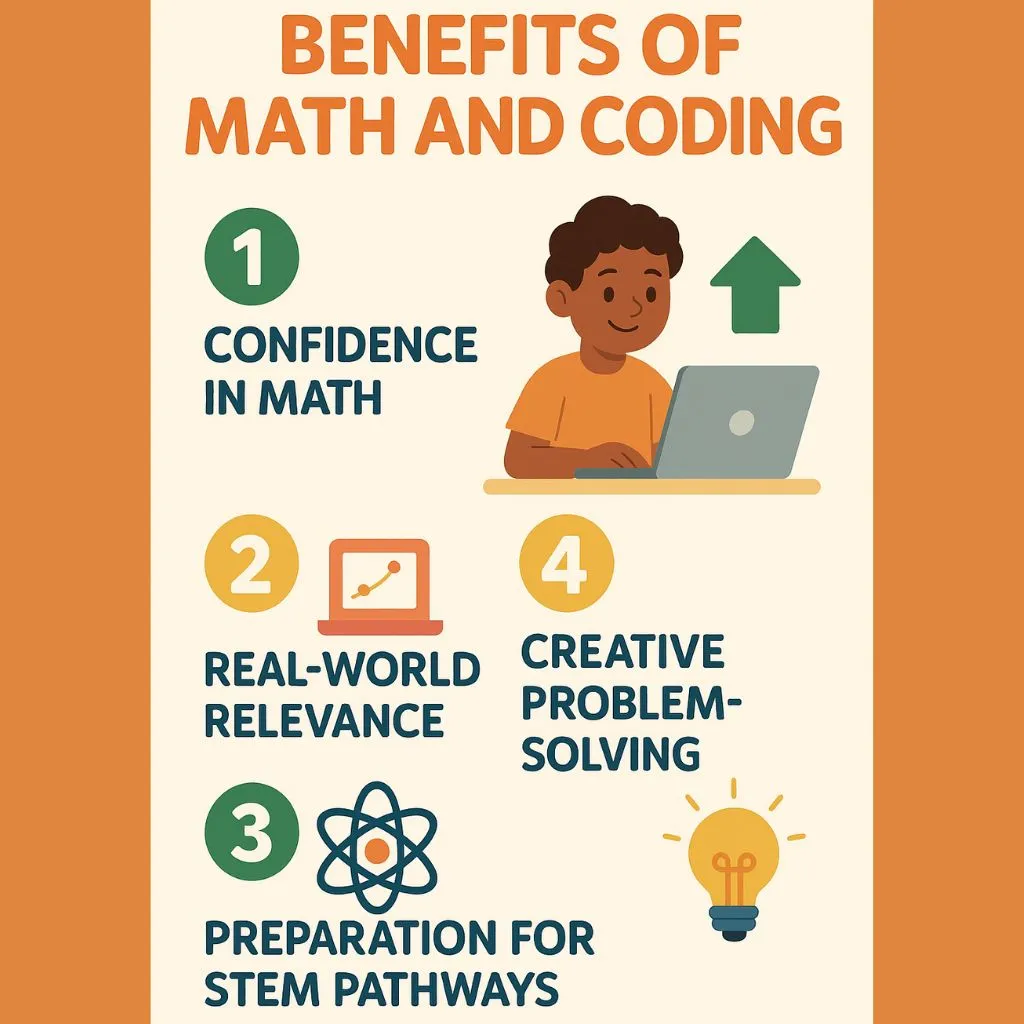
1. Confidence in Math
When kids see math come alive through coding, numbers stop being abstract symbols. They begin to experiment, predict, and verify outcomes in real time. This sense of control builds confidence, turning fear of math into curiosity and enjoyment.
2. Real-World Relevance
Teaching coding math connects classroom learning to the technology kids already love games, apps, and robots. They realize that every digital action relies on numbers, logic, and formulas they can master. It gives math a purpose beyond the textbook.
3. Preparation for STEM Pathways
Early exposure to math and coding develops computational thinking, analytical reasoning, and persistence all essential for STEM careers. Studies show that students who learn to code early perform better in math and science, setting them up for long-term academic success.
4. Creative Problem-Solving
Coding teaches kids to think like engineers testing ideas, debugging errors, and refining solutions. These same skills transfer to solving complex math problems, where flexibility, creativity, and logical reasoning lead to breakthroughs and deeper understanding.
Call to Action
Ready to bring vibrant, brain-boosting lessons to your class or home? Join our platform which is designed to help you seamlessly blend coding and math in a way that engages, excites and empowers young learners. Visit JuniorCoderz.com to get started today. Let’s ignite that spark of curiosity, build foundational math confidence, and open doors to the future together.
FAQs
Q: What is the difference between coding mathematics and just doing math in class?
Coding mathematics integrates coding with numbers, giving students interactive and visual ways to explore math concepts rather than simply solving written problems. It turns math into a playable experience.
Q: Can my child learn coding if they struggle with math?
Absolutely. The beauty of math and coding is that coding can help reinforce math understanding. A child doesn’t have to be math-strong from the start; coding can build those skills in engaging ways.
Q: Which platform is best for teaching math through code?
Block-based platforms such as Junior Coderz is highly effective because it allows young learners to focus on concepts (loops, variables, logic) without syntax pressure. Then you tie those to coding math objectives.
Q: What age is appropriate to start combining math and coding?
You can begin as early as K-2 (with guided tasks like counting loops or sprite movements) and continue through upper elementary/middle school using more advanced math in coding. The key is age-appropriate scaffolding.
Q: How do I assess math learning when kids are doing a coding project?
Use a simple rubric (e.g., Beginning → Developing → Proficient) that focuses on both the coding execution and the math concept. Ask students to describe what the code does in math terms: “Why did changing the loop count affect the result?” This ensures they internalize the coding with numbers connection.