
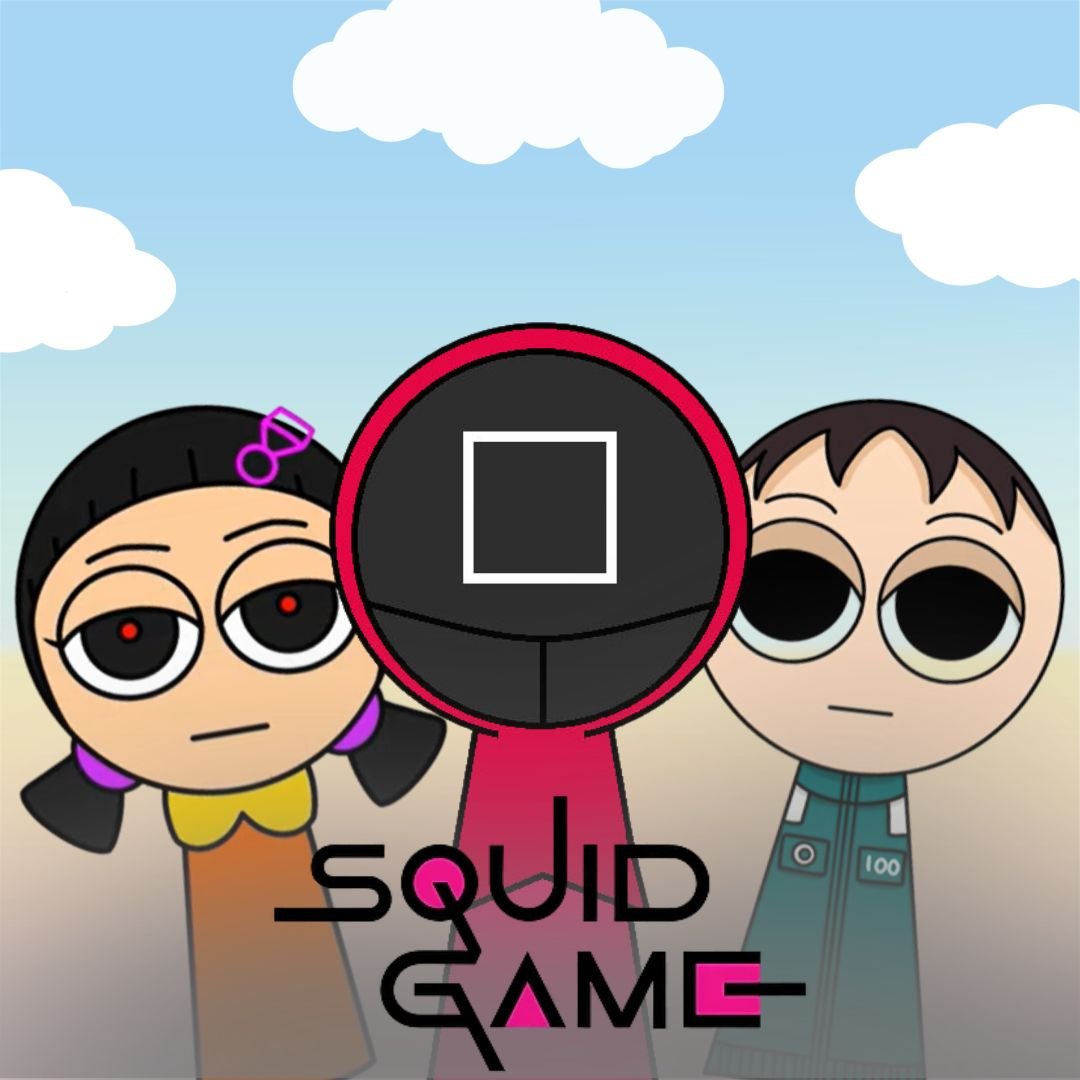
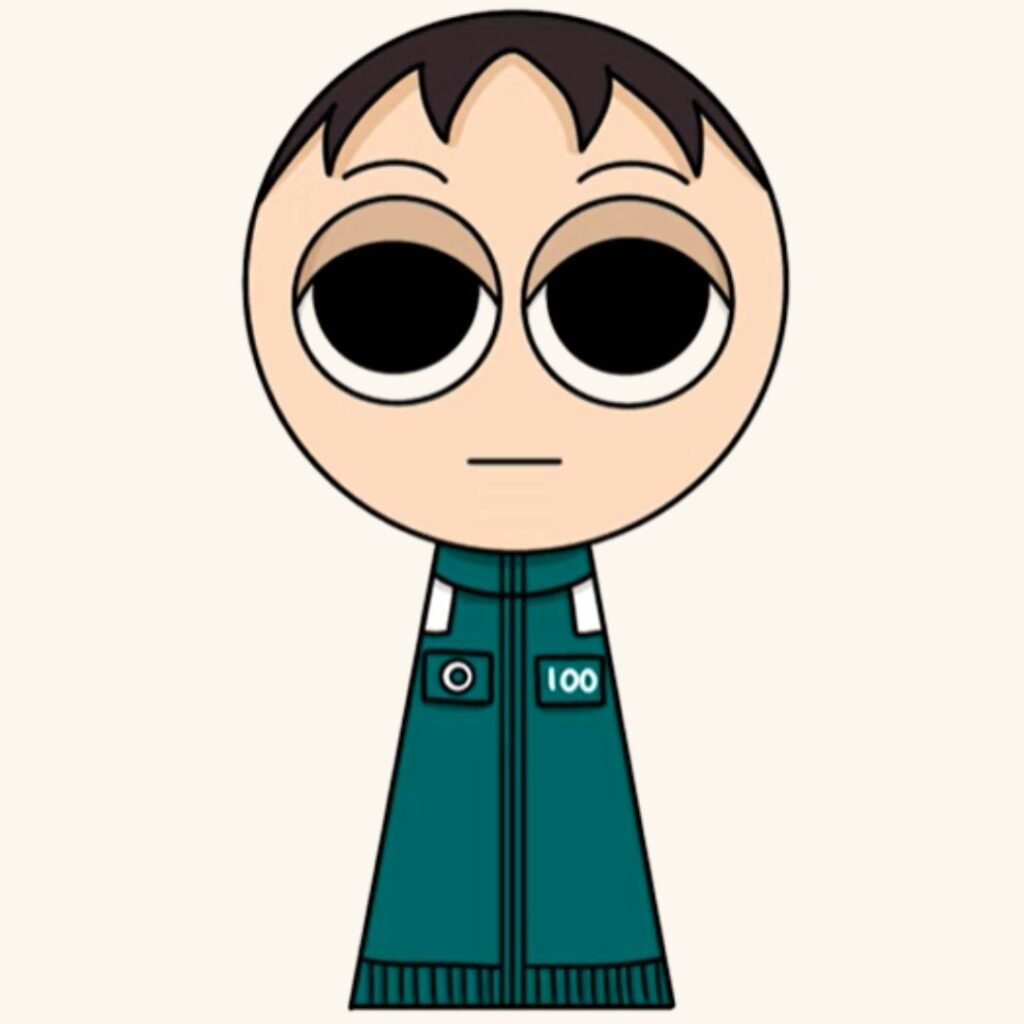
Have you ever wanted to build your own game inspired by the popular Red Light Green Light challenge? With Scratch programming, kids can turn that idea into a real interactive project. In this tutorial, we will learn how to create a sprunki squid game challenge using simple coding blocks in Scratch. This beginner friendly project teaches movement, conditions, and game logic while helping young coders build one of the most exciting beginner coding games. By the end of this guide, you will have your own playable game and a deeper understanding of how coding works.
This project is perfect for kids who enjoy fun coding projects, interactive stories, and learning how games work behind the scenes. Creating a sprunki squid game in Scratch helps children understand how games react to player actions while encouraging creativity and experimentation.
Understanding the sprunki squid game Concept Before Coding
Before jumping into Scratch programming, it is helpful to understand how the classic Red Light Green Light challenge works.
In the traditional game, players must move forward only when the leader says Green Light. When Red Light is called, everyone must freeze immediately. If someone moves during Red Light, they are out.
In our Scratch version of a sprunki squid game, we recreate the same concept using sprites, coding blocks, and simple logic.
| Game Element | What It Does |
| Player Character | Moves forward when the player presses a key |
| Sprunki Guard | Announces Red Light and Green Light |
| Game Timer | Controls when the lights change |
| Win Line | The finish line players must reach |
| Detection System | Checks if the player moves during Red Light |
This structure teaches kids important programming concepts such as event based coding, variables, conditions, and sprite interaction. These skills are commonly used when building beginner coding games and interactive Scratch projects.
If your child has previously explored projects like interactive animations or digital pet games, building a sprunki squid game will feel like an exciting upgrade that introduces real game mechanics.
Setting Up Your sprunki squid game Project in Scratch
The first step is preparing the Scratch workspace and adding the characters for the game.
Step 1: Open Scratch
Go to the Scratch website and click the Create button to open the coding editor.
Step 2: Choose Your Sprites
For this sprunki squid game, you will need three main sprites.
| Sprite | Purpose |
| Player Character | The character controlled by the player |
| Sprunki Guard | The character that calls Red Light and Green Light |
| Finish Line | The goal players must reach |
Kids can use built in Scratch characters, draw their own sprites, or upload images. Creating custom characters makes the project more personal and encourages creativity.
Step 3: Design the Background
Create a simple game arena with a running path.
Some ideas include:
Starting line
Finish line
Audience or decorations
Colorful ground paths
Adding visual details makes the sprunki squid game feel like a real mini challenge instead of just a simple coding exercise.
Coding Movement for sprunki squid game Characters
The next step is programming the player movement. Movement scripts are one of the first things kids learn in Scratch programming.
Attach this code to the Player sprite.
when green flag clicked
go to x:-200 y:0
This places the player at the starting position when the game begins.
Now allow the player to move forward.
when right arrow key pressed
change x by 10
This lets the player move each time the arrow key is pressed.
You can also create smoother movement.
repeat 10
change x by 1
wait 0.05 seconds
end
Adding this effect makes the character walk smoothly across the screen. Smooth animation makes the sprunki squid game feel more like a real video game.
To animate the character while running, add costume switching.
next costume
wait 0.1 seconds
Kids love this step because their character suddenly looks like it is running across the field.
Creating Red Light Green Light Logic for sprunki squid game
The most important feature in this game is switching between Red Light and Green Light.
First create a variable called Game State.
The variable can have two values.
| Value | Meaning |
| Green | Player can move |
| Red | Player must stop |
Now add the following script to the guard sprite.
when green flag clicked
forever
set Game State to Green
say Green Light for 2 seconds
wait 2 seconds
set Game State to Red
say Red Light for 2 seconds
wait 2 seconds
end
The guard will keep switching between the two states. This mechanic creates the core gameplay of the sprunki squid game.
Kids learn how loops and variables work together to control events in the game.
Detecting Movement in sprunki squid game During Red Light
Now we add the rule that players must not move during Red Light.
Attach this script to the Player sprite.
forever
if Game State = Red
if key right arrow pressed
say You moved! Game Over
stop all
end
end
If the player presses the movement key during Red Light, the game ends immediately. This is where logic and conditions become very important in the sprunki squid game.
You can improve the game by adding sound effects, dramatic messages, or flashing lights when a player loses.
These additions make the project feel like one of the most exciting fun coding projects kids can create with Scratch.
Adding a Win System to sprunki squid game
Every game needs a goal. In this project the goal is to reach the finish line.
Create a finish line sprite and place it at the far side of the stage.
Then add this code to the player.
forever
if touching Finish Line
say You Win!
stop all
end
When the player touches the finish line, the game ends with a victory message.
| Feature | Coding Skill Learned |
| Player Movement | Event blocks |
| Red Light System | Variables |
| Movement Detection | Conditional logic |
| Finish Line | Collision detection |
These core programming ideas are the foundation of many beginner coding games and Scratch programming projects.
Making Your sprunki squid game More Fun with Extra Features
Once the basic version works, kids can add creative improvements to their sprunki squid game.
Add sound effects when the light changes.
play sound whistle
Sound makes the game more exciting and interactive.
Add background music to create suspense during gameplay.
Create multiple players so friends can compete to reach the finish line first.
Add difficulty levels.
| Level | Speed |
| Easy | Slow light changes |
| Medium | Normal speed |
| Hard | Fast switching lights |
You can also add a score variable that increases when players move safely during Green Light.
These upgrades transform a simple project into a full game and help kids practice creativity while learning coding for kids.
Students who enjoy these challenges often move on to more advanced projects such as obstacle games, interactive stories, or digital pet simulations.
Learn to Build Games with JuniorCoderz
If your child enjoyed learning how to build this project, imagine what they could create with expert guidance and structured lessons. At Junior Coderz, kids learn coding by building exciting projects like games, animations, and interactive apps. Instead of memorizing theory, students develop real skills through hands-on experience with Scratch programming, beginner coding games, and creative digital projects.
Parents can explore coding classes, Scratch workshops, and advanced programs designed for young learners. Our Python Hybrid Program helps students progress from visual coding to real programming while building impressive projects and problem solving skills. Visit Junior Coderz to enroll your child and help them start an exciting journey into coding and technology.
Conclusion
Building games is one of the most exciting ways for children to learn programming. Creating a sprunki squid game introduces kids to movement logic, variables, conditions, and game design while keeping the learning process fun and engaging. Instead of only playing games, kids learn how games are built and begin thinking like creators and developers.
Projects like this inspire curiosity and creativity while building important problem solving skills. With the right guidance and practice, young learners can continue exploring new coding challenges and turn their ideas into real digital creations. Platforms like JuniorCoderz help students grow their skills step by step while making coding enjoyable and rewarding for the future.
FAQs
What is a sprunki squid game in Scratch?
A sprunki squid game is a beginner friendly Scratch project where kids recreate the Red Light Green Light challenge using coding blocks, sprites, and simple game logic.
Is Scratch good for beginner coding games?
Yes. Scratch is designed specifically for beginners. It uses drag and drop coding blocks that make it easy for kids to understand programming logic.
What age is best for learning Scratch programming?
Scratch is usually recommended for kids aged 8 to 14, although younger children can also explore it with guidance.
How long does it take to build this game?
Most beginners can build the basic version of the project in 30 to 60 minutes. Adding animations, sounds, and difficulty levels may take longer.
What should kids learn after Scratch?
After learning Scratch, many students move on to beginner Python programming where they create more advanced games, apps, and AI powered projects.