
Puzzle games are a fantastic way to help kids think logically, stay curious, and enjoy learning through play. When children design their own games, they do more than just code. They learn how to plan, test ideas, and solve problems creatively. Puzzle Games in Scratch are especially powerful because they combine visual programming with brain teasing challenges like mazes, matching cards, and logic puzzles. In this guide, you will learn how to build fun and educational puzzle projects step by step while helping young learners grow their coding confidence.
Why Puzzle Games in Scratch Help Kids Think Smarter
Puzzle Games in Scratch encourage children to slow down, think ahead, and understand cause and effect. Unlike fast action games, puzzles focus on reasoning, patterns, and strategy. Kids learn how to break big problems into smaller steps, which is an essential skill in Scratch programming and real life. Parents and educators love these projects because they blend fun coding projects with meaningful learning outcomes.
Getting Started with Puzzle Games in Scratch for Beginners
Before creating advanced puzzles, kids should understand the Scratch interface. Puzzle Games in Scratch start with simple building blocks like sprites, backdrops, and events. Begin by choosing a clear goal such as guiding a character through a maze or matching two similar objects. This helps beginners stay focused and excited instead of feeling overwhelmed.
Basic setup steps:
Choose a sprite that represents the player
Select a backdrop that fits the puzzle theme
Use events like when green flag clicked to start the game
Add simple motion or sensing blocks to test movement
This foundation prepares kids for more complex puzzle logic later.
Building Maze Puzzle Games in Scratch Step by Step
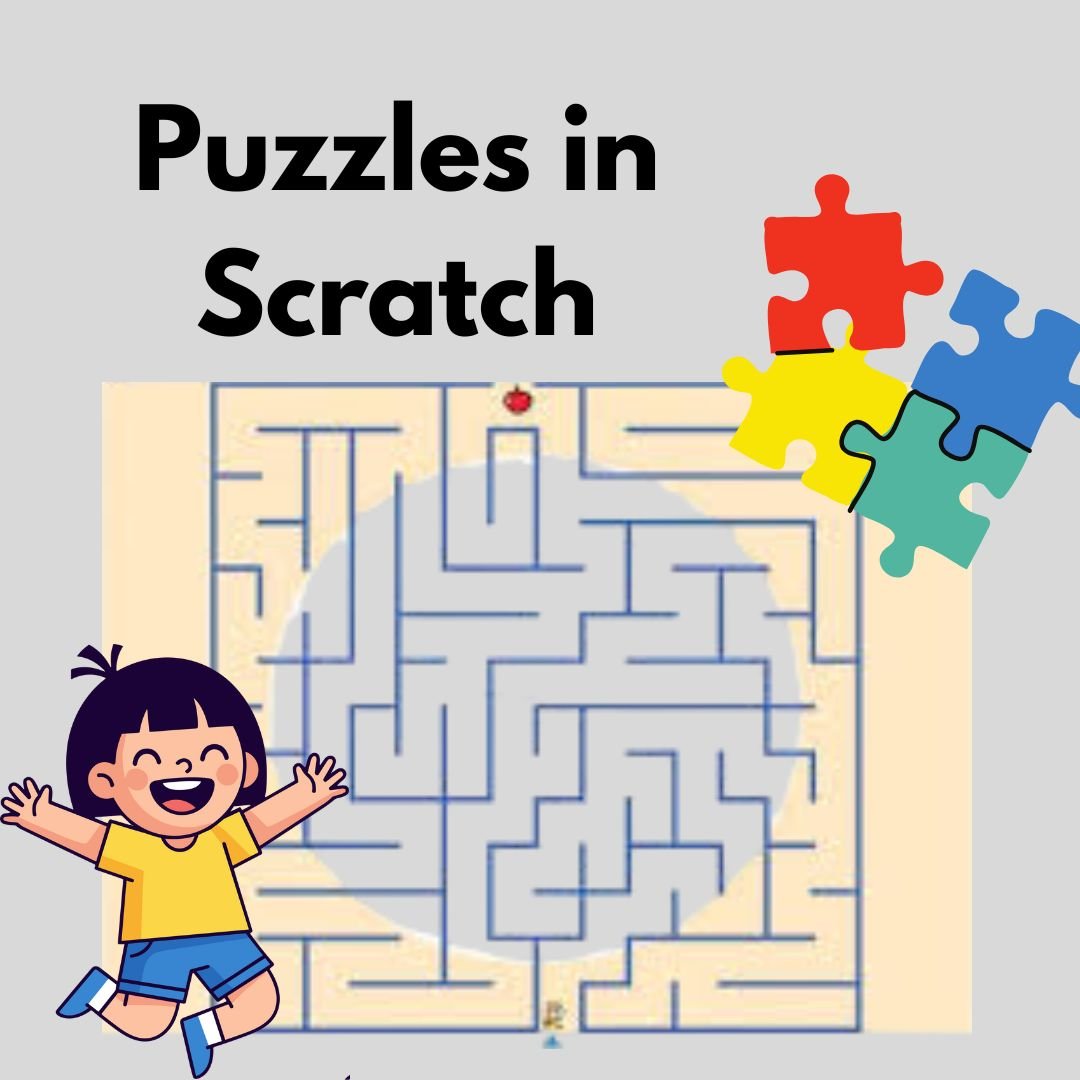
Maze games are one of the most popular Puzzle Games in Scratch because they teach direction, collision detection, and planning. A maze challenges players to think before they move, which makes it perfect for brain training.
Steps to create a maze puzzle:
Draw a maze using the Scratch paint editor
Add walls using a single color for easy detection
Program the player sprite to move with arrow keys
Use sensing blocks to detect wall contact
Reset the player if they touch a wall
Simple logic like this helps kids understand how conditions and rules control gameplay.
Creating Matching Puzzle Games in Scratch That Improve Memory
Matching games are classic Puzzle Games in Scratch that boost memory and attention skills. These games usually involve flipping cards and finding pairs.
Basic logic for a matching game:
| Game Element | Purpose |
| Hidden cards | Create mystery and challenge |
| Variables | Track matches and score |
| Broadcasts | Sync card behavior |
Kids learn how to use variables to remember which cards are flipped and how to reset them when the match is incorrect. This introduces them to structured thinking in a fun way.
Designing Logic Puzzle Games in Scratch Using Conditions
Logic based challenges are the heart of Puzzle Games in Scratch. These puzzles require players to meet certain conditions to win, such as pressing switches in the correct order.
Scratch concepts used:
If then conditions to check player actions
Variables to store puzzle progress
Broadcast messages to unlock new areas
By designing logic puzzles, kids learn how computers make decisions and why order matters in coding.
Adding Levels and Difficulty to Puzzle Games in Scratch
To make Puzzle Games in Scratch more engaging, it is important to add levels. Each level can introduce new rules, obstacles, or puzzles.
Ideas for increasing difficulty:
Larger mazes with more paths
More cards in matching games
Timed logic challenges
This teaches kids how games grow in complexity and how to design experiences that keep players interested.
Using Feedback and Rewards in Puzzle Games in Scratch
Feedback is essential in Puzzle Games in Scratch. Players should know when they are right or wrong.
Ways to add feedback:
Sound effects for correct moves
Messages like Try again or Great job
Score counters or stars
Rewards motivate kids to keep experimenting and refining their solutions, which builds persistence.
Testing and Improving Puzzle Games in Scratch
Testing is a crucial part of Puzzle Games in Scratch development. Kids learn that mistakes are part of learning.
Encourage them to:
Play the game multiple times
Ask friends to test it
Fix bugs and improve instructions
This process helps young coders understand real world problem solving and teamwork.
Sharing Puzzle Games in Scratch with Friends and Family
One of the most exciting parts of Puzzle Games in Scratch is sharing them. Kids can publish their projects and receive feedback from others.
Sharing builds confidence and helps children feel proud of their creations. It also inspires them to explore more beginner coding games and creative ideas.
Call to Action
If your child loves building puzzles and exploring coding, Junior Coderz is the perfect place to grow those skills. Visit Juniorcoderz to book coding classes, enroll in Scratch workshops, and start a fun learning journey. Junior Coderz helps kids turn ideas into real projects, improve problem solving abilities, and enjoy coding in a supportive environment.
Conclusion
Creating puzzle games in Scratch is a powerful way to blend creativity, logic, and learning. Kids develop confidence as they design mazes, matching challenges, and logic puzzles from scratch. These projects teach valuable skills that go far beyond games. Encourage your child to start experimenting today and visit Junior Coderz for expert guidance, fun classes, and a supportive learning community that helps young coders thrive.
FAQs
What age is best for creating puzzle games in Scratch?
Kids aged 7 and up can start with simple puzzles. Scratch is designed for beginners and grows with the learner.
Do kids need coding experience before making puzzle games?
No prior experience is needed. Scratch uses visual blocks that are easy to understand.
How long does it take to build a simple puzzle game?
A basic maze or matching game can be created in one or two sessions, depending on complexity.
Can puzzle games help with school learning?
Yes, puzzle games improve logic, math thinking, and problem solving skills.
Are Scratch puzzle games safe to share online?
Yes, Scratch has a moderated community designed for children.