
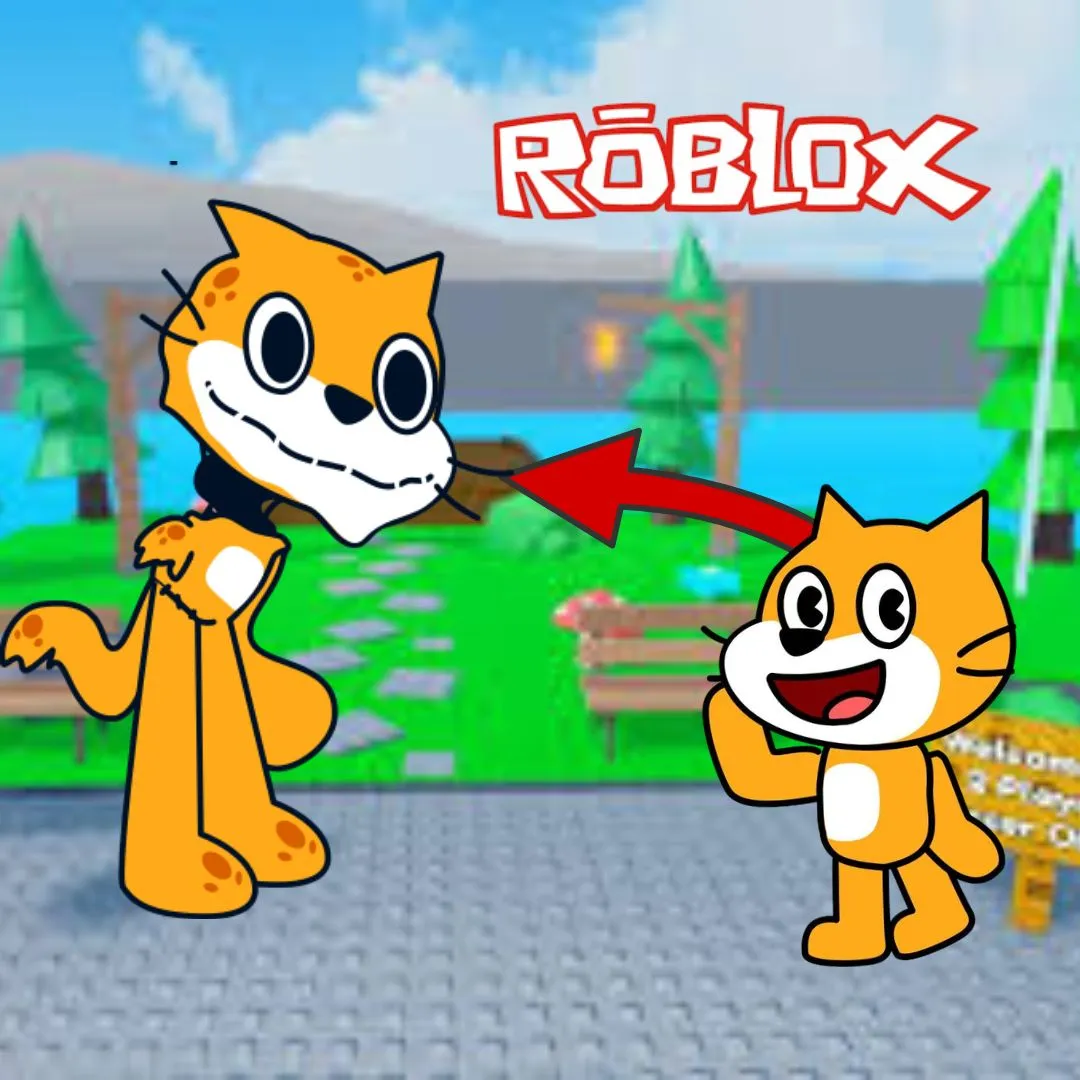
Have you ever wondered how kids can turn their love for games into something creative and educational? Instead of just playing, what if they could build their own obstacle course game inspired by their favorite platforms? That is exactly what makes creating a roblox obby game in Scratch such an exciting and valuable learning experience. It combines fun gameplay with real coding skills, helping kids explore creativity while learning programming step by step.
In this guide, we will walk through how to build an obby style game in Scratch, explain the benefits for kids, and show parents why this type of project is a great investment before choosing coding courses.
Why a roblox obby game Is Perfect for Beginner Coders
Obstacle games are simple to understand but powerful for learning. A roblox obby game usually involves jumping across platforms, avoiding obstacles, and reaching a goal.
This type of project is ideal for beginners because it introduces:
Movement controls
Collision detection
Game rules
Level design
Kids who enjoy beginner coding games will find this project both fun and challenging.
How a roblox obby game Teaches Real Coding Skills
Parents often ask if game projects actually teach useful skills. The answer is yes.
When kids build a roblox obby game, they learn:
| Concept | Skill Developed |
| Movement | Understanding coordinates |
| Conditions | Decision making |
| Variables | Tracking score and lives |
| Events | Game interaction |
These are the same core concepts used in real programming languages.
Getting Started With Your roblox obby game in Scratch
Before coding, kids need to set up their project.
Steps:
Open Scratch
Choose a character sprite
Create a background with platforms
This is where creativity begins. Kids can design their own obstacle course using shapes and colors.
This step is similar to projects shared in creative coding ideas and beginner Scratch tutorials.
Designing Levels in a roblox obby game
Level design is one of the most exciting parts.
Kids can create:
Easy platforms for beginners
Moving obstacles for challenge
Hidden paths for exploration
A well designed obby keeps players engaged and encourages replay.
Adding Movement Controls in a roblox obby game
Movement is the core of any obby game.
Here is a simple Scratch script:
when green flag clicked
forever
if key right arrow pressed then
change x by 5
if key left arrow pressed then
change x by -5
This allows the player to move left and right.
Kids learn how user input controls game actions.
Creating Jump Mechanics in a roblox obby game
Jumping makes the game feel real.
Example:
if key space pressed then
change y by 10
wait 0.2 seconds
change y by -10
This introduces gravity and timing.
A roblox obby game becomes much more fun with smooth jumping mechanics.
Adding Obstacles in a roblox obby game
Obstacles create challenge.
Kids can add:
Spikes
Moving blocks
Falling platforms
Collision detection example:
if touching obstacle then
go to start position
This teaches consequences and game rules.
Scoring System in a roblox obby game
Adding a score makes the game rewarding.
when green flag clicked
set score to 0
Increase score when player reaches checkpoints.
A scoring system makes the obby more engaging and competitive.
Creating Levels and Progression in a roblox obby game
To make the game more advanced, kids can add levels.
Example ideas:
Level 1 easy jumps
Level 2 moving obstacles
Level 3 tricky paths
Progression keeps players motivated.
This is similar to concepts used in sprunki squid game challenges and quiz game progression systems.
Making Your roblox obby game More Fun
Kids can enhance their game by adding:
Sound effects
Animations
Colorful backgrounds
Timers
These features turn a simple project into a complete experience.
Fun coding projects like this keep kids interested in learning.
What Kids Learn From Building a roblox obby game
This project is more than just a game.
Kids develop:
Problem solving skills
Creativity
Logical thinking
Confidence
Building a roblox obby game helps kids understand how games work behind the scenes.
Why Projects Like This Matter Before Choosing Coding Courses
Parents often hesitate before enrolling kids in coding classes.
Projects like this show what kids can achieve.
Instead of passive learning, kids actively create.
This demonstrates the value of coding education.
When kids enjoy building games, they are more likely to stay engaged in learning.
How This Connects to Advanced Learning
Once kids master Scratch, they can move to:
Python programming
Game development
AI based projects
Courses like AI Hybrid and Algorithm Avengers help students take the next step.
The foundation built through a roblox obby game prepares them for advanced coding.
Common Challenges and How to Solve Them
Kids may face some challenges:
Character not moving correctly
Jump not working smoothly
Collisions not detected
Solutions:
Check code blocks carefully
Test frequently
Break problems into steps
Debugging is an important part of coding.
Encouraging Creativity in Coding
Let kids experiment.
They can:
Design unique levels
Add new characters
Create their own game rules
Creativity makes coding fun and meaningful.
Build Real Skills With Fun Projects
The best way to learn coding is by building.
Projects like:
Sprunki quiz games
Obstacle games
Interactive stories
Help kids connect concepts with real applications.
Start Learning With JuniorCoderz Today
If your child enjoys building games like this, JuniorCoderz is the perfect place to continue their learning journey. The platform offers interactive coding classes where kids create games, animations, and advanced projects while developing real programming skills. Students move from Scratch programming to Python and even AI based learning in a structured and fun environment.
Visit Junior Coderz to explore Scratch coding programs, AI hybrid courses, and advanced coding classes. JuniorCoderz helps kids turn their creativity into real projects while building confidence and problem solving skills.
Conclusion
Creating an obstacle course game is one of the most exciting ways for kids to learn coding. By building an obby game, children gain hands-on experience with programming concepts while having fun. This type of project shows parents the real value of coding education and how it helps kids develop important skills.
Encouraging kids to explore coding through creative projects opens the door to endless possibilities. With the right guidance from platforms like JuniorCoderz, children can turn their ideas into real games and build a strong foundation for future learning.
FAQs
What is a roblox obby game
It is an obstacle course game where players jump across platforms and avoid challenges.
Can kids make this game in Scratch
Yes, Scratch is perfect for building beginner versions of obstacle games.
What skills do kids learn
Kids learn coding basics, problem solving, and creativity.
Is Scratch good for beginners
Yes, it is one of the best platforms for beginner coding games.
What comes after Scratch
Kids can move to Python and more advanced programming.