
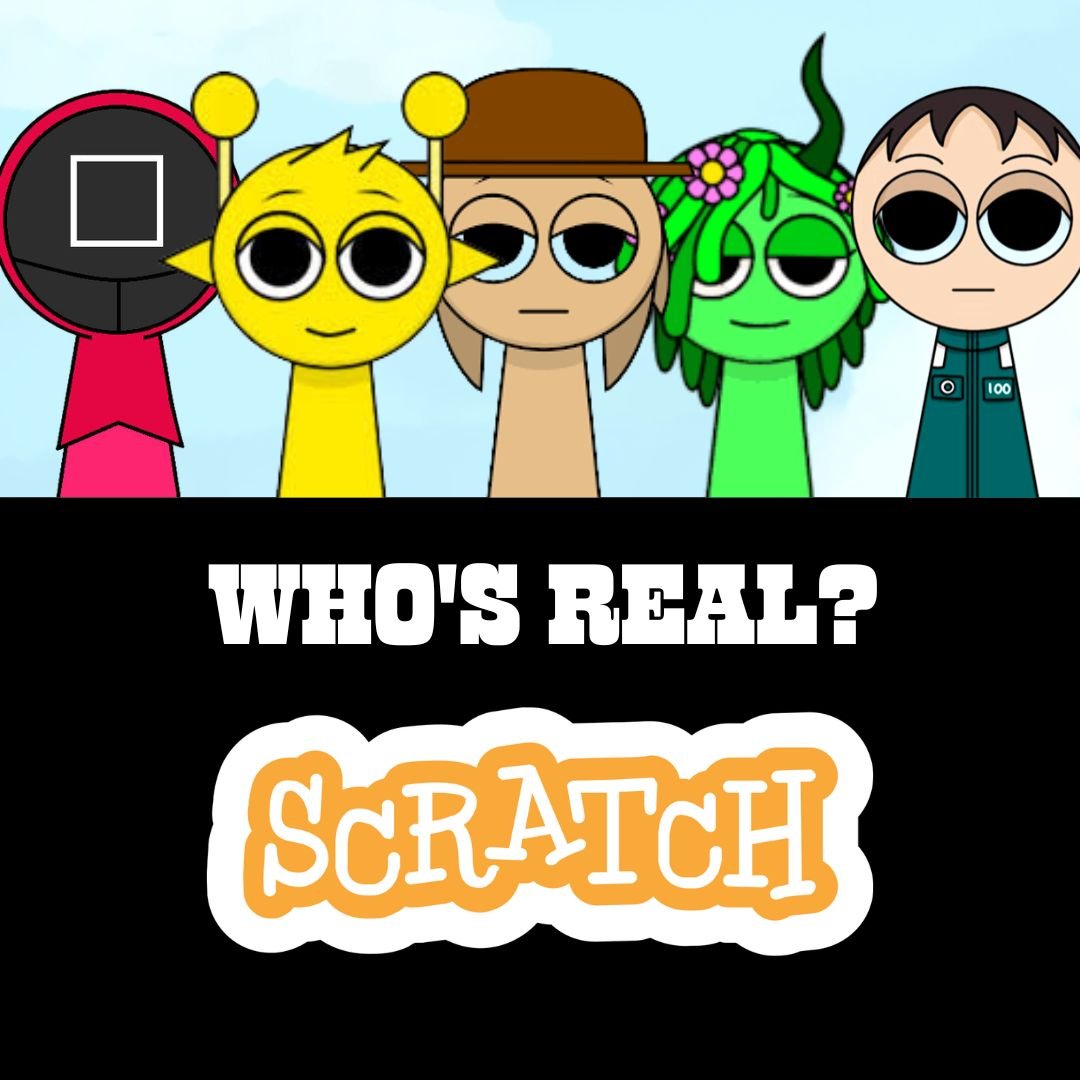
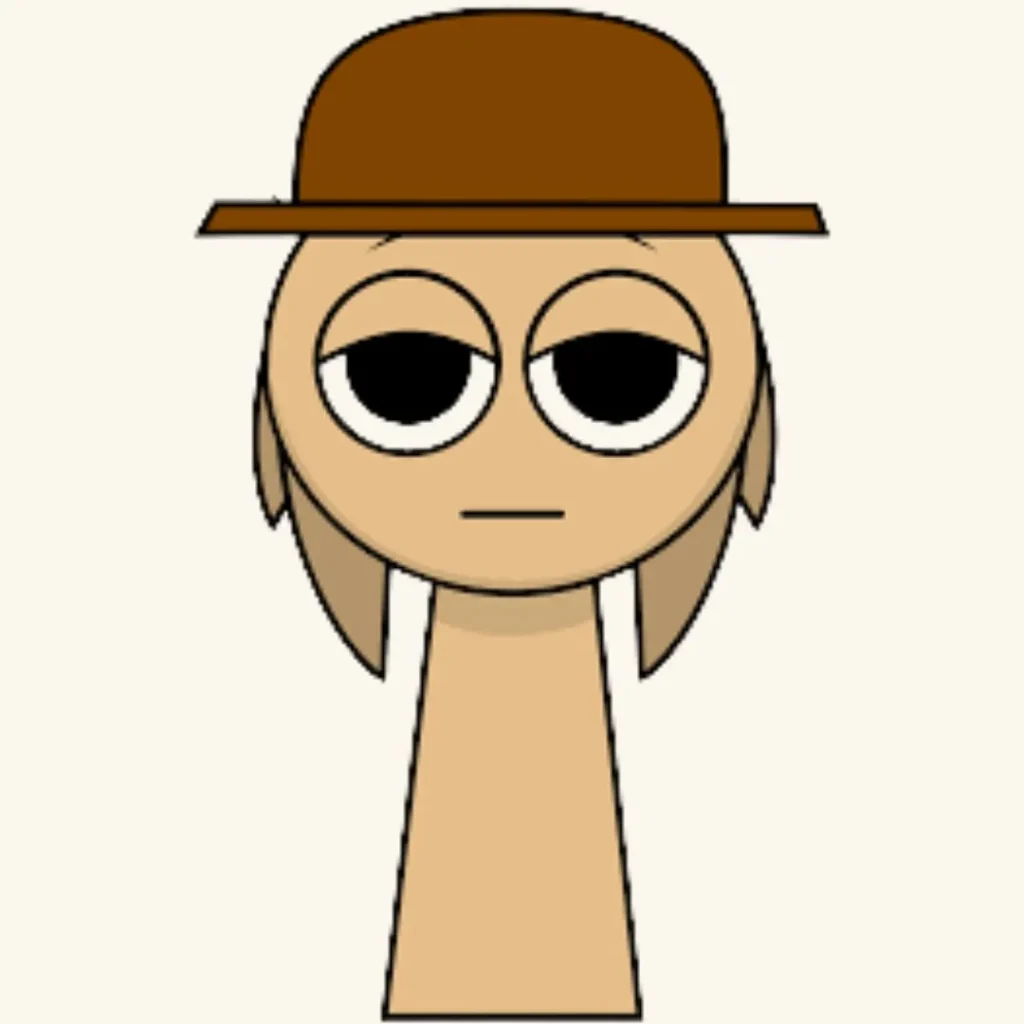
Have you ever thought about turning your favorite characters into a fun quiz game? With Scratch programming, kids can build their own interactive quiz where players answer questions and score points. In this tutorial, you will learn how to Make a Sprunki quiz game step by step using simple coding blocks. This project is perfect for kids who love fun coding projects, beginner coding games, and creative storytelling.
By the end of this guide, you will have your own quiz game where players answer questions about Sprunki characters, track scores, and enjoy an engaging learning experience.
Understanding How to Make a Sprunki Quiz Game in Scratch
Before we start coding, let’s understand what this project will include. When you Make a Sprunki quiz game, you are building an interactive system that asks questions, checks answers, and rewards players with points.
Here is how the game works.
| Feature | Description |
| Question System | Displays quiz questions |
| Answer Input | Player types or selects an answer |
| Score Tracking | Adds points for correct answers |
| Feedback | Shows correct or wrong messages |
| Final Result | Displays total score |
This type of project helps kids learn logic, variables, and interaction design. It is also a great step after creating beginner coding games like the sprunki squid game or animation projects.
Setting Up to Make a Sprunki Quiz Game in Scratch
The first step to Make a Sprunki quiz game is setting up your Scratch workspace.
Step 1: Open Scratch
Go to Scratch and click Create.
Step 2: Add Sprites
You can add:
| Sprite | Role |
| Quiz Host | Asks questions |
| Sprunki Characters | Appear in questions |
| Background | Quiz theme screen |
Kids can draw their own characters or use Scratch library sprites. This makes coding for kids more creative and fun.
Step 3: Create Variables
You will need two variables:
Score
Question Number
These variables will control how the quiz works.
Coding Questions to Make a Sprunki Quiz Game
Now let’s start coding the question system. This is the heart of your project when you Make a Sprunki quiz game.
Add this script to your Quiz Host sprite.
when green flag clicked
set score to 0
set question number to 1
Now add your first question.
ask What is the name of this Sprunki character? and wait
To check the answer:
if answer = “Sprunki1” then
change score by 1
say Correct! for 2 seconds
else
say Wrong! for 2 seconds
end
You can repeat this structure for multiple questions.
This teaches kids how to use conditions and user input in Scratch programming.
Using Variables to Make a Sprunki Quiz Game Interactive
Variables make your game smart. When you Make a Sprunki quiz game, variables help track progress and scores.
Example:
change question number by 1
You can display the score on screen so players can see their progress.
| Variable | Purpose |
| Score | Tracks correct answers |
| Question Number | Controls quiz flow |
This is one of the most important concepts in beginner coding games and helps kids understand real programming logic.
Adding Multiple Questions to Make a Sprunki Quiz Game
To make your game more fun, add multiple questions.
Example structure:
if question number = 1 then
ask Question 1
end
if question number = 2 then
ask Question 2
end
You can create questions like:
Who is the fastest Sprunki character
Which Sprunki loves adventures
What color is your favorite Sprunki
Each correct answer increases the score.
Adding more questions makes the game more engaging and helps kids practice Scratch programming in a fun way.
Adding Sounds and Effects to Make a Sprunki Quiz Game Fun
To make your game exciting, add sounds and animations. When you Make a Sprunki quiz game, these features improve user experience.
Add sound effects:
play sound correct
Add animations:
next costume
You can also change backgrounds between questions.
These small details turn your project into one of the best fun coding projects for kids.
Creating a Final Score Screen to Make a Sprunki Quiz Game Complete
Every quiz needs a result screen.
Add this script:
if question number > 5 then
say Your final score is
say score
stop all
end
You can also add messages like:
Great job
Try again
You are a Sprunki expert
This makes the game feel complete and rewarding.
Advanced Ideas to Make a Sprunki Quiz Game Even Better
Once the basic version is ready, kids can upgrade their project.
Here are some ideas:
Add a timer for each question
Create multiple choice buttons
Add levels like easy and hard
Include character animations
Add a leaderboard system
These features help kids move from beginner coding games to more advanced projects.
Students who enjoy projects like this can also explore interactive storytelling, game design, and animation projects from previous blogs.
Why Kids Should Make a Sprunki Quiz Game
When kids Make a Sprunki quiz game, they are not just playing. They are learning valuable skills.
| Skill | Benefit |
| Logic Building | Understand how programs think |
| Creativity | Design unique questions and visuals |
| Problem Solving | Fix errors and improve code |
| Confidence | Build their own working game |
This project is a perfect introduction to coding for kids and prepares them for more advanced programming concepts.
Start Your Coding Journey with JuniorCoderz
If your child enjoyed creating this project, it is the perfect time to explore structured coding learning. At JuniorCoderz, students learn by building exciting projects like games, quizzes, animations, and apps. The platform focuses on hands-on learning where kids turn their ideas into real digital creations.
Parents can visit Junior Coderz to book coding classes, enroll in Scratch workshops, and explore advanced programs. Courses like the Algorithm Avengers program help students move from beginner coding games to real programming skills such as Python, algorithms, and app development. With expert guidance and fun projects, kids can grow into confident young creators.
Conclusion
Learning to code becomes much more exciting when kids create their own games. When they Make a Sprunki quiz game, they learn how to use variables, conditions, and logic while building something fun and interactive. This project shows that coding is not just about typing commands but about creating experiences.
Encouraging kids to build projects like this helps them develop creativity, confidence, and problem solving skills. With the right guidance and practice, they can continue exploring more advanced coding challenges and bring their ideas to life. Platforms like JuniorCoderz provide the support, tools, and inspiration needed to help young learners succeed in their coding journey.
FAQs
What is a Sprunki quiz game in Scratch
It is an interactive game where players answer questions about Sprunki characters and earn points based on correct answers.
Is Scratch good for making quiz games
Yes, Scratch is perfect for creating quiz games because it allows kids to use simple blocks to handle questions, answers, and scoring.
What age is suitable for this project
Kids aged 8 and above can easily build this project with basic Scratch knowledge.
Can beginners make this game
Yes, this is one of the best beginner coding games and is easy to follow step by step.
What should kids learn next after this project
After this, kids can explore advanced game design, animations, or move to Python programming for more complex projects.