
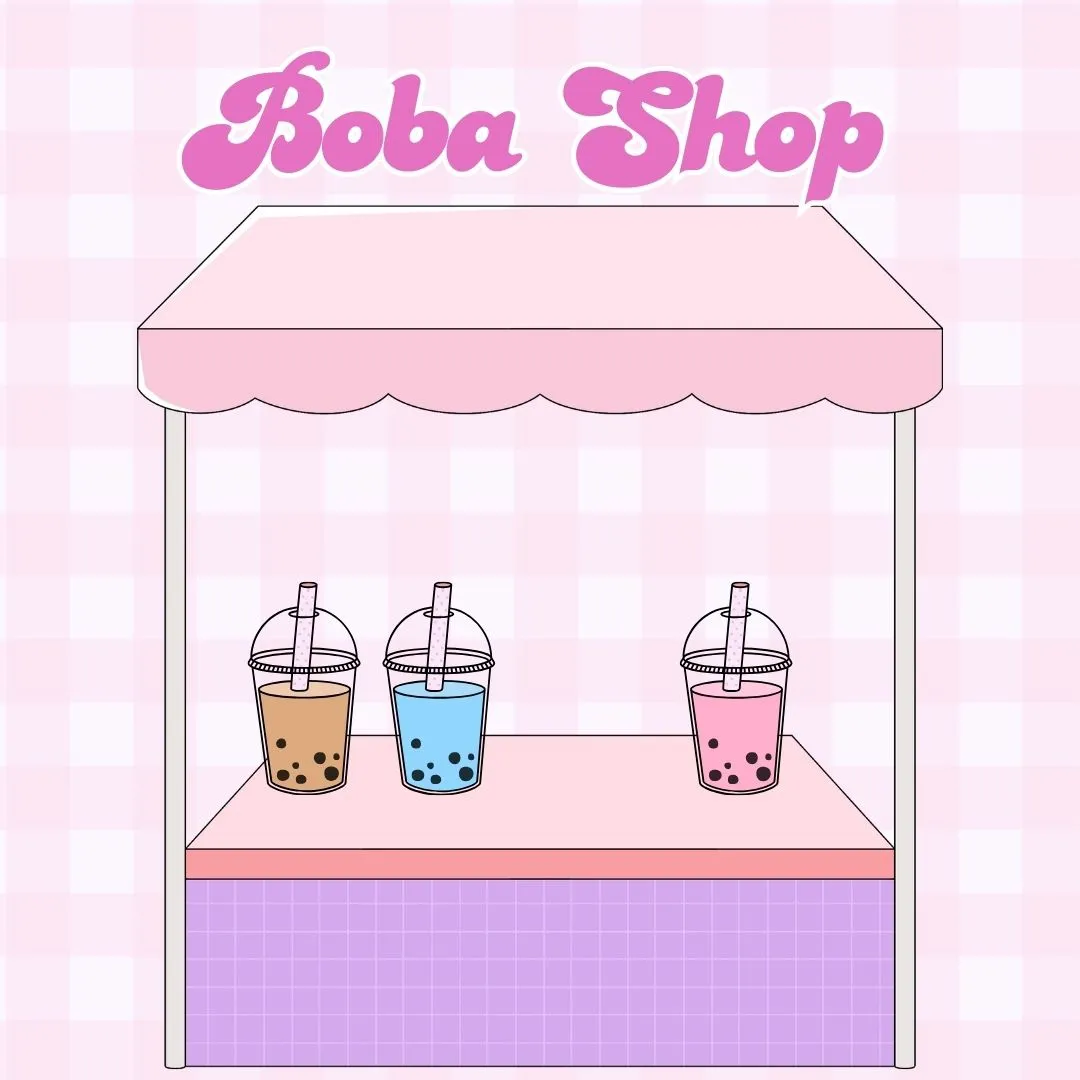

If you are searching for a fun, creative and kid friendly way to learn Scratch programming, making a bubble tea shop game is one of the most exciting projects to try. Kids love bubble tea as a drink and love the creativity that goes into customizing flavors and toppings, so turning this idea into a Scratch project is a perfect blend of imagination and coding. In this tutorial, you will learn how to design characters, mix ingredients, take customer orders and build your own interactive world inspired by bubble tea games. Not only is this project enjoyable, but it also teaches coding for kids, logical thinking, artistic design and storytelling.
Whether you are a parent, teacher or a young coder excited to build a fun coding project, get ready to explore Scratch in a whole new way. With simple steps, helpful examples and detailed instructions, this guide will make it easy to create a lively and colorful game that feels like running your own bubble tea shop.
Why Bubble Tea Shop Games Are Perfect for Kids Learning Scratch
Creating a bubble tea game gives kids the perfect balance of structure and creativity. It teaches important skills like sequencing, events, loops and conditionals while letting players enjoy building their own digital drinks. Kids who enjoy beginner coding games often want projects that feel hands-on and imaginative, and bubble tea games fit this perfectly because they allow artistic freedom and interactive features at the same time.
Another benefit is that this game mirrors real life processes. Just like making bubble tea in a real shop requires mixing ingredients in the right steps, Scratch programming teaches kids to follow logical instructions to produce the desired outcome. This combination of fun and learning helps students stay engaged and excited about their coding journey.
Planning Your Bubble Tea Game in Scratch
Before you start coding, it helps to plan out what your bubble tea shop will include. Think of it as preparing a menu for your game. Planning makes the process easier and helps organize the steps.
Here are some of the elements your game might include:
Ingredients
Sprites for cups, bubbles, ice, tea, milk, flavors and toppings.
Tools
Buttons to pour, mix, shake or serve.
Characters
Customers who place orders.
Animations
Stirring, filling and shaking actions.
Scoring
Points for correct orders and losing points for mistakes.
Below is a simple planning table you can use to outline your ideas:
| Game Element | Description | Sprite Needed |
| Cup | Holds the drink | Cup sprite |
| Ingredients | Tea, milk, sugar, boba | Ingredient sprites |
| Tools | Buttons to perform actions | Button sprites |
| Customer | Orders drink and reacts | Customer sprite |
| Scoreboard | Shows score | Text or variable |
Planning your game like this makes it easier to build each part step by step and ensures your final project feels complete and polished.
Setting Up Sprites for Your Bubble Tea Games Project
One of the best parts of Scratch is customizing sprites to match your theme. Since bubble tea games rely heavily on visuals, you will need cute and colorful sprites that represent ingredients and tools. The more charming and eye catching they are, the more fun your game becomes.
Start by creating the cup. You can draw it using the Scratch costume editor, making sure to leave an open space at the top so you can visually show the drink filling up. After this, design the different ingredients. You can make separate sprites for tea, milk, boba pearls, fruit jelly or sugar. Each sprite will appear in the game when selected or poured into the cup.
You will also want buttons to control actions. These can be simple circles or rectangles labeled Pour, Mix, Add Boba or Serve. When clicked, they should activate scripts that perform the corresponding actions inside the game.
Designing the Background for Your Bubble Tea Shop
Your background sets the mood of your game. Many kids love designing colorful shop counters, cute decorations and pastel themed stores that match the aesthetic of bubble tea. You can draw the background yourself or use Scratch’s built in art tools.
A great layout includes:
A counter for placing the cup
A menu area
A shelf with ingredients
A customer zone where characters appear
This makes your game look more like an actual shop and helps organize your coding steps visually for the player.
Adding Customer Characters for Your Bubble Tea Games
Customers make the game interactive. Kids enjoy serving drinks to cute characters and seeing their reactions. For the sprite, you can draw your own character or use an existing Scratch sprite. The customer should have at least two costumes: one happy and one disappointed. This allows you to show feedback based on whether the drink matches their request.
To make your bubble tea games feel more realistic, add a speech bubble showing the customer’s order. For example:
“I want strawberry milk tea with boba”
You can code random orders to keep the game unpredictable and fun. Use the pick random block from the Operators menu to generate random drink requests.
Coding the Ingredient Actions in Your Scratch Project
This part brings your bubble tea games to life. Each ingredient sprite needs simple scripts so that the player can click and add ingredients to the cup.
Example Code for Adding Tea
Use this structure:
When this sprite clicked
Broadcast add tea
In the cup sprite:
When I receive add tea
Change costume to show tea level rising
Or increase a variable if you prefer numeric progress
Example Code for Adding Boba
When clicked
Broadcast add boba
In the cup sprite
Show boba pearls inside the cup or switch to a new costume
These steps teach children the idea of broadcasting messages between sprites, which is a key Scratch programming concept.
Coding the Mixing and Shaking Animations
Kids love animation in bubble tea games because it makes the drink preparation feel real. To animate stirring, you can tilt the cup slightly or switch between two or three costumes to simulate movement. To animate shaking, slowly rotate the cup back and forth using the turn block.
Here is a simple script:
Repeat 10 times
Turn clockwise 10 degrees
Turn counterclockwise 10 degrees
End repeat
This gives the effect of shaking the drink and adds a lively dynamic to your game.
Creating an Order Checking System for Bubble Tea Games
This is where your game becomes a true challenge. You want the game to check if the drink matches the order given by the customer. Use variables for TeaLevel, SugarLevel, HasBoba and any other ingredient you want to track.
If TeaLevel is correct AND HasBoba is correct
Say “Delicious”
Change score by 1
Else
Say “Hmm, not quite right”
Change score by negative 1
This system teaches kids logical conditions and problem solving, which are important concepts in both coding and real world thinking.
Setting Up Buttons and User Controls
Buttons make bubble tea games easy for players to interact with. For each button, add a script that broadcasts an action.
When button clicked
Broadcast Mix
Or
Broadcast Serve
In the cup sprite, respond to these messages to run animations or show final drinks. Buttons help kids understand event driven programming, which is the backbone of many digital projects.
Building a Scoreboard and Level System
If you want your bubble tea shop to feel like a real game, add scoring and levels. Each correct order increases the score. When the player reaches a milestone, unlock a new flavor or customer. You can even add a timer to create a fast paced challenge.
Example scoring script:
When I receive Serve
If correct order
Change score by 1
Else
Change score by negative 1
As kids play, they see how their decisions impact the score, which helps them practice trial and error learning.
Adding Sound Effects to Your Bubble Tea Games
Sound makes your game much more immersive. Scratch allows you to upload custom sounds or choose from the library. Add popping noises for boba, pouring noises for liquid and cheerful music for the shop.
To play a sound when adding an ingredient:
When this sprite clicked
Play sound pour
These little details make bubble tea games feel more alive and engaging, especially for younger players.
Testing and Debugging Your Bubble Tea Game
Once you have built all the main systems, it is time to test everything. Ask yourself:
Does every button work properly
Do ingredients appear correctly
Do customers react as expected
Does the game track ingredients accurately
Does the score update correctly
Debugging helps kids think critically and improve their problem solving skills. Encourage them to test many scenarios to ensure the game is stable and fun.
Expanding Your Bubble Tea Games with Extra Features
If your child or student wants to take their game to the next level, add advanced features. For example:
Unlockable ingredients
Special customers
Animated toppings
A cleanup mini game
A delivery mode
These additions can turn simple bubble tea games into a feature rich project that feels more like a professional game.
Call to Action: Learn Scratch Coding with JuniorCoderz
If your child is excited to create projects like bubble tea games, JuniorCoderz offers the perfect learning environment. At https://juniorcoderz.com, students can join online coding classes, enroll in Scratch workshops or explore dozens of creative beginner projects. JuniorCoderz helps young learners build confidence, develop real world technology skills and have fun while making games, animations and interactive stories. Whether your child is a total beginner or already loves coding, we provide guidance, support and inspiration at every step.
Conclusion
Creating bubble tea games in Scratch is one of the most enjoyable ways for kids to learn programming. The project mixes creativity, storytelling and interactive design while teaching important coding skills like loops, variables and event handling. Kids not only learn how to build a functional game but also explore artistic expression through custom ingredients and characters. If your child wants to go further in their coding journey, visit JuniorCoderz for structured classes, fun challenges and expert guidance. Let your child discover their imagination through coding and enjoy building their own games one step at a time.
FAQs
What age is best for making bubble tea games on Scratch
Kids as young as seven can start creating this project, especially with guided steps. Scratch is made for beginners and encourages creativity at every level.
Do I need any experience before making this game
No experience is needed. The project is designed to teach basics like events, loops and variables in a simple and engaging way.
Can I add my own art and designs
Absolutely. Kids can draw their own cups, toppings and backgrounds, which helps them practice digital art along with coding.
How long does it take to make a bubble tea game
Beginners can finish a simple version in one or two hours. More advanced versions with animations and extra features can take longer.
Can this project be used for school assignments
Yes. Many teachers use bubble tea games in coding classes because the project encourages logical thinking, design and digital creativity.